Screen Recorder nedir?
Screen Recorder - Vidma REC is a screen recording utility that captures your device display with no watermark stamped on the final file. Record a gaming session, film a tutorial, save a lecture – the output stays clean and the app runs light enough for older hardware.
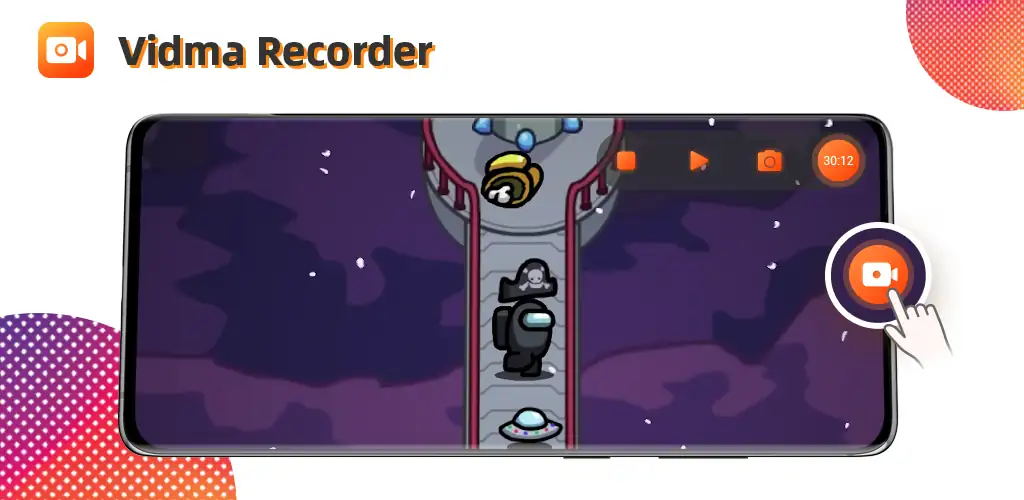
Recording starts with a floating button or a gesture. Audio pulls from your mic, internal sound, or both, set through the audio source menu. The facecam overlay drops your front camera feed into a corner of the frame so reaction clips get both views at once. Stop a take by flipping a gesture, tapping the notification, or just turning off the screen. A trim tool opens right after the recording ends if you need to cut the intro or a dead segment before sharing.
The highlights:
- Captures screen activity with no watermark on the saved video file
- Records your face and screen together through the facecam overlay
- Saves every file locally on your device with no third-party access
- Stops recordings through gesture controls or by turning off the screen
- Trims clips immediately after recording with the built-in editor
Screen recording settings
The audio source toggle lets you record mic input, internal sound, or silence the track entirely. Screen touches show as visual taps during gameplay recordings when you flip that setting on. The record button floats over other apps so you can start and pause mid-session, or you can disable it and rely on gestures instead. Screenshots pull from the same overlay when you need a still rather than a clip.
Other screen recorders for Android
AZ Screen Recorder adds live streaming and more advanced editing tools to the post-recording flow. XRecorder uses a floating ball interface for one-tap access and includes a brush tool for on-screen annotation during the take. Screen Recorder - Vidma REC trades those extras for a smaller install size and simpler controls, which matters when you’re working with limited storage or an older device.
The app shows ads between sessions. Storage fills up fast when you record long clips at high resolution, so you’ll need to clear out old files manually since everything stays local. Works for tutorial creators, students capturing lectures, and anyone who records their screen more than once a month and doesn’t want a logo burned into the corner.




Deneyiminizi diğer kullanıcılarla paylaşın.