
什么是 二维码与条码扫描器?
Looking for the 二维码与条码扫描器 APK? This utility streamlines the process of scanning and generating QR codes and barcodes directly from your Android device. It offers a straightforward way to interact with digital information, whether you’re decoding a product barcode or creating a custom QR for sharing.
What is 二维码与条码扫描器?
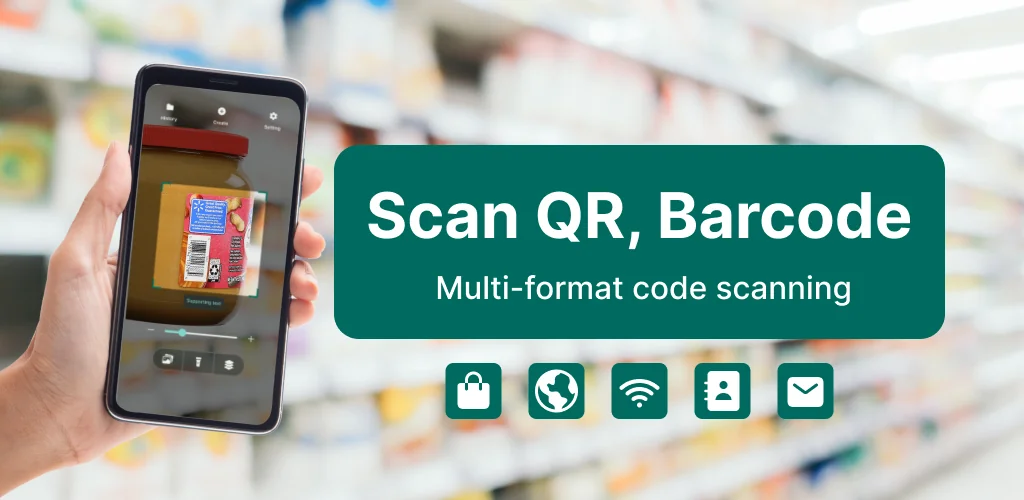
二维码与条码扫描器 serves as a dual-purpose tool for handling QR codes and standard barcodes. Its primary function involves rapidly detecting and interpreting these codes using your device’s camera. You simply point the camera, and the app automatically identifies most common code formats in real-time without needing a tap. Beyond live scanning, it also allows you to import images or screenshots from your gallery, extracting embedded information from codes found within those files. This flexibility means you can process codes you’ve saved or received without needing a physical scan.
The app isn’t just for decoding; it also features a robust QR Code Generator. This tool lets you craft custom QR codes for a wide array of data types. You can generate codes for website URLs, Wi-Fi network credentials, business cards, calendar events, or simple text notes. Each generated code is ready for immediate sharing or storage, making it easy to distribute information quickly.
Key Features:
- Live Camera Scan: Instantly recognizes QR codes and barcodes when pointed with your device’s camera, requiring no manual input.
- Scan from Gallery: Extracts information from codes present in saved photos or screenshots, expanding scanning options beyond live capture.
- QR Code Generator: Creates custom QR codes for various data, including web links, Wi-Fi access, contact details, and calendar entries.
- Wi-Fi Connection via QR: Scans Wi-Fi QR codes, displays network details, and connects your device securely through Android’s system prompt.
- Local Scan History: Maintains a private record of all scanned and generated codes, stored directly on your device and clearable at any time.
Practical Uses for 二维码与条码扫描器
This app proves useful across many daily scenarios. Shoppers can scan product barcodes to quickly pull up web search results for prices, reviews, or detailed specifications. While it opens search results, remember it doesn’t verify product authenticity itself. Students might use it to access learning materials, save links from presentations, or organize digital notes by generating quick access codes. For professionals, it’s a handy way to share contact information, event access links, or marketing materials without typing. Everyday users find it convenient for storing Wi-Fi details, digital tickets, or personal QR collections, making information sharing pretty straightforward.
二维码与条码扫描器 vs similar apps
Compared to broader visual search tools like Google Lens, 二维码与条码扫描器 offers a more focused experience, prioritizing dedicated QR and barcode scanning and generation. While Google Lens excels at identifying objects and text in general, 二维码与条码扫描器 provides a streamlined interface specifically for code interaction, especially its comprehensive generation capabilities. Alternatives like NeoReader focus heavily on scanning but often lack the extensive QR code creation features found here. If your primary need is a balanced tool for both decoding and creating various QR and barcode types, 二维码与条码扫描器 hits a sweet spot.
Ultimately, 二维码与条码扫描器 is a solid pick for anyone needing a reliable, no-frills utility to manage QR codes and barcodes. It handles both scanning and generating with ease, making it versatile for personal or professional use. However, users should note that while it facilitates product information lookup, the app does not independently verify product authenticity or pricing, relying instead on external web searches.




与其他用户分享您的体验。