Τι είναι το Norton Cleaner;
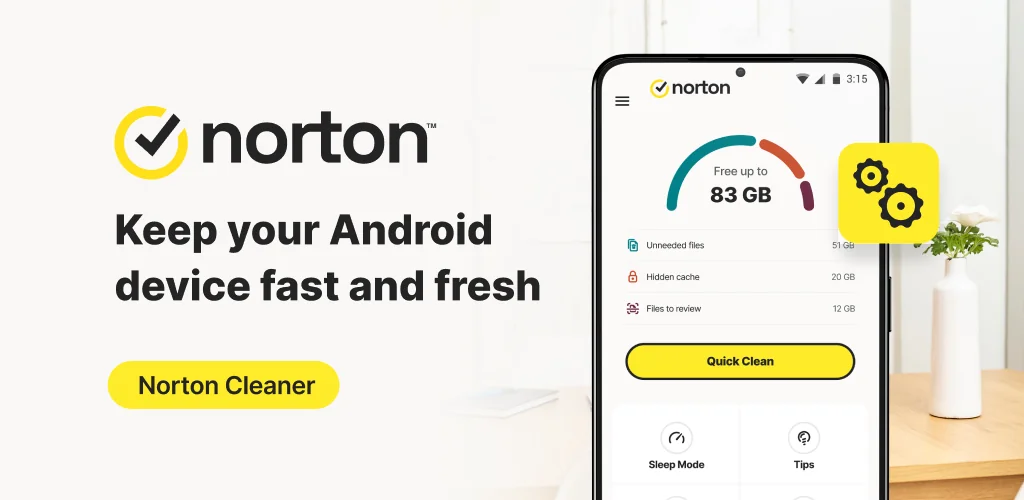
Ever wonder why your Android phone feels sluggish, or why you can’t take another photo? We’ve all been there, staring at that “Storage Full” notification. Norton Cleaner – Junk removal steps in as a dedicated solution, promising to reclaim your device’s lost space and performance.
From the moment we started using it, Norton Cleaner – Junk removal proved itself an effective Android cleaner. It quickly scans for and sweeps away junk files, residual data, and forgotten caches that silently hog your storage. The relief of seeing gigabytes reappear is genuinely satisfying. Unlike most basic cleaners that just scratch the surface, this app offers deep cleaning capabilities, digging into hidden corners where clutter accumulates. It doesn’t just clear app caches; it helps you tidy up your photo library, compressing large images without losing quality, and even identifies bloatware. Want to boost your privacy? Its browser cleaner clears history and downloads, making tracking harder.
One standout feature is the auto-cleaning schedule. Set it up once, and Norton Cleaner – Junk removal automatically removes junk, keeping your device optimized without constant manual checks. This “set it and forget it” approach is a huge time-saver. We also appreciated the clear dashboard, making it simple to find and stop draining apps or access quick cleanups.
What stands out:
- Deep Clean → Reclaims significant storage by removing hidden junk and residual files.
- Auto Cleaning → Schedules automatic cleanups, maintaining device performance effortlessly.
- Media Overview → Helps you find, compress, or delete unwanted photos and large videos.
- Apps Overview → Identifies and manages unused or draining apps, including preinstalled bloatware.
- Browser Cleaner → Boosts privacy by clearing browsing history and downloads.
Ready to experience a faster, cleaner Android? Download Norton Cleaner – Junk removal now and give your device the space and speed it deserves.





Share your experience with other users.