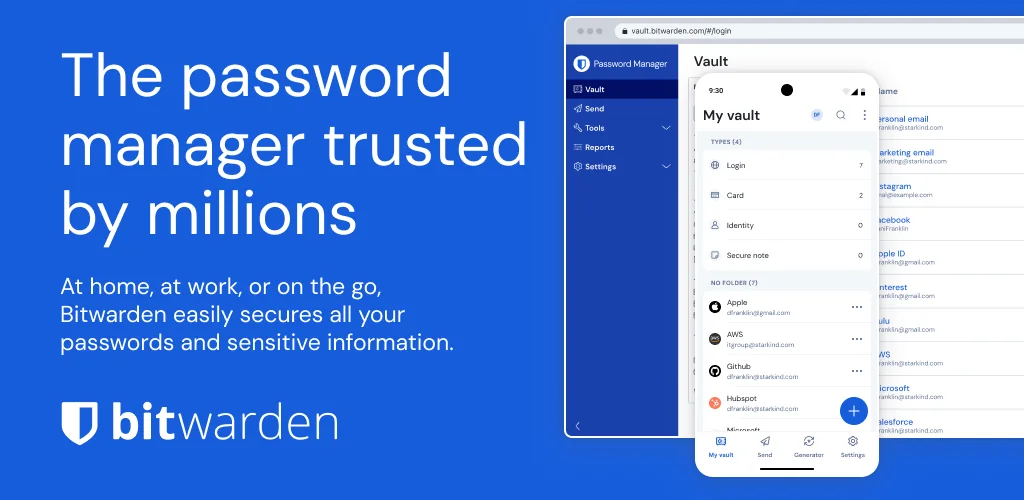

Bitwarden Password Manager app cover art for Android
Bitwarden Password Manager Icon

Bitwarden Password Manager APK for Android

8M+
Gratis
23 mei 2026

Cross-platform tool voor veilige wachtwoordopslag

Download Bitwarden Password Manager APK 2026.4.2 45MB Old versions

What is Bitwarden Password Manager?

Bitwarden is een betrouwbare beheerder van gebruikersaccounts, waarmee de beveiliging op een ongekend hoog niveau komt. Maar daar houdt de functionaliteit van het product niet op, aangezien het nog steeds het werk doet van het genereren van wachtwoorden en onthoudt naar welke site deze of die combinatie van letters, cijfers en symbolen verwijst. Dit vereenvoudigt het leven van de gebruiker en elimineert de noodzaak om reeksen informatie in het geheugen te bewaren.

Voordat u toegang krijgt tot de beveiligde opslag, moet u een account maken of een enkele bedrijfsautorisatie gebruiken. De applicatie-interface bestaat uit drie tabbladen. Opslag – voeg nieuwe elementen toe (login, wachtwoord, websiteadres, enz.), activeer indien nodig de automatische vulservice. Generator – maak een wachtwoord aan door eerst de juiste parameters in te stellen (lengte, gebruikte tekengroepen).

Kenmerken:

  • de kans op accountdiefstal tenietdoen;
  • gegevenssynchronisatie tussen apparaten;
  • wachtwoordgenerator met hoge sterkte;
  • element import en opslag export;
  • is een open source-product;
  • tweestapsverificatie.

Bescherm uw e-mail, sociale media-accounts, banksoftware-accounts en andere producten tegen ongeoorloofde toegang met behulp van de Bitwarden -service – een gratis en open source-tool.

Video of Bitwarden Password Manager
Screenshot Bitwarden Password Manager 1
Screenshot Bitwarden Password Manager 2
Screenshot Bitwarden Password Manager 3
Screenshot Bitwarden Password Manager 4
Screenshot Bitwarden Password Manager 5
Screenshot Bitwarden Password Manager 6
Screenshot Bitwarden Password Manager 7
Screenshot Bitwarden Password Manager 8

Bitwarden Password Manager downloaden

What's New in Version 2026.4.2

View and manage trusted devices in account settings.
Subscription management now available in-app.
Send hidden from navigation when org policy disables it.
Modal headers updated for clarity.
Improved Autofill popup reliability in Firefox.

Other versions

System Requirements

OS Version
Android 12L (Snow Cone) or higher
Architecture
Varies by file (Which one do I need?)
Disk Space
~60 MB free space required
RAM
1 GB
Internet
Not required
Google Services
Required
machtigingen (16)
  • Internet
  • Camera
  • Access Network State
  • Wake Lock
  • Use Biometric

APK File Details

Package ID com.x8bit.bitwarden
Available on Google Play
Ontwikkelaar Bitwarden Inc.
License Gratis ( No Ads)
Content Rating Everyone
Interface Language
17 languages

Thais, Duits, Engels, Frans, Japans, Vietnamees, Spaans, Koreaans, Portugees, Turks, Chinees, Italiaans, Russisch, Arabisch, Hindi, + 2 localizations

APK Verification & Virus Scan Results

No Virus Signature Verified Safe & Original

Virus scan: Clean (0/64) View report. This APK is free of malware and its signature matches the official developer release.

Show File Details (SHA-256, SHA-1, MD5)

SHA-1 Signature:

754185cd4cdfde598748b043048bfe59a17264c2

SHA-256 Hash:

094f241aeee4bd8faea4f28d806cfe67c1cdcc76a2157983fe65e808b8a449eb

MD5 Checksum:

bb246775ace58ee218b90a023d284819

Frequently Asked Questions

Is Bitwarden Password Manager safe to download?

Yes, Bitwarden Password Manager is safe to download. The APK is scanned on every update — no malware or viruses detected. You can verify the full scan report in the Security section above.

How to install XAPK file?

XAPK is a split APK package. Standard Android installer cannot open it directly. Use 'SAI' or 'XAPK Installer' — they handle XAPK files automatically. Download the installer, open the XAPK file with it, and follow the on-screen steps. Read more

What Android version does Bitwarden Password Manager require?

Bitwarden Password Manager requires Android 12L (API 32) or higher. Optimized for Android 16 (API 36).

Is Bitwarden Password Manager free?

Yes, this app is completely free to download and use.

How to update Bitwarden Password Manager to the latest version?

Download the latest APK from this page and install it over your existing version — no need to uninstall first. Your data and settings will be preserved. We update the file as soon as a new version is released.

Does Bitwarden Password Manager require Root access?

No root is required for basic use. Bitwarden Password Manager works on standard Android for CPU info, RAM, battery, sensors, and network stats. Root unlocks a small set of advanced system parameters that Android restricts by default.

What processor architecture does Bitwarden Password Manager support?

Bitwarden Password Manager supports arm64-v8a. This build does not support x86/x86_64 processors, so it will not run on most PC emulators. If you are unsure about your device architecture, check the Device Info section on this page.

If you have found any issue or are having difficulty with this page, please .

User Reviews & Ratings

Wereldwijde beoordeling(Play Store): 4.42(38.6K)
Site Rating: 5(1)
Beoordeel deze app

5,00

12345

1

Share your experience with other users.