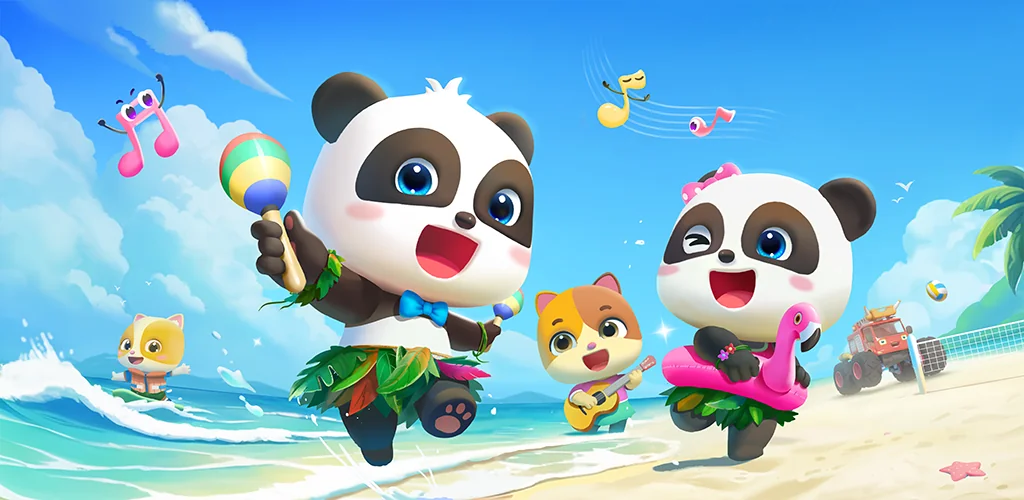

BabyBus TV:Kids Videos & Games app cover art for Android
BabyBus TV:Kids Videos & Games Icon

BabyBus TV:Kids Videos & Games APK for Android

BabyBus Original
Also known as: BabyBus TV:Kids Videos & Games, BabyBus TV
48M+
Free
Aug 5, 2026

Themed nursery rhyme and cartoon episodes with downloads and parental time limits

Download BabyBus TV:Kids Videos & Games APK 2.0.1.0 185MB

What is BabyBus TV:Kids Videos & Games?

BabyBus TV:Kids Videos & Games is a kids educational video app built around a library of songs, cartoons, and character shows for children roughly 0 to 6. The pitch is simple: over 600 episodes, free, with familiar faces like Baby Panda Kiki & Miumiu, Mimi, and Donny doing the teaching instead of a textbook.

The library is organized by theme rather than dumped into one feed. Habits covers things like brushing teeth and showering, Art has doodling and music segments, Safety walks through home, travel, earthquake, and fire scenarios, Cognition handles numbers, shapes, colors, dinosaurs and cars, and Emotion deals with family relationships and caring for others. A child (or a parent picking for them) taps into a topic and gets a queue of short episodes rather than one long feature. Playback runs full screen, and there’s no separate “mode” to configure beyond picking what to watch. On the parent side, the app keeps a running history of everything a child has watched, so there’s no need to remember which episode came next. Viewing time can be capped from the parent controls, which matters more here than in most apps since the target user can’t self-regulate screen time at all.

Key Features:

  • Episodes download for offline viewing, useful for car rides or spotty wifi
  • A built-in viewing time control lets parents set how long a session runs
  • Playback defaults to full screen play across all songs and cartoons
  • Watch history is kept through auto save so parents can see what a child has already seen
  • Content is grouped by theme, from Habits and Safety to Cognition and Emotion
  • The company states the app follows a privacy protection policy specific to children’s data

Watching kids videos offline on BabyBus TV:Kids Videos & Games

Downloading episodes ahead of time is the main workaround for spotty connections, and it’s built into the core flow rather than a hidden setting. A parent picks a batch of episodes from a themed category, downloads them over wifi, and hands the device over for a flight, a waiting room, or anywhere data is unreliable. The catch the app doesn’t spell out: with 600 free episodes and more tied to the wider BabyBus library, downloading a meaningful chunk for offline use eats storage fast, and there’s no in-app storage manager mentioned to clear old downloads automatically.

Alternatives to BabyBus TV:Kids Videos & Games

YouTube Kids pulls from a much larger, algorithmically curated pool of third-party channels rather than one studio’s catalog, so it’s broader but less consistent in tone and quality control. Khan Academy Kids leans toward structured academic exercises and interactive games rather than nursery rhyme viewing, so it suits a parent looking for curriculum practice over passive watching. BabyBus TV:Kids Videos & Games sits closer to a dedicated video channel for one character universe than either of those.

This is built for parents of children under 6 who want a closed, single-source library rather than an open feed. Everything on it comes from BabyBus’s own characters and catalog, so a family looking for outside content or third-party shows won’t find it here.

BabyBus TV:Kids Videos & Games screenshot 1
BabyBus TV:Kids Videos & Games screenshot 2
BabyBus TV:Kids Videos & Games screenshot 3
BabyBus TV:Kids Videos & Games screenshot 4
BabyBus TV:Kids Videos & Games screenshot 5
BabyBus TV:Kids Videos & Games screenshot 6
BabyBus TV:Kids Videos & Games screenshot 7

BabyBus TV:Kids Videos & Games APK Download

What's New in Version 2.0.1.0

No official changelog provided for BabyBus TV:Kids Videos & Games version 2.0.1.0. This update likely includes general stability improvements and bug fixes.

System Requirements

OS Version
Android 6.0 (Marshmallow) or higher
Architecture
Varies by file (Which one do I need?)
Disk Space
~250 MB free space required
RAM
2 GB
Internet
Not required
Google Services
Required

APK File Details

Package ID com.babybus.overseas.superjojo
Available on Google Play
Developer BabyBus
License Free
Monetization Contains Ads   In-App Purchases
Content Rating Everyone
Interface Language
English +9

English, Arabic, Spanish, Japanese, Korean, Portuguese, Russian, Vietnamese, Chinese, + 1 localizations

Required Permissions (28)
  • Internet
  • Access Network State
  • Wake Lock
  • Launcher.permission.update Shortcut
  • Badge Count Read

APK Verification & Virus Scan Results

Scan In Queue Signature Verified Safe & unmodified

Full antivirus scan in queue; report will appear here shortly. Signature matches the official developer release.

Show File Details (SHA-256, SHA-1, MD5)

SHA-1 Signature:

496d0c5ab97813582969b42d497124b26583ddf7

SHA-256 Hash:

e96f7e3fa253b7219b1efb9e51d30020204775951929902c8a4d4c4f29f212f9

MD5 Checksum:

03be967c35002943c6811ce745ea78e6

Frequently Asked Questions

Is BabyBus TV:Kids Videos & Games safe to download?

Yes, BabyBus TV:Kids Videos & Games is safe to download. The APK is scanned on every update — no malware or viruses detected. You can verify the full scan report in the Security section above.

How to install XAPK file?

XAPK is a split APK package. Standard Android installer cannot open it directly. Use 'SAI' or 'XAPK Installer' — they handle XAPK files automatically. Download the installer, open the XAPK file with it, and follow the on-screen steps. Read more

What Android version does BabyBus TV:Kids Videos & Games require?

BabyBus TV:Kids Videos & Games requires Android 6.0 (API 23) or higher. Optimized for Android 16 (API 36).

Is BabyBus TV:Kids Videos & Games free?

Yes, it is free to download and use, but it contains ads and offers in-app purchases.

How to update BabyBus TV:Kids Videos & Games to the latest version?

Download the latest APK from this page and install it over your existing version — no need to uninstall first. Your data and settings will be preserved. We update the file as soon as a new version is released.

What processor architecture does BabyBus TV:Kids Videos & Games support?

BabyBus TV:Kids Videos & Games supports armeabi-v7a. This build does not support x86/x86_64 processors, so it will not run on most PC emulators. If you are unsure about your device architecture, check the Device Info section on this page.

How to enable installation from unknown sources on Android?

Go to Settings → Security (or Settings → Apps → Special access on Android 8+) and enable "Install unknown apps" for your browser or file manager. On Android 8 and above this setting is per-app, not global. Read more

Found a problem on this page?

User Reviews & Ratings

Global rating (Play Store): 4.37(22.3K)
Site Rating: 5(1)
Rate this app

5.00

12345

1

Share your experience with other users.

Download BabyBus TV:Kids Videos & Games APK - Latest version

Get the official APK file for your Android device. Fast, safe, and free. Download APK