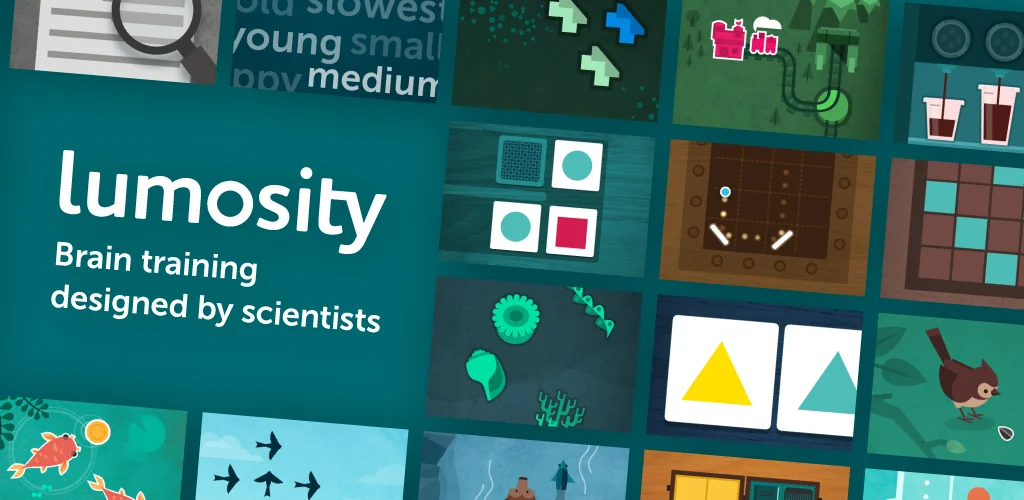

Lumosity: Brain Training app cover art for Android
Lumosity: Brain Training Icon

Lumosity: Brain Training APK for Android

28M+
Free
Jun 19, 2024

Train your cognition with games that target memory, reasoning, and more.

Download Lumosity: Brain Training APK 2024.03.19.2500037 96MB Old versions

What is Lumosity: Brain Training?

Lumosity is a program for training memory and attention. Lumosity turns a boring learning process into an exciting game – specially designed to form a conditioned reflex: fixing memory on an object and memorizing, extracting any information from memory. Lumosity uses the most advanced technologies for working with human memory and artificial intelligence. Just 15-20 minutes of classes a day will turn the cacophony of disparate information of the world into a harmonious symphony. What will help you both in your studies and in professional activities or for entertainment at your leisure.
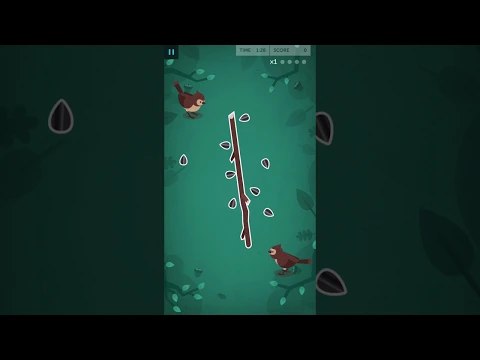
Video of Lumosity: Brain Training
Screenshot Lumosity: Brain Training 1
Screenshot Lumosity: Brain Training 2
Screenshot Lumosity: Brain Training 3
Screenshot Lumosity: Brain Training 4
Screenshot Lumosity: Brain Training 5
Screenshot Lumosity: Brain Training 6
Screenshot Lumosity: Brain Training 7
Screenshot Lumosity: Brain Training 8

Download Lumosity: Brain Training APK for Android

What's New in Version 2024.03.19.2500037

New and improved games, updates to integrate the latest cognitive research, and new tools for tracking progress and staying motivated.

Other versions

System Requirements

OS Version
Android 5.0 (Lollipop) or higher
Architecture
Varies by file (Which one do I need?)
Disk Space
~150 MB free space required
RAM
1 GB
Internet
Not required
Permissions (14)
  • Internet
  • Access Network State
  • Access Fine Location
  • Vibrate
  • Wake Lock

APK File Details

Package ID com.lumoslabs.lumosity
Available on Google Play
Developer Lumos Labs, Inc.
License Free ( No Ads)
Monetization In-App Purchases
Content Rating Everyone
Interface Language
English +75

English, Japanese, German, Korean, French, Spanish, Portuguese, Bulgarian, Thai, Hindi, Vietnamese, Ukrainian, Polish, Romanian, Arabic, Turkish, Czech, Italian, Hungarian, Russian, Chinese, Indonesian, + 54 localizations

APK Verification & Virus Scan Results

No Virus Signature Verified Safe & Original

Virus scan: Clean (0/62) View report. This APK is free of malware and its signature matches the official developer release.

Show File Details (SHA-256, SHA-1, MD5)

SHA-1 Signature:

0da910f4c856853252a686c4dbccf978db5d9b98

SHA-256 Hash:

2d3e3d18f4d3ee3c476e40e192a30bcd31f56c2b397d78c8cd5475250556ceba

MD5 Checksum:

0166eabdee92c570e82c3685168dec62

Frequently Asked Questions

Is Lumosity: Brain Training safe to download?

Yes, Lumosity: Brain Training is safe to download. The APK is scanned on every update — no malware or viruses detected. You can verify the full scan report in the Security section above.

How to install Lumosity: Brain Training APK on Android?

Download the APK using the button above. Then open the file and tap Install. If prompted, enable "Install from unknown sources" in Settings → Security. The process takes under a minute. Read more

What Android version does Lumosity: Brain Training require?

Lumosity: Brain Training requires Android 5.0 (API 21) or higher. Optimized for Android 14 (API 34).

Is Lumosity: Brain Training free?

Yes, the app is free to download, but it contains in-app purchases for additional content.

How to update Lumosity: Brain Training to the latest version?

Download the latest APK from this page and install it over your existing version — no need to uninstall first. Your data and settings will be preserved. We update the file as soon as a new version is released.

What processor architecture does Lumosity: Brain Training support?

Lumosity: Brain Training supports arm64-v8a, armeabi-v7a. This build does not support x86/x86_64 processors, so it will not run on most PC emulators. If you are unsure about your device architecture, check the Device Info section on this page.

How to enable installation from unknown sources on Android?

Go to Settings → Security (or Settings → Apps → Special access on Android 8+) and enable "Install unknown apps" for your browser or file manager. On Android 8 and above this setting is per-app, not global. Read more

If you have found any issue or are having difficulty with this page, please .

User Reviews & Ratings

Global rating(Play Store): 4.55(272.9K)
Site Rating: 4.55(8)
Rate this app

4.50

12345

8

Share your experience with other users.