What is The Roku App?
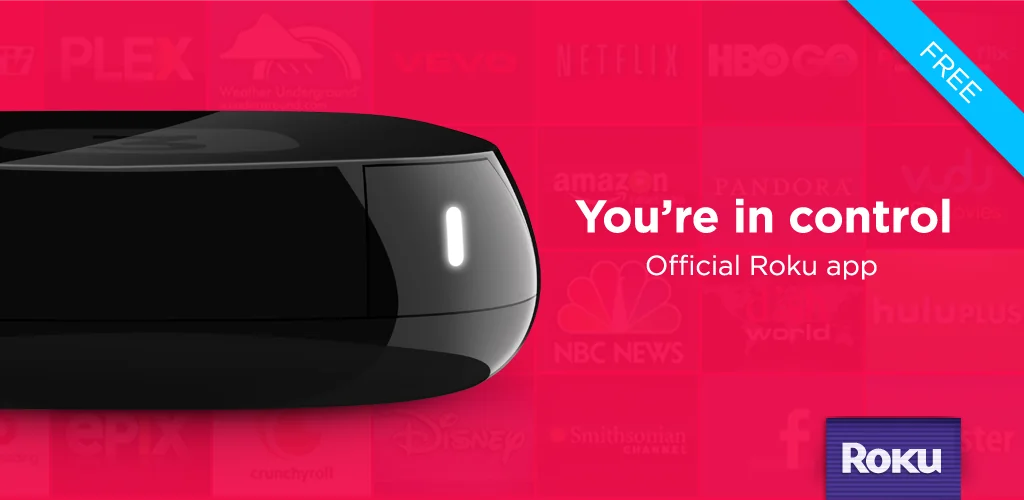
The official Roku mobile app for controlling your The Roku App (Official) devices enhances the capabilities of your smartphone.
FEATURES:
- Control Roku devices like a remote – turn your smartphone or tablet into a convenient remote control – direction control, playback buttons, back, “home”, etc.
- Voice and keyboard search – quickly search for your favorite content via voice commands or convenient text input from your mobile keyboard.
- Private listening – connect headphones to your phone and listen to the sound from your TV without disturbing others.
- Stream content through The Roku Channel – watch free movies and live streams on the go – only available in the mobile app for US users.
- View media – send photos and videos from your phone to your TV screen connected to Roku.
- Channel management – add and launch your favorite channels directly through the mobile app.
- Convenient text input – use the mobile keyboard to quickly enter passwords, names, requests, etc., instead of the Roku on-screen keyboard.
The app only works if the mobile device and Roku are connected to the same Wi-Fi network; some features require a Roku account and a compatible device. Voice search is not available in all countries, and access to channels and content depends on the country and may require a subscription.
The app is useful for those who need to replace a physical remote in case it is lost or if the battery simply dies. Convenient voice search and on-screen keyboard search are very convenient, as these functions are available directly on your smartphone.
The powerful and free The Roku App app can turn your smartphone into a universal tool for controlling your Roku device. It offers a user-friendly interface, advanced control features, private audio, casting, and access to free content. Some features may be region-restricted, but overall it’s a great way to enhance your experience with the program.



Share your experience with other users.