What is Magazine Lockscreen XOS?
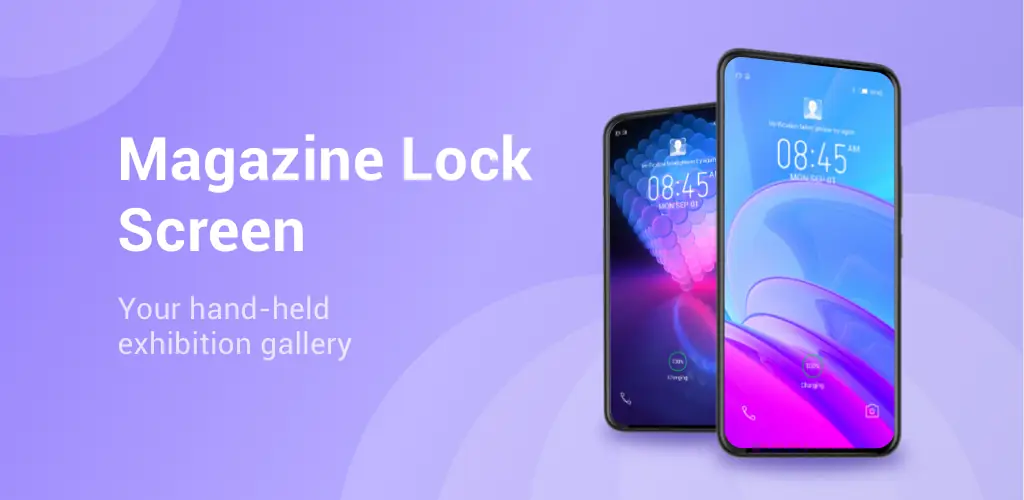
Great news for Infinix smartphone owners! You can now download and install the useful application Magazine Lockscreen XOS and get a high-quality service for changing wallpapers on your mobile device after it’s locked. This is a useful feature only for Infinix devices that run on Android, which will help you choose wallpapers for your main and home screens or for your lock screen. These pictures change and display different high-quality images.
Main Functions and Features:
- Automatic changing of pictures and wallpapers for the device’s desktop with each screen unlock.
- May contain advertising material and other offers for the user.
- Many different settings.
- Choosing a category of pictures and defining content for yourself.
- Disabling some functions and blocking certain settings by default.
- Minimal traffic consumption and setting the frequency of changing pictures and wallpapers.
- Setting to activate some functions only after the mobile device enters the Wi-Fi zone.
- Complete deactivation and blocking of application functions for a while.
- Simple and user-friendly application interface.
Activate the application’s lock screen and open the window to select the type and view of wallpapers for your desktop. You can see beautiful HD-quality pictures and choose the theme of the images so that they please you every time you unlock your mobile device. If you have a smartphone from Infinix, be sure to install Magazine Lockscreen XOS and use the useful screen saver changing functions.



Share your experience with other users.