What is PhotoApp?
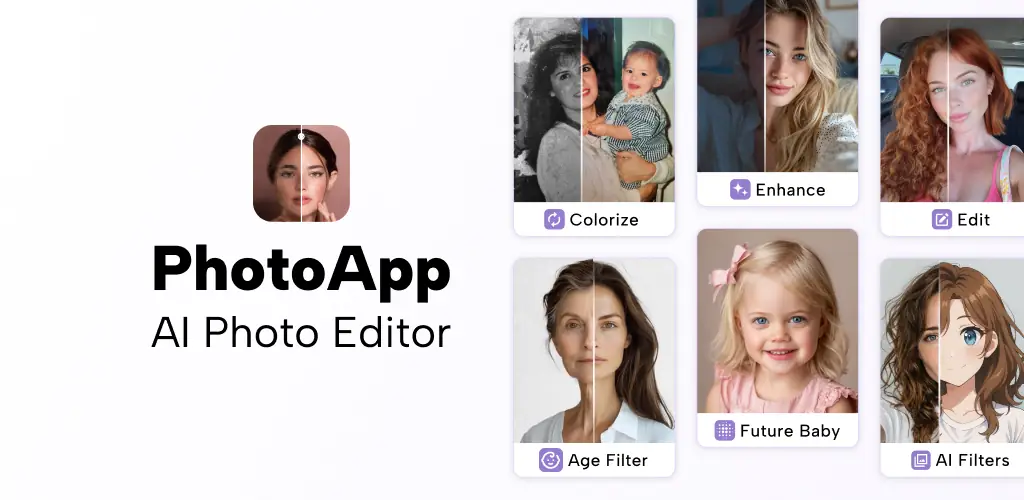
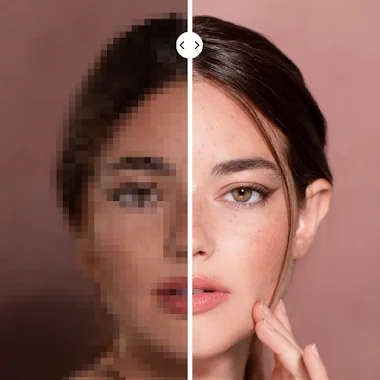
PhotoApp - AI Photo Enhancer is an application designed to breathe new life into your old, blurry, or low-resolution pictures. I recently put it to the test, curious if it could truly deliver on its promise of transforming decades-old snapshots into crisp, modern images.
I started with some faded family photos from the 90s, the kind where faces were just a suggestion. Uploading them was straightforward. The AI went to work, and in moments, the results appeared. It was genuinely surprising to see blurry faces sharpen, unveiling details I thought were lost forever. Suddenly, my grandmother’s smile had distinct lines, and the texture of a knitted sweater became clear. It felt like rescuing cherished memories from the digital abyss. Have you ever wished you could see those old moments with fresh eyes? This app makes a strong case for it.
Beyond just clarity, I explored its ability to colorize old black and white photos. A sepia-toned wedding picture from the 50s sprang to life with vibrant hues, making it feel remarkably current. The option to increase photo resolution by hundreds of percent also impressed me, turning even recent phone photos into something much more polished. And for those pesky photobombers or stray objects? I found I could magically erase unwanted distractions with a few taps, leaving behind a cleaner, more focused image.
Key Features
- AI Photo Enhancement: Revives blurry, low-resolution photos into sharp, vibrant memories with incredible detail.
- Old Photo Restoration & Colorization: Brings black-and-white family heirlooms back to life with realistic color and improved clarity.
- Object Removal: Instantly erase unwanted distractions or unexpected photobombers from your perfect shot.
- Super-Realistic AI Portraits: Generate professional-looking photos of yourself without needing a studio or photographer.
If you’re looking to rescue cherished memories or simply polish your latest snaps, PhotoApp - AI Photo Enhancer offers a compelling solution. Give it a try and watch your photos transform.



Share your experience with other users.