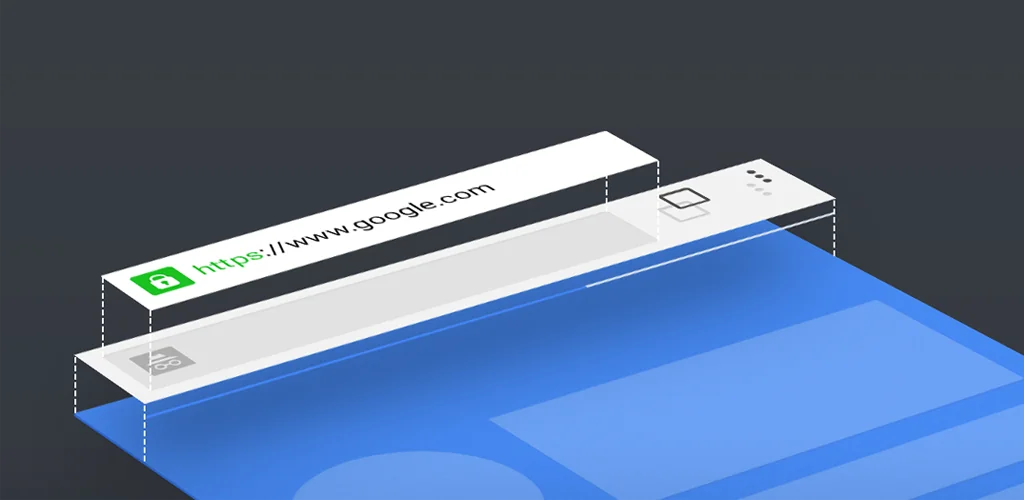
Chrome Beta app cover art for Android
Chrome Beta Icon

Chrome Beta APK for Android

Google LLC Original
85M+
Free
Jul 27, 2026

Test cutting-edge browser tools, influence mobile web evolution.

Download Chrome Beta APK 151.0.7922.47 130MB Old versions

What is Chrome Beta?

Most Android browsers aim for rock-solid stability, delivering a predictable experience every time. But what if you crave a glimpse into tomorrow? That’s exactly where Chrome Beta steps in, inviting you to peek behind the curtain of future web browsing. I downloaded it purely out of curiosity, wondering if it would feel like a half-baked experiment.

Honestly, my first impression was a pleasant surprise. Installing it was a breeze, and the fact that it runs perfectly alongside my regular Chrome app was a huge relief. No need to uninstall anything or mess with my daily setup. Suddenly, I had two browsers: one for the everyday, and one for exploring what’s next. It’s like having a secret lab right on your phone.

You get to play with features still under development, some of which might even feel a little rough around the edges. But isn’t that part of the fun? You’re not just a user; you’re a pioneer. Plus, your feedback directly shapes the future of mobile web. Imagine influencing the very tools millions will use. Pretty cool, right?

Here’s what you get:

  • Preview New Features: Get early access to upcoming browser innovations and web technologies.
  • Parallel Installation: Run it alongside your stable Chrome app without any conflicts.
  • Direct Feedback Channel: Easily share your thoughts and help improve the browser for everyone.

If you’re someone who loves being ahead of the curve, or simply enjoys seeing how things evolve, Chrome Beta is a must-try. Grab it now and start experimenting with the web of tomorrow, today.

Video of Chrome Beta
Screenshot Chrome Beta 1
Screenshot Chrome Beta 2
Screenshot Chrome Beta 3
Screenshot Chrome Beta 4
Screenshot Chrome Beta 5
Screenshot Chrome Beta 6
Screenshot Chrome Beta 7
Screenshot Chrome Beta 8

Chrome Beta APK Download

What's New in Version 151.0.7922.47

Our latest release contains stability and performance fixes. More information can be found on the Chrome Releases blog at http://goo.gl/CCPRW

System Requirements

OS Version
Android 12L (Snow Cone) or higher
Architecture
Varies by file (Which one do I need?)
Disk Space
~200 MB free space required
RAM
2 GB
Internet
Not required
Google Services
Required

APK File Details

Package ID com.chrome.beta
Available on Google Play
Developer Google LLC
License Free
Monetization Contains Ads  
Content Rating Everyone
Required Permissions (46)
  • Internet
  • Record Audio
  • Camera
  • Access Network State
  • Read External Storage

APK Verification & Virus Scan Results

Scan In Queue Signature Verified Safe & Original

Antivirus scan in queue, will be scanned soon. This APK is free of malware and its signature matches the official developer release.

Show File Details (SHA-256, SHA-1, MD5)

SHA-1 Signature:

1533a699acac962810f17bce964aa22e64df1153

SHA-256 Hash:

ca1735e2ea6cadbc8421ddc1abcf0216d1676c1785fc35ebc58509fa7539bb8d

MD5 Checksum:

426a1ddcee5ede389ef02ffce4f2056a

Frequently Asked Questions

Is Chrome Beta safe to download?

Chrome Beta has passed a basic integrity check. A full antivirus scan is pending. You can check the current scan status in the Security section above.

How to install XAPK file?

XAPK is a split APK package. Standard Android installer cannot open it directly. Use 'SAI' or 'XAPK Installer' — they handle XAPK files automatically. Download the installer, open the XAPK file with it, and follow the on-screen steps. Read more

What Android version does Chrome Beta require?

Chrome Beta requires Android 12L (API 32) or higher. Optimized for Android 16 (API 36).

Is Chrome Beta free?

Yes, it is free to use, but it is ad-supported.

How to update Chrome Beta to the latest version?

Download the latest APK from this page and install it over your existing version — no need to uninstall first. Your data and settings will be preserved. We update the file as soon as a new version is released.

What processor architecture does Chrome Beta support?

Chrome Beta supports armeabi-v7a. This build does not support x86/x86_64 processors, so it will not run on most PC emulators. If you are unsure about your device architecture, check the Device Info section on this page.

How to enable installation from unknown sources on Android?

Go to Settings → Security (or Settings → Apps → Special access on Android 8+) and enable "Install unknown apps" for your browser or file manager. On Android 8 and above this setting is per-app, not global. Read more

If you have found any issue or are having difficulty with this page, please .

User Reviews & Ratings

Global rating(Play Store): 4.36(604.7K)
Site Rating: 5(1)
Rate this app

5.00

12345

1

Share your experience with other users.

Download Chrome Beta APK - Latest version

Get the official APK file for your Android device. Fast, safe, and free. Download APK