What is HP Print Service Plugin?
Ever tried printing a crucial document or a cherished photo directly from your Android phone, only to face a frustrating maze of drivers and setup woes? Most apps make you jump through hoops. HP Print Service Plugin instead offers a refreshingly direct path to your HP printer.
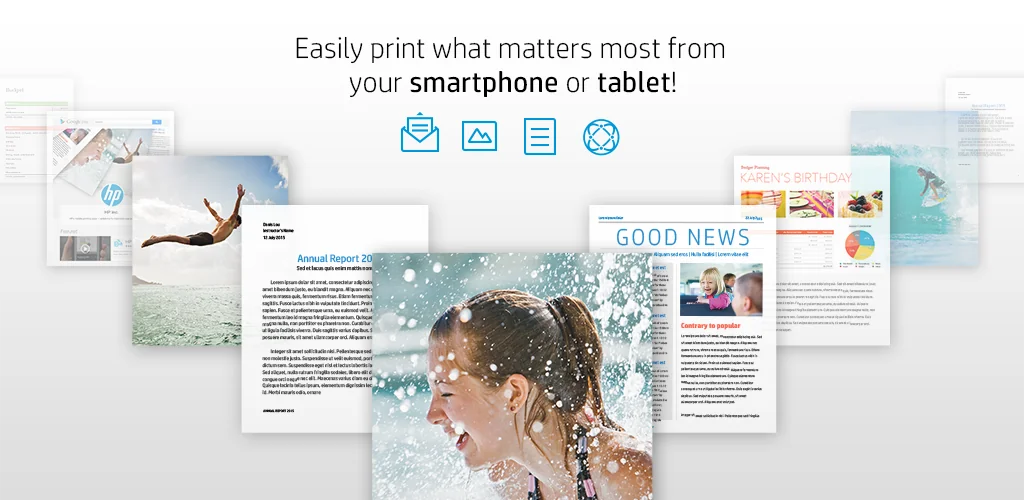
I was genuinely surprised by how straightforward it felt. This isn’t some complicated setup; it acts as a single print driver for a huge range of HP printers – from OfficeJet to DeskJet. Imagine sending an email or a picture straight to the printer, no file transfers needed. You just tap ‘Print’ or ‘Share to PSP’ from almost any app. The convenience is real.
It connects in several clever ways: over your home Wi-Fi network, directly via Wi-Fi Direct, or even with a USB On-the-Go cable. That flexibility is a huge plus for on-the-go printing needs. For Android Lollipop (v5.0) and newer, it often just works. Older devices might need a quick toggle in settings. Honestly, it takes the guesswork out of mobile printing.
Here’s what you get:
- Broad HP Printer Support: Connects with OfficeJet, LaserJet, DesignJet, Photosmart, DeskJet, and Envy models.
- Multiple Connection Methods: Prints over Wi-Fi, Wi-Fi Direct, or USB On-the-Go.
- Direct App Integration: Use the “Print” or “Share” option from most Android applications.
- Simplified Driver Solution: Acts as the only print driver you’ll need for compatible HP devices.
Why wrestle with clunky printing solutions when true mobile convenience is just a tap away? If you own an HP printer, this app is a must-have. Don’t miss out on the easiest way to get your digital life onto paper. Grab HP Print Service Plugin and transform your printing experience today.




Share your experience with other users.