Transkriptor - Speech to Text app cover art for Android
Transkriptor - Speech to Text Icon

Transkriptor - Speech to Text APK for Android

Tor.App Original
9M+
Free
Aug 21, 2026

Transform spoken words into organized text effortlessly.

Download Transkriptor - Speech to Text APK 2.2.4 210MB

What is Transkriptor?

Tired of endless note-taking and struggling to keep up with important conversations? Transkriptor - Speech to Text is here to revolutionize how you capture and manage information. This powerful AI-powered transcription app transforms your audio and video into accurate text, making productivity surprisingly simple.

Imagine effortlessly converting your voice notes, crucial meetings, or even YouTube videos into clear, searchable text. Transkriptor - Speech to Text doesn’t just transcribe; it acts as your personal AI assistant. You can chat directly with your transcripts to quickly find answers, generate summaries, or even draft emails based on your discussions. It’s truly a game-changer for students, professionals, and anyone who needs to keep track of spoken content without the manual hassle.

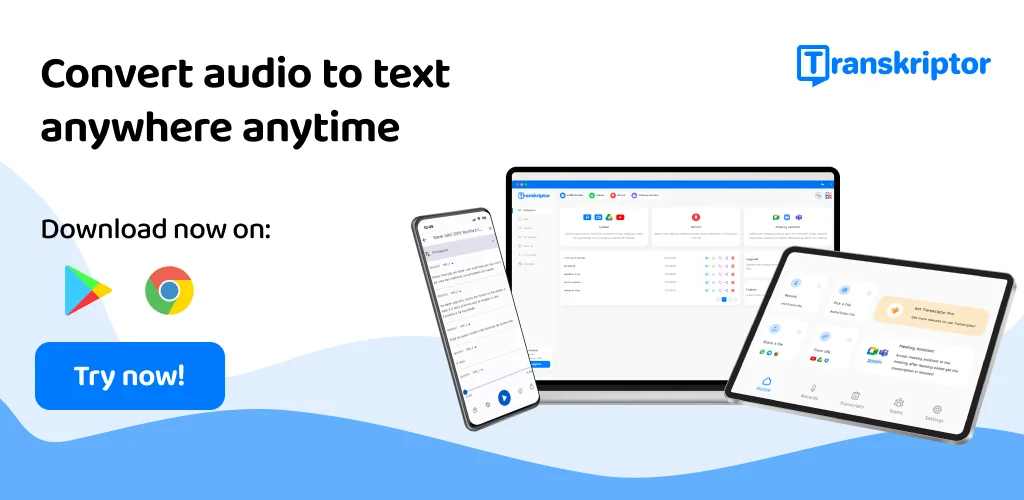
What makes Transkriptor - Speech to Text stand out is its versatility. Whether you’re recording a lecture, transcribing an interview, or creating captions for a video, this speech-to-text tool handles it all. We appreciate how it supports multiple languages and file formats, ensuring you’re covered no matter your needs. Why spend hours typing when you can get precise results in minutes?

Key Features:

  • AI Assistant & Chat: Get instant summaries, draft emails, and interact with your transcripts by asking questions, saving you hours of review time and boosting your AI note-taking.
  • Voice to Text Conversion: Effortlessly turn voice memos, meetings, and lectures into accurate, editable text, supporting popular audio formats like MP3 and WAV.
  • Video to Text Transcription: Convert video content, including webinars and YouTube videos, into written notes or captions, perfect for content creators and learners who need to convert video to text.
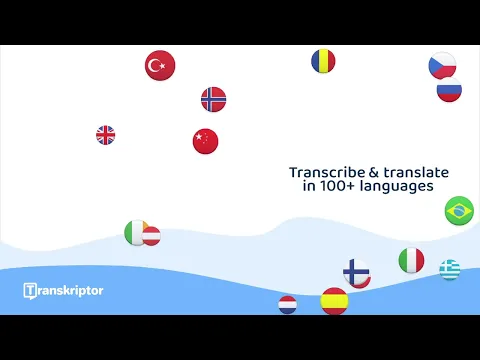
  • Multi-Language Support: Transcribe and translate content in over 40 languages, making it ideal for global communication and diverse needs.
  • Speaker Identification: Automatically tags different speakers in your transcripts, making multi-person conversations much easier to follow and organize.

Ready to reclaim your time and boost your productivity? Download Transkriptor - Speech to Text today and experience the future of audio to text and transcription. With a free plan offering 90 minutes, what are you waiting for? Start converting your audio to text and unlock smarter ways to manage your information!
Also known as: Transcribe Speech to Text, Transkriptor
Transkriptor - Speech to Text video
Transkriptor - Speech to Text screenshot 1
Transkriptor - Speech to Text screenshot 2
Transkriptor - Speech to Text screenshot 3
Transkriptor - Speech to Text screenshot 4
Transkriptor - Speech to Text screenshot 5
Transkriptor - Speech to Text screenshot 6
Transkriptor - Speech to Text screenshot 7
Transkriptor - Speech to Text screenshot 8

Download Transkriptor - Speech to Text APK for Android

What's New in Version 2.2.4

We've implemented several performance improvements and fixed various bugs to enhance your overall experience.

Download Links:

System Requirements

OS Version
Android 7.0 (Nougat) or higher
Architecture
Varies by file (Which one do I need?)
Disk Space
~300 MB free space required
RAM
2 GB
Internet
Not required
Google Services
Required
Permissions (28)
  • Internet
  • Record Audio
  • Access Network State
  • Read External Storage
  • Write External Storage

APK File Details

Package ID com.transkriptor.app
Available on Google Play
Developer Tor.App
License Free
Monetization Contains Ads   In-App Purchases
Content Rating Everyone
Interface Language
English +24

English, Thai, German, French, Japanese, Vietnamese, Spanish, Korean, Hungarian, Portuguese, Ukrainian, Turkish, Chinese, Italian, Polish, Russian, Arabic, Hindi, + 7 localizations

APK Verification & Virus Scan Results

No Virus Signature Verified Safe & unmodified

Virus scan: Verified safe (0/62) View report. This APK is free of malware and its signature matches the official developer release.

Show File Details (SHA-256, SHA-1, MD5)

SHA-1 Signature:

b56c10964dd7e2954514b22288046e2f52142972

SHA-256 Hash:

d9229e77f16bdb86d0738fcad4ce1581376ddb1d0fa886314d3255e1cc93339a

MD5 Checksum:

6ee0c1bf46a863db6497b97a6054b1a5

Frequently Asked Questions

Is Transkriptor safe to download?

Yes, Transkriptor is safe to download. The APK is scanned on every update — no malware or viruses detected. You can verify the full scan report in the Security section above.

How to install XAPK file?

XAPK is a split APK package. Standard Android installer cannot open it directly. Use 'SAI' or 'XAPK Installer' — they handle XAPK files automatically. Download the installer, open the XAPK file with it, and follow the on-screen steps. Read more

What Android version does Transkriptor require?

Transkriptor requires Android 7.0 (API 24) or higher. Optimized for Android 16 (API 36).

Is Transkriptor free?

Yes, it is free to download and use, but it contains ads and offers in-app purchases.

How to update Transkriptor to the latest version?

Download the latest APK from this page and install it over your existing version — no need to uninstall first. Your data and settings will be preserved. We update the file as soon as a new version is released.

What processor architecture does Transkriptor support?

Transkriptor supports arm64-v8a, armeabi-v7a, x86_64. If you are unsure about your device architecture, check the Device Info section on this page.

How to enable installation from unknown sources on Android?

Go to Settings → Security (or Settings → Apps → Special access on Android 8+) and enable "Install unknown apps" for your browser or file manager. On Android 8 and above this setting is per-app, not global. Read more

Found a problem on this page?

User Reviews & Ratings

Global rating (Play Store): 4.27(43.9K)
Site Rating: 5(1)
Rate this app

5.00

12345

1

Share your experience with other users.