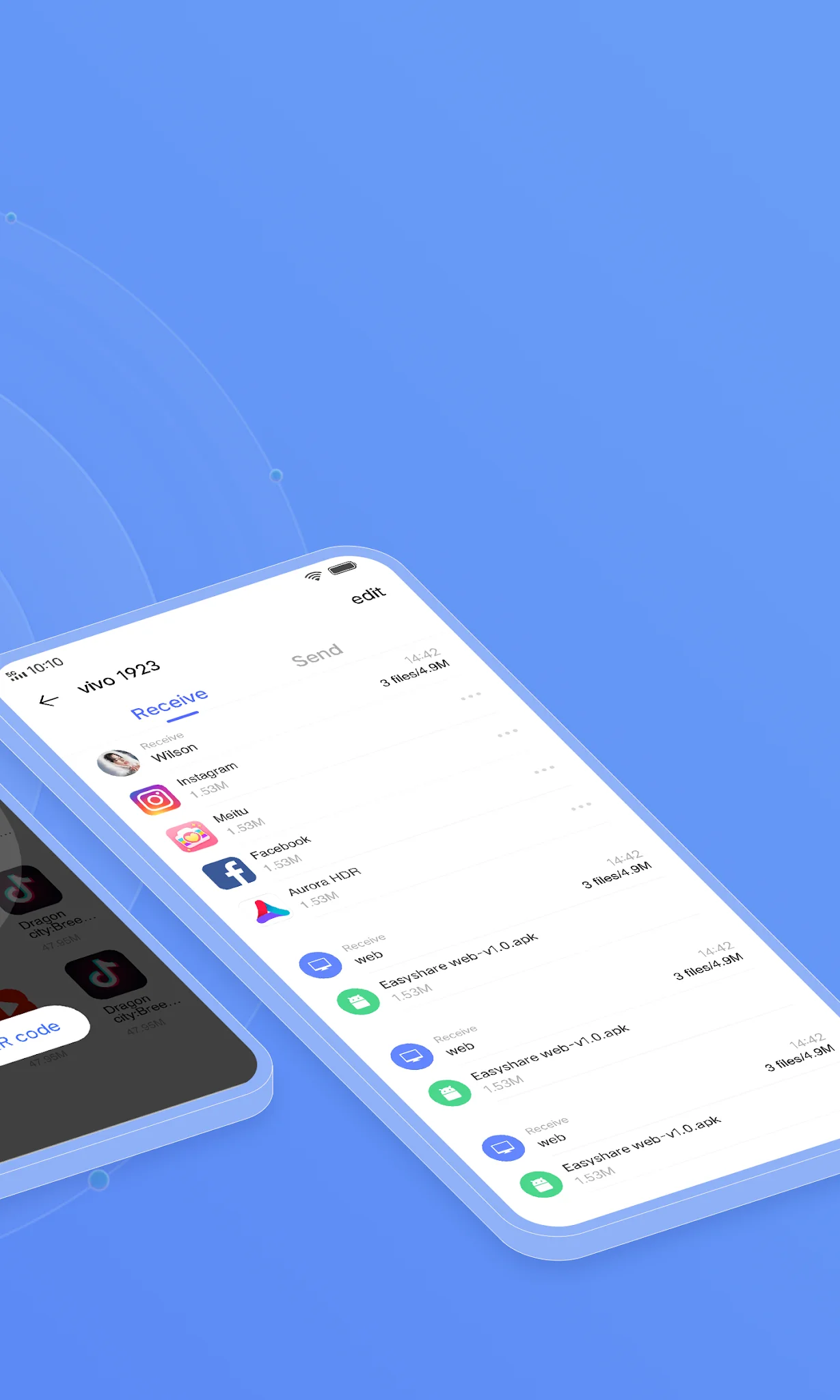

EasyShare app cover art for Android
EasyShare Icon

EasyShare APK for Android

1B+
Free
Feb 22, 2026

Sharing files between devices without using the internet

Download EasyShare APK 7.0.11.5 59MB Old versions

What is EasyShare?

EasyShare is a cross-platform tool for instantly transferring files to another device using a local connection rather than the Internet. The application will prove to be an indispensable assistant in transferring a data array from an old to a new mobile phone – this will eliminate the need to re-download entertainment and work programs, transfer other user data.

Send music, videos, photos, documents, installation packages and other content at speeds up to 40 Mb per second and without limits – the application works with any type of data. Naturally, in order to organize the process of transferring or receiving, this application must be installed on both devices – the tool automatically scans the environment and finds a gadget to connect to.

Features:

  • sending objects via local network or Bluetooth connection;
  • fast data transfer from old to new smartphone;
  • no limit on the number and size of files;
  • intuitive pairing script.

The sending side selects objects in the storage, after which a QR code is automatically generated, the receiving side scans it and receives a “package”. If in this way it is impossible to organize a bunch, then connect to the access point in manual mode. The EasyShare app makes file transfer intuitive, secure and seamless.
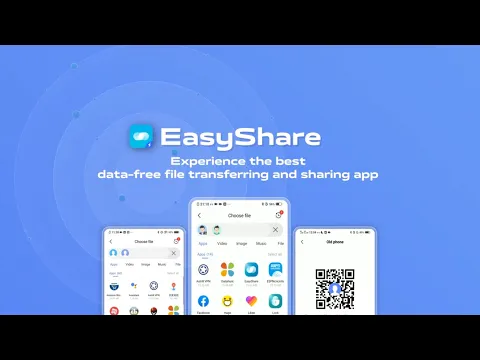
Video of EasyShare
Screenshot EasyShare 1
Screenshot EasyShare 2
Screenshot EasyShare 3
Screenshot EasyShare 4
Screenshot EasyShare 5
Screenshot EasyShare 6

Download EasyShare APK for Android

What's New in Version 7.0.11.5

Known bug fixes

Other versions

  • 7.0.11.5 (latest) 59MB Android 5.0+ arm64-v8aarmeabi-v7a Download
  • 7.0.7.10 44MB Android 5.0+ arm64-v8aarmeabi-v7a Download
  • 6.5.4.17 38MB Android 5.0+ arm64-v8aarmeabi-v7a Download
  • 6.3.2.7 33MB Android 5.0+ arm64-v8aarmeabi-v7a Download

System Requirements

OS Version
Android 5.0 (Lollipop) or higher
Architecture
Varies by file (Which one do I need?)
Disk Space
~90 MB free space required
RAM
1 GB
Internet
Not required
Permissions (179)
  • Internet
  • Camera
  • Access Network State
  • Read External Storage
  • Write External Storage

APK File Details

Package ID com.vivo.easyshare
Available on Google Play
Developer PT vivo mobile Indonesia
License Free ( No Ads)
Content Rating Everyone
Interface Language
English +80

English, German, Thai, Hindi, Vietnamese, French, Italian, Russian, Ukrainian, Bulgarian, Arabic, Chinese, Polish, Romanian, Japanese, Portuguese, Korean, Turkish, Spanish, Hungarian, Czech, + 60 localizations

APK Verification & Virus Scan Results

No Virus Signature Verified Safe & Original

Virus scan: Clean (0/60) View report. This APK is free of malware and its signature matches the official developer release.

Show File Details (SHA-256, SHA-1, MD5)

SHA-1 Signature:

283d60ddcd20c56ea1719ce90527f1235ae80efa

SHA-256 Hash:

ca9721c0361fd3ef2f37dd169e1d8e00e4df52a8764274a1c7d9085f158fa317

MD5 Checksum:

81b226963ccf1de63b7f2c789c40f07c

Frequently Asked Questions

Is EasyShare safe to download?

Yes, EasyShare is safe to download. The APK is scanned on every update — no malware or viruses detected. You can verify the full scan report in the Security section above.

How to install EasyShare APK on Android?

Download the APK using the button above. Then open the file and tap Install. If prompted, enable "Install from unknown sources" in Settings → Security. The process takes under a minute. Read more

What Android version does EasyShare require?

EasyShare requires Android 5.0 (API 21) or higher. Optimized for Android 15 (API 35).

Is EasyShare free?

Yes, this app is completely free to download and use.

How to update EasyShare to the latest version?

Download the latest APK from this page and install it over your existing version — no need to uninstall first. Your data and settings will be preserved. We update the file as soon as a new version is released.

Does EasyShare require Root access?

No root is required for basic use. EasyShare works on standard Android for CPU info, RAM, battery, sensors, and network stats. Root unlocks a small set of advanced system parameters that Android restricts by default.

What processor architecture does EasyShare support?

EasyShare supports arm64-v8a, armeabi-v7a. This build does not support x86/x86_64 processors, so it will not run on most PC emulators. If you are unsure about your device architecture, check the Device Info section on this page.

If you have found any issue or are having difficulty with this page, please .

User Reviews & Ratings

Global rating(Play Store): 4.39(247K)
Site Rating: 4.39(3)
Rate this app

3.67

12345

3

Share your experience with other users.