What is Prey: Tracking & Security?
Managing an enterprise fleet of phones and laptops requires tight control across multiple operating systems. Installing the Prey: Tracking & Security gives system administrators a central mobile console to monitor, locate, and lock lost Android devices alongside desktop machines running macOS, Windows, ChromeOS, or Ubuntu. Instead of relying on consumer-grade tracking, this platform delivers enterprise anti-theft workflows directly to your phone screen.
What is Prey: Tracking & Security?
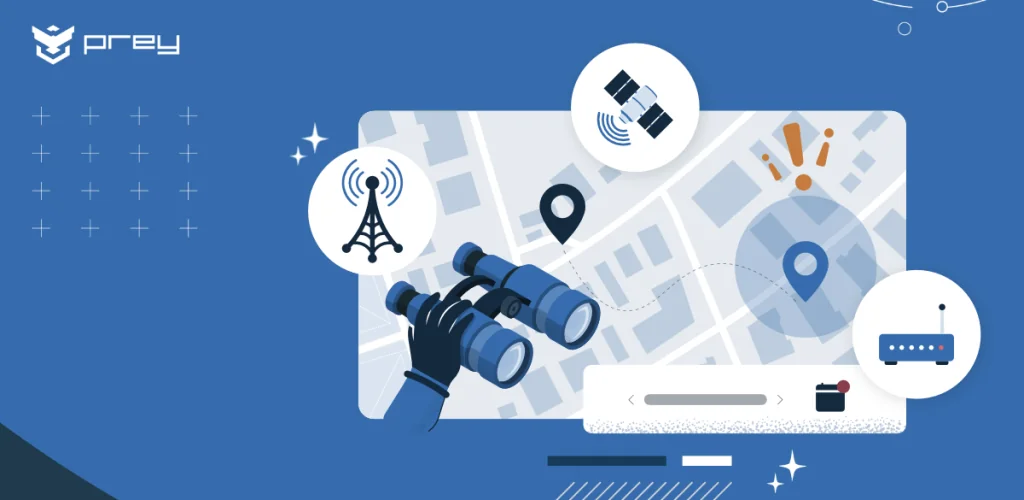
This administrative tool functions as a central hub for remote asset protection across mixed operating environments. Admins assign custom team roles, schedule security policies, and manage hardware loans directly from the mobile interface. Thwarting theft requires speed. The platform immediately gathers detailed evidence reports, pulling local network connection data, precise GPS coordinates, and optional front-camera snapshots to help identify who took the hardware.
Security settings demand password credentials rather than biometric logins like fingerprints or face scans. Require full credentials every time. This policy blocks unauthorized operators from overriding security commands if a management phone falls into the wrong hands. The client also uses Android's AccessibilityService API exclusively to enforce remote screen locks, shutting down app access until you enter the master unlock password.
Key Features:
- Unified Dashboard: Monitor Android, macOS, Windows, ChromeOS, and Ubuntu hardware from a single management console.
- Geofence Alerts: Draw virtual boundaries on live maps and receive automated notifications when assets breach specified boundaries.
- Remote Data Actions: Trigger data wipes, factory resets, file downloads, or screen locks remotely during active security incidents.
- Evidence Gathering: Collect location histories, active network details, and ambient camera shots to assist law enforcement recovery.
Prey: Tracking & Security for Fleet Tracking
The setup takes patience. Administrators must manually grant Device Admin permissions on every single handset to ensure malicious users cannot easily purge security protection from stolen hardware. That extra legwork stops thieves cold. Features shift depending on target operating system permissions and subscription tiers, meaning remote file extraction depends entirely on the client profile assigned to each endpoint. Basic accounts receive simple location tracking, while business tiers unlock full remote file retrieval and forced wipe capabilities.
Prey: Tracking & Security vs similar apps
Google Find My Device focuses on individual consumer tracking for lost personal phones. Cerberus delivers aggressive anti-theft tools but lacks native multi-OS desktop management. Selecting Prey: Tracking & Security suits organizations overseeing mixed pools of laptops and mobile devices from one administrative login.
System administrators and business owners managing hardware inventories will get the most value from this security tool. The manual removal routine feels like a real headache during routine device maintenance. That strict administrative lock provides necessary protection when expensive equipment disappears.




Share your experience with other users.