Pick Me Up Icon

Pick Me Up APK for Android

87M+
Free
Oct 6, 2025

Ride Sharing Simulator Game

Download Pick Me Up APK 1.58 89MB

What is Pick Me Up?

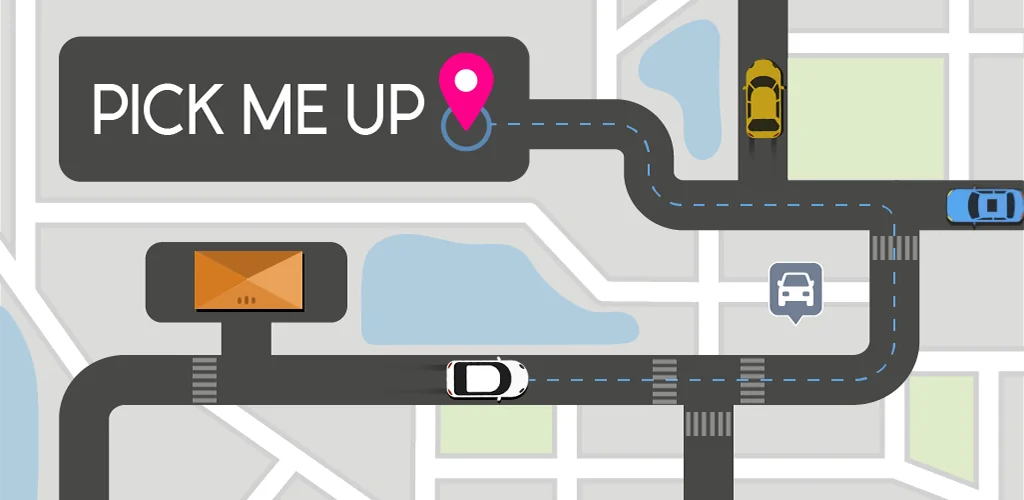
Pick Me Up is a simulator of one of the most popular trends in the global economy – the ability of non-rich people to use expensive items without being their owners.

In our game, such a phenomenon as carsharing is played up – this is when you use a car on a rental basis, rented either from a private person or from a specialized company. Use the car No number of kilometers or time, and transfer it to the next co-owner.

The process of the game. You are virtual transferred to one of the cities, rent a car there and drive the route you have chosen. The route includes one of the mandatory conditions – to visit the sights of the city.

The complexity of the game lies in the fact that you need to go through the route in a limited amount of time, without committing traffic accidents – collisions with static obstacles or with other road users.

For a successfully completed task, the player receives in-game currency – as a salary – and bonuses. Due to these achievements, the player can unlock access to new cars. Each next car is more expensive than the previous one.

Game mechanics:

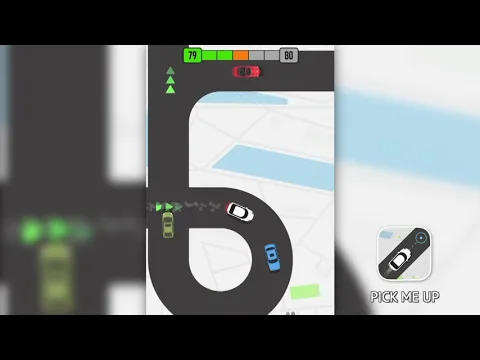
  • Press and hold your finger on the phone’s touch screen to make the car move.
  • Take your finger off the screen to stop the vehicle from moving. In this case, it should be borne in mind that the car retains momentum for some time.

The application is free. But the game Pick Me Up has a VIP version, which can be accessed on a paid subscription basis. The first three days of the VIP version of the game is available for free as a test period. There are no ads in the paid version and there are many luxury cars.
Also known as: Pick Me Up™
Pick Me Up video
Pick Me Up screenshot 1
Pick Me Up screenshot 2
Pick Me Up screenshot 3
Pick Me Up screenshot 4
Pick Me Up screenshot 5

Download Pick Me Up APK for Android

What's New in Version 1.58

No official changelog provided for Pick Me Up version 1.58. This update likely includes general stability improvements and bug fixes.

Download Links:

System Requirements

OS Version
Android 7.0 (Nougat) or higher
Architecture
Varies by file (Which one do I need?)
Disk Space
~150 MB free space required
RAM
2 GB
Internet
Not required (Offline playable)
Google Services
Required
Permissions (17)
  • Internet
  • Access Network State
  • Vibrate
  • Wake Lock
  • Android.gms.permission.ad Id

APK File Details

Package ID com.custom.pickmeup
Available on Google Play
Developer CASUAL AZUR GAMES
License Free
Monetization Contains Ads   In-App Purchases
Age Rating Everyone
Interface Language
English +75

English, Arabic, Bulgarian, Czech, German, Spanish, French, Hindi, Hungarian, Indonesian, Italian, Japanese, Korean, Polish, Portuguese, Romanian, Russian, Thai, Turkish, Ukrainian, Vietnamese, Chinese, + 54 localizations

APK Verification & Virus Scan Results

No Virus Signature Verified Safe & unmodified

Virus scan: Verified safe (0/63) View report. This APK is free of malware and its signature matches the official developer release.

Show File Details (SHA-256, SHA-1, MD5)

SHA-1 Signature:

88dc12a3b3828d5f0aa4bb1282ca20e3ea9ef9a6

SHA-256 Hash:

390c185a25b22803a56637acea5eb9d911f371adbadb6cb9cbde81d280d390ea

MD5 Checksum:

8f8b821b046b08af76da43901a8c6485

Frequently Asked Questions

Is Pick Me Up safe to download?

Yes, Pick Me Up is safe to download. The APK is scanned on every update — no malware or viruses detected. You can verify the full scan report in the Security section above.

How to install XAPK file?

XAPK is a split APK package. Standard Android installer cannot open it directly. Use 'SAI' or 'XAPK Installer' — they handle XAPK files automatically. Download the installer, open the XAPK file with it, and follow the on-screen steps. Read more

What Android version does Pick Me Up require?

Pick Me Up requires Android 7.0 (API 24) or higher. Optimized for Android 15 (API 35).

Is Pick Me Up free?

Yes, it is free to download and use, but it contains ads and offers in-app purchases.

How to update Pick Me Up to the latest version?

Download the latest APK from this page and install it over your existing version — no need to uninstall first. Your data and settings will be preserved. We update the file as soon as a new version is released.

What processor architecture does Pick Me Up support?

Pick Me Up supports arm64-v8a. This build does not support x86/x86_64 processors, so it will not run on most PC emulators. If you are unsure about your device architecture, check the Device Info section on this page.

How to enable installation from unknown sources on Android?

Go to Settings → Security (or Settings → Apps → Special access on Android 8+) and enable "Install unknown apps" for your browser or file manager. On Android 8 and above this setting is per-app, not global. Read more

Found a problem on this page?

User Reviews & Ratings

Global rating (Play Store): 4.15(187K)
Site Rating: 5(1)
Rate this app

5.00

12345

1

Share your experience with other users.