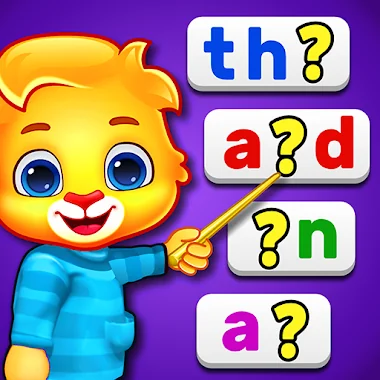
What is Learn to Read: Kids Games?
Ever wish learning to read could feel less like a chore and more like playtime for your little one? I just spent some time with Learn to Read: Kids Games, and it’s genuinely a delightful surprise for early learners.
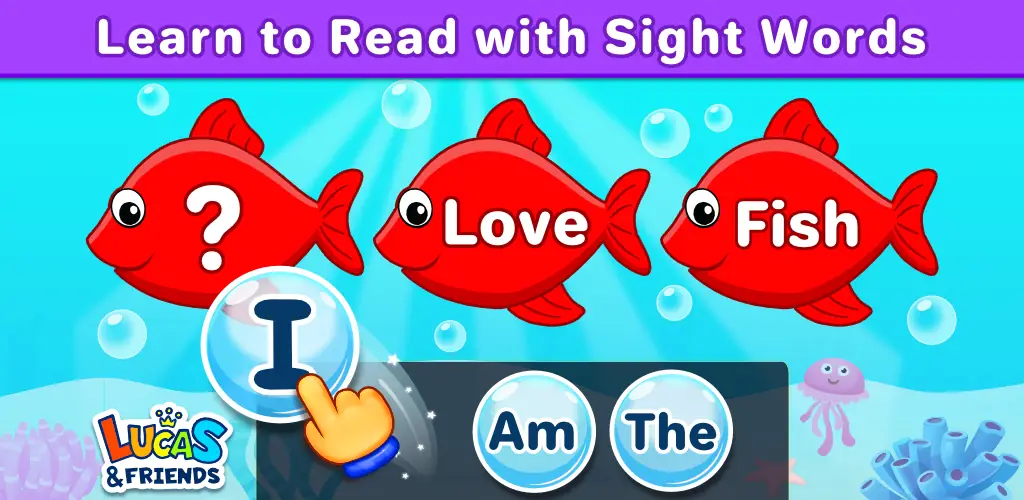
This isn’t just another alphabet app; it’s a treasure trove of mini-games designed to make reading and spelling click. You’ll find everything from dragging letters to complete words to tapping spoken words for phonics practice. My personal favorite was the Sentence Builder, where kids arrange sight words to form meaningful sentences – it’s clever and really helps with comprehension. Unlike many educational apps that constantly interrupt with pop-ups, Learn to Read: Kids Games is completely free and ad-free, which is a huge win for parents and keeps kids focused. Plus, it works offline, so those long car rides just got a whole lot more productive.
What really impressed me is how it focuses on Dolch sight words, covering everything from Pre-K up to 3rd Grade. It’s not a one-size-fits-all approach either; the game adapts to your child’s pace, letting them tackle words at their own speed. The voice narration is super helpful for pronunciation, guiding them gently through each challenge.
Key Features
- Dolch Sight Word Focus: Builds a strong foundation with essential high-frequency words, boosting reading speed and confidence.
- Variety of Mini-Games: Keeps learning fresh and engaging with spelling, matching, sentence building, and memory challenges.
- Ad-Free & Offline Play: Ensures uninterrupted, safe learning anytime, anywhere, without distractions or data usage.
- Adaptive Learning Levels: Tailors the experience from Pre-K to 3rd Grade, letting your child progress comfortably at their own rhythm.
Ready to see your child light up as they conquer new words? Give Learn to Read: Kids Games a try and watch their reading skills blossom.



Share your experience with other users.