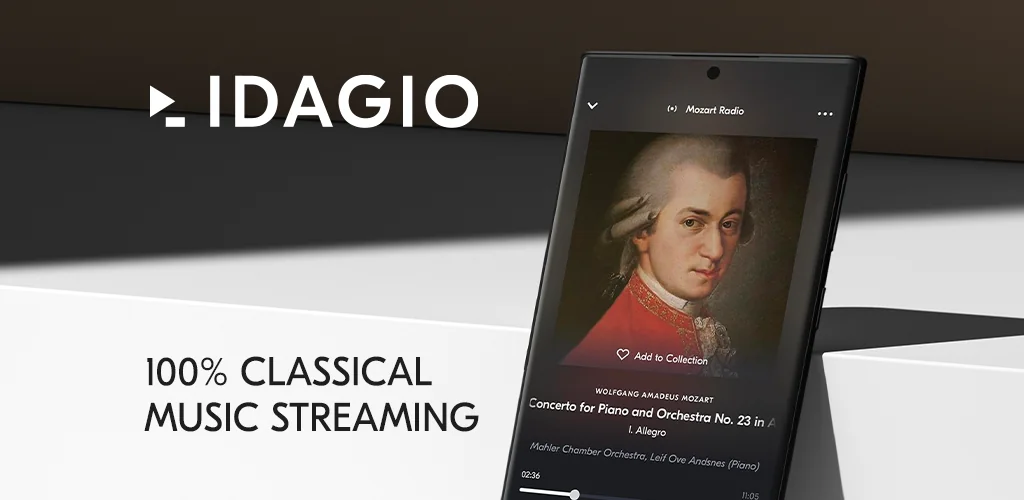

IDAGIO app cover art for Android
IDAGIO Icon

IDAGIO APK for Android

- Stream Classical Music
Also known as: IDAGIO Stream Classical Music
966K+
Free
Aug 12, 2026

Search classical recordings by conductor and orchestra, streamed in lossless FLAC quality.

Download IDAGIO APK 3.27.1 31MB

What is IDAGIO?

IDAGIO Stream Classical Music is a classical music streaming app built around metadata rather than genre tags, letting listeners dig past composer and title into conductor, orchestra, and specific recording. The library runs over 2.5 million tracks, and every one of them is filed the way a musicologist would file it, not the way a pop chart would.

The search tools are the actual engine here. Type in a symphony and the app doesn't just hand you one version; it lets you narrow by conductor, performer, or orchestra until you land on the exact recording you had in your head. That matters more in classical music than anywhere else, since the same Beethoven symphony can sound like a different piece depending on who's holding the baton. Audio streams in FLAC at 16 bits and 44.1kHz, which is the format audiophiles actually ask for instead of settling for compressed streaming. Playlists come from a content team that curates by hand, and tracks, albums, artists, and full works can all be saved to a personal library for quick return visits later.

Key Features:

  • Search narrows by conductor, performer, or orchestra, not just composer or title
  • Streaming quality holds at FLAC 16bits/44.1kHz for lossless playback
  • The catalog holds over 2.5 million recordings across classical subgenres
  • A fair remuneration model pays artists based on actual listening, not flat licensing
  • Saved libraries sync for offline listening away from a connection
  • Recommendations draw on listening history and favorite composers or performers

Building a personal classical library

Adding a recording works the same way across artists, tracks, works, albums, and playlists: tap to favorite, and it lands in one library. That library then feeds the app's recommendation engine, which leans on listening history and favorite composers to suggest new performers or lesser-known works instead of just repeating what's already been played. Offline downloads pull from that same saved library, so a commute or a flight doesn't have to mean silence or a data bill.

Alternatives to IDAGIO

Apple Music Classical covers similar ground with a much larger catalog folded into the broader Apple Music ecosystem, but its interface treats classical music as one category among many rather than the whole point. IDAGIO instead builds its entire search and payout structure around classical listening specifically, which shows in details like conductor-level filtering that a general streaming app rarely bothers with. Listeners who already pay for Apple's ecosystem may find little reason to switch, but those searching for a dedicated classical catalog with audiophile-grade files will notice the difference.

IDAGIO suits listeners who care which conductor is on the podium as much as which composer wrote the piece, and who want lossless audio without wading through pop and hip hop to get there. The app stays entirely within classical music, so anyone wanting a single streaming service for all their listening will need something else alongside it.

IDAGIO screenshot 1
IDAGIO screenshot 2
IDAGIO screenshot 3
IDAGIO screenshot 4
IDAGIO screenshot 5
IDAGIO screenshot 6
IDAGIO screenshot 7
IDAGIO screenshot 8

IDAGIO APK Download

What's New in Version 3.27.1

- Small technical improvements and performance optimizations
- The player can now be minimized with a swipe down gesture
- Fixed an issue where artist images were sometimes cropped incorrectly

System Requirements

OS Version
Android 8.0 (OREO) or higher
Architecture
Varies by file (Which one do I need?)
Disk Space
~40 MB free space required
RAM
1 GB
Internet
Not required
Google Services
Required

APK File Details

Package ID com.idagio.app
Available on Google Play
Developer Classical Music Streaming - IDAGIO
License Free ( No Ads)
Monetization In-App Purchases
Content Rating Everyone
Interface Language
English +16

English, French, Italian, Korean, Thai, German, Hindi, Portuguese, Arabic, Spanish, Japanese, Turkish, Chinese, Russian, Vietnamese, + 2 localizations

Required Permissions (18)
  • Internet
  • Record Audio
  • Access Network State
  • Read External Storage
  • Write External Storage

APK Verification & Virus Scan Results

No Virus Signature Verified Safe & unmodified

Virus scan: Verified safe (0/56) View report. This APK is free of malware and its signature matches the official developer release.

Show File Details (SHA-256, SHA-1, MD5)

SHA-1 Signature:

9ec2146aa4f3c0e02a9833deeb17d91855002d4f

SHA-256 Hash:

409c323ab63a82821345e34d74b6decd2e154e38d7a6a82cd03876adcc9b1097

MD5 Checksum:

439d0a006682d2131dc2a38e548edfa8

Frequently Asked Questions

Is IDAGIO safe to download?

Yes, IDAGIO is safe to download. The APK is scanned on every update — no malware or viruses detected. You can verify the full scan report in the Security section above.

How to install XAPK file?

XAPK is a split APK package. Standard Android installer cannot open it directly. Use 'SAI' or 'XAPK Installer' — they handle XAPK files automatically. Download the installer, open the XAPK file with it, and follow the on-screen steps. Read more

What Android version does IDAGIO require?

IDAGIO requires Android 8.0 (API 26) or higher. Optimized for Android 16 (API 36).

Is IDAGIO free?

Yes, the app is free to download, but it contains in-app purchases for additional content.

How to update IDAGIO to the latest version?

Download the latest APK from this page and install it over your existing version — no need to uninstall first. Your data and settings will be preserved. We update the file as soon as a new version is released.

What processor architecture does IDAGIO support?

IDAGIO supports armeabi-v7a. This build does not support x86/x86_64 processors, so it will not run on most PC emulators. If you are unsure about your device architecture, check the Device Info section on this page.

How to enable installation from unknown sources on Android?

Go to Settings → Security (or Settings → Apps → Special access on Android 8+) and enable "Install unknown apps" for your browser or file manager. On Android 8 and above this setting is per-app, not global. Read more

Found a problem on this page?

User Reviews & Ratings

Global rating (Play Store): 3.48(3.9K)
Site Rating: 5(1)
Rate this app

5.00

12345

1

Share your experience with other users.

Download IDAGIO APK - Latest version

Get the official APK file for your Android device. Fast, safe, and free. Download APK