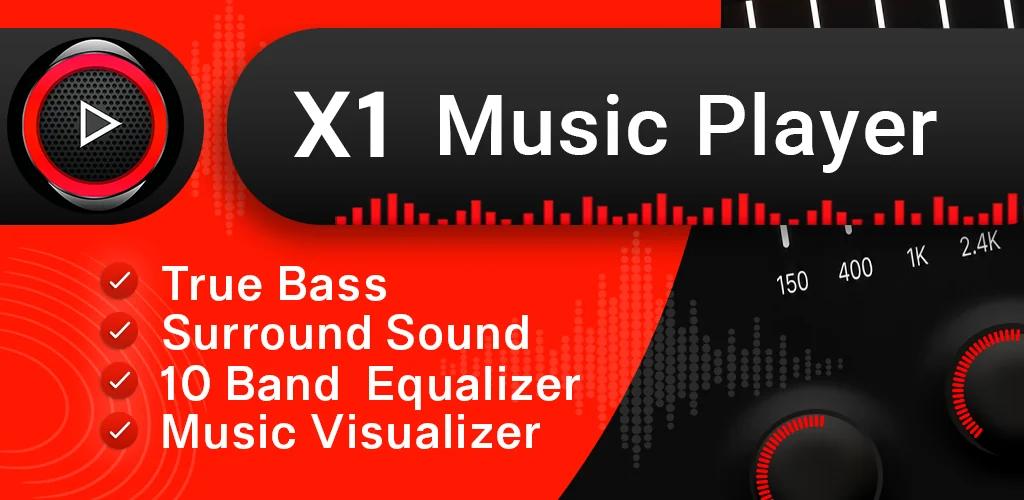
Music Player - True Bass app cover art for Android
Music Player - True Bass Icon

Music Player - True Bass APK for Android

128M+
Free
Aug 11, 2026

One offline player that equalizes and casts both your music and your videos

Download Music Player - True Bass APK 5.1.5 48MB

What is Music Player?

Music Player - True Bass is an offline music and video player for Android that handles local audio and video files without needing a data connection. Its main hook is combining a full equalizer-driven music player with an HD video player, so there is no switching between two separate apps for songs and clips.

The app scans device storage automatically and sorts tracks by album, artist, genre, or folder, while videos play through the same interface with subtitle support built in. On the audio side, playback runs through a 10-band graphical equalizer with presets, plus bass boost, reverb, and 3D sound effects layered on top. A party mode adds a music visualizer for shared listening, and a shake gesture skips tracks without touching the screen. Video files get the same equalizer treatment, along with subtitle sync for .srt and .ass files, so a downloaded movie with mismatched captions can still be watched cleanly. Playback controls extend to a home screen widget and lock screen buttons, and background playback keeps music running while other apps are open.

Key Features:

  • A 10-band equalizer with presets covers both music and video playback in one place.
  • Format support spans MP3, FLAC, WAV, AAC, MKV, MP4, AVI, and MOV, so most downloaded media plays without conversion.
  • Google Cast and DLNA let you push audio or video to a compatible smart TV.
  • Wear OS Tiles and Watch Face Complications put playback controls on a paired smartwatch.
  • Built-in tag and MP3 editing tools let you fix track metadata and swap album art without a separate app.
  • A sleep timer and shake-to-skip gesture handle hands-free listening at night or during a workout.

Sound customisation and casting on Music Player - True Bass

Beyond the standard equalizer sliders, Music Player - True Bass layers reverb and 3D surround effects on top of bass boost, aimed at headphone listening rather than tinny phone speakers. The casting options cover two separate protocols: Google Cast for Chromecast-equipped TVs, and DLNA for other smart TVs on the same network, which matters if a household has one of each. Color themes and UI customisation give the interface a different look, though these are cosmetic rather than functional changes. The library management stays simple: folders, playlists with reorderable queues, and a fast scan on first launch, without deeper sorting tools like smart mixes or auto-generated stations.

Apps like Music Player - True Bass

VLC for Android covers a wider range of obscure codecs and stays completely free of ads, which matters more to anyone dealing with unusual video files. Musicolet sticks to audio only, with a fully offline, ad-free experience and more detailed queue management, a better fit for listeners who never touch video at all. Music Player - True Bass sits between the two: less codec depth than VLC, less audio-only polish than Musicolet, but it covers both jobs without switching apps.

Music Player - True Bass suits Android users who want one app for local music and video instead of running a separate player for each, particularly those who lean on equalizer presets or bass boost. As a free app, it carries ads, a tradeoff typical of media players in this category, and it needs storage permission upfront to scan and index local files before anything plays.

Music Player - True Bass screenshot 1
Music Player - True Bass screenshot 2
Music Player - True Bass screenshot 3
Music Player - True Bass screenshot 4
Music Player - True Bass screenshot 5
Music Player - True Bass screenshot 6
Music Player - True Bass screenshot 7
Music Player - True Bass screenshot 8

Music Player APK Download

What's New in Version 5.1.5

Performance improvements & Bug fixes

System Requirements

OS Version
Android 10 (Q) or higher
Architecture
Varies by file (Which one do I need?)
Disk Space
~60 MB free space required
RAM
1 GB
Internet
Not required
Google Services
Required   GMS dependent

APK File Details

Package ID com.musicplayer.player.mp3player.white
Available on Google Play
Developer Mytechnosound
License Free
Monetization Contains Ads   In-App Purchases
Content Rating Everyone
Interface Language
English +16

English, Arabic, German, Spanish, French, Hindi, Italian, Japanese, Korean, Portuguese, Russian, Thai, Turkish, Vietnamese, Chinese, + 2 localizations

Required Permissions (27)
  • Requires Google Play Services to launch:
    Note: This is an original file. Unlike modded versions with no verification, it validates via your store account. Details
  • Internet
  • Access Network State
  • Read External Storage
  • Write External Storage
  • Vibrate

APK Verification & Virus Scan Results

No Virus Signature Verified Safe & unmodified

Virus scan: Verified safe (0/60) View report. This APK is free of malware and its signature matches the official developer release.

Show File Details (SHA-256, SHA-1, MD5)

SHA-1 Signature:

214abf7b10f5cd3bf933bd4bb5f2f0dadba92490

SHA-256 Hash:

4fa0295a0387299adcbf63acc5dbb1ed4502906a5b613e915546b4257f656d7a

MD5 Checksum:

c6ac88e61d9c987365f75762b933fdc0

Frequently Asked Questions

Is Music Player safe to download?

Yes, Music Player is safe to download. The APK is scanned on every update — no malware or viruses detected. You can verify the full scan report in the Security section above.

How to install XAPK file?

XAPK is a split APK package. Standard Android installer cannot open it directly. Use 'SAI' or 'XAPK Installer' — they handle XAPK files automatically. Download the installer, open the XAPK file with it, and follow the on-screen steps. Read more

What Android version does Music Player require?

Music Player requires Android 10 (API 29) or higher. Optimized for Android 16 (API 36).

Is Music Player free?

Yes, it is free to download and use, but it contains ads and offers in-app purchases.

Does Music Player require a license check?

Yes, this app performs a license check. You may need to have the Google Play Store installed and be logged in to verify the license.

How to update Music Player to the latest version?

Download the latest APK from this page and install it over your existing version — no need to uninstall first. Your data and settings will be preserved. We update the file as soon as a new version is released.

What processor architecture does Music Player support?

Music Player supports arm64-v8a. This build does not support x86/x86_64 processors, so it will not run on most PC emulators. If you are unsure about your device architecture, check the Device Info section on this page.

Found a problem on this page?

User Reviews & Ratings

Global rating (Play Store): 4.65(1.5M)
Site Rating: 5(1)
Rate this app

5.00

12345

1

Share your experience with other users.

Download Music Player APK - Latest version

Get the official APK file for your Android device. Fast, safe, and free. Download APK