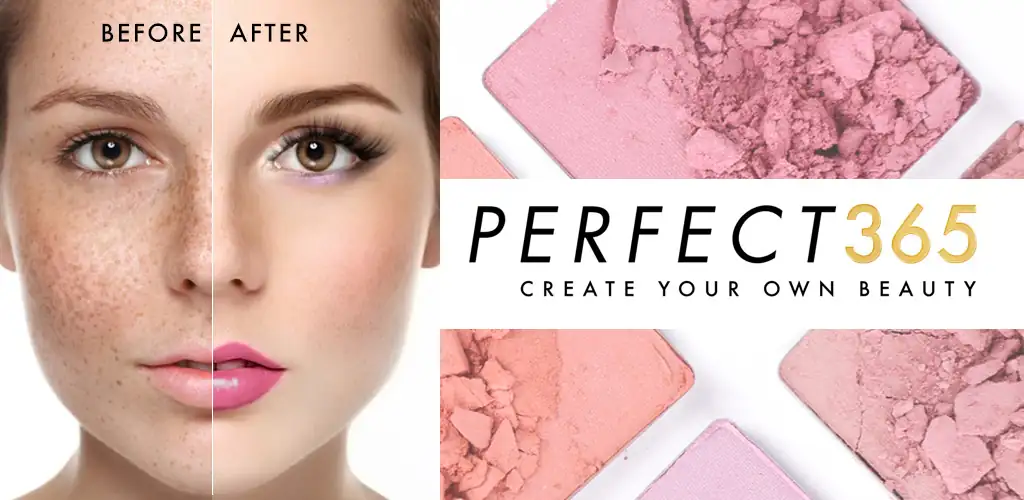

Perfect365: Face Makeup Editor app cover art for Android
Perfect365: Face Makeup Editor Icon

Perfect365: Face Makeup Editor APK for Android

63M+
Free
Sep 5, 2026

Virtual makeup studio with 3000 presets and browser coupon detection

Download Perfect365: Face Makeup Editor APK 10.29.23 438MB

What is Perfect365: Face Makeup Editor?

Perfect365: Face Makeup Editor is a virtual makeup and photo retouching app that applies cosmetics, filters, and beauty effects to selfies and videos using facial recognition. The library includes over 3000 one-tap makeup presets called Hotstyles, plus granular editing tools for eyes, lips, skin, and hair.

The app's face detection places lipstick, eyeshadow, and contour over your features in real time or on saved photos. You can start with a Hotstyle – pre-built looks ranging from natural to editorial – then tweak individual elements using the Pro Color Palette, which offers unlimited custom shades for every makeup category. Beyond cosmetics, the beauty toolkit covers skin retouching (blemish removal, brightening), teeth whitening, and even hair color trials. All edits export without watermarks.

Key Features:

  • Apply makeup from a library of over 3000 Hotstyles created by professional artists, updated weekly with runway and celebrity-inspired looks.
  • Customize every shade with the Pro Color Palette, which generates unlimited color combinations across lipsticks, eyeshadows, liners, and blush.
  • The face detection system maps your facial geometry to ensure accurate placement of lip color, eye makeup, and contour, even at angles.
  • Retouching utilities include a blemish remover, teeth whitener, skin brightener, and lip plumper for touchups beyond cosmetics.
  • The built-in shopping assistant uses the Accessibility API to scan Chrome tabs for coupon codes and display them automatically when you visit supported retailers.
  • Export finished photos and videos directly to social platforms with no watermark applied to the final file.

Makeup editor tools and customization

Beyond presets, the app breaks down into component editors: 100+ individual tools covering foundation, concealer, highlighter, eyebrow pencils, mascara, false lashes, lip gloss, and more. Each tool has its own intensity slider and color picker. The Pro Color Palette lets you dial in exact shades by adjusting hue, saturation, and brightness, so you're not limited to the swatches that ship with each tool. Hair color changes work the same way – select your hair, pick a shade, and preview the result before booking a salon appointment.

The in-app content feed pulls video tutorials from YouTube creators, along with product recommendations and trend reports. This section refreshes daily with makeup news, how-to guides, and breakdowns of red carpet looks you can recreate using the app's filters.

Apps like Perfect365: Face Makeup Editor

YouCam Makeup offers similar augmented reality try-ons plus a skin analysis feature that diagnoses texture and tone. Facetune prioritizes portrait retouching over cosmetics, with advanced reshaping and smoothing tools for jawlines, noses, and skin. Perfect365: Face Makeup Editor sits between them: more makeup variety than Facetune, more editing control than YouCam's AR-first approach, and the only one with a browser-integrated coupon finder.

The app is built for anyone testing makeup styles digitally, whether to plan a real-world look or enhance photos for social sharing. It contains ads and in-app purchases ranging from $0.99 to $39.99 per item.

Perfect365: Face Makeup Editor screenshot 1
Perfect365: Face Makeup Editor screenshot 2
Perfect365: Face Makeup Editor screenshot 3
Perfect365: Face Makeup Editor screenshot 4
Perfect365: Face Makeup Editor screenshot 5
Perfect365: Face Makeup Editor screenshot 6
Perfect365: Face Makeup Editor screenshot 7
Perfect365: Face Makeup Editor screenshot 8

Perfect365: Face Makeup Editor APK Download

What's New in Version 10.29.23

Minor performance improvements and bug fixes

Download Link:

System Requirements

OS Version
Android 8.0 (OREO) or higher
Architecture
Varies by file (Which one do I need?)
Disk Space
~600 MB free space required
RAM
2 GB
Internet
Not required
Google Services
Required   GMS dependent

APK File Details

Package ID com.arcsoft.perfect365
Available on Google Play
Developer Perfect365, Inc.
License Free
Monetization Contains Ads   In-App Purchases
Content Rating Everyone
Interface Language
English +11

English, German, French, Japanese, Portuguese, Chinese, Italian, Russian, Hindi, Spanish, Korean, + 1 localizations

Required Permissions (49)
  • Requires Google Play Services to launch:
    Note: This is an original file. Unlike modded versions with no verification, it validates via your store account. Details
  • Internet
  • Record Audio
  • Camera
  • Access Network State
  • Read External Storage

APK Verification & Virus Scan Results

Scan In Queue Signature Verified Safe & unmodified

Full antivirus scan in queue; report will appear here shortly. Signature matches the official developer release.

Show File Details (SHA-256, SHA-1, MD5)

SHA-1 Signature:

e9befa1f43358286bcd1a3f089c803a720408a55

SHA-256 Hash:

3d5fdeab9c1360f8f53384c87d901b3be8e0e6620983f37d9cde662d44203d8b

MD5 Checksum:

c0c8b2bb6d805ae782ef9605970cbf0b

Frequently Asked Questions

Is Perfect365: Face Makeup Editor safe to download?

Perfect365: Face Makeup Editor has passed a basic integrity check. A full antivirus scan is pending. You can check the current scan status in the Security section above.

How to install XAPK file?

XAPK is a split APK package. Standard Android installer cannot open it directly. Use 'SAI' or 'XAPK Installer' — they handle XAPK files automatically. Download the installer, open the XAPK file with it, and follow the on-screen steps. Read more

What Android version does Perfect365: Face Makeup Editor require?

Perfect365: Face Makeup Editor requires Android 8.0 (API 26) or higher. Optimized for Android 16 (API 36).

Is Perfect365: Face Makeup Editor free?

Yes, it is free to download and use, but it contains ads and offers in-app purchases.

Does Perfect365: Face Makeup Editor require a license check?

Yes, this app performs a license check. You may need to have the Google Play Store installed and be logged in to verify the license.

How to update Perfect365: Face Makeup Editor to the latest version?

Download the latest APK from this page and install it over your existing version — no need to uninstall first. Your data and settings will be preserved. We update the file as soon as a new version is released.

What processor architecture does Perfect365: Face Makeup Editor support?

Perfect365: Face Makeup Editor supports arm64-v8a, armeabi-v7a. This build does not support x86/x86_64 processors, so it will not run on most PC emulators. If you are unsure about your device architecture, check the Device Info section on this page.

Found a problem on this page?

User Reviews & Ratings

Global rating (Play Store): 3.57(752.4K)
Site Rating: 5(1)
Rate this app

5.00

12345

1

Share your experience with other users.

Download Perfect365: Face Makeup Editor APK - Latest version

Get the official APK file for your Android device. Fast, safe, and free. Download APK