
What is Video Downloader?
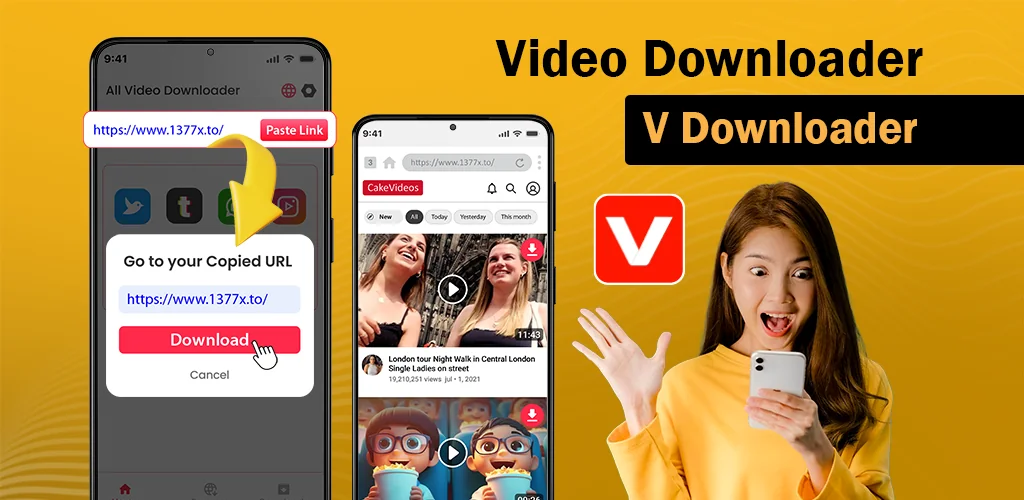
Video Downloader - VDownloader is a video downloader utility that saves media from websites and social platforms by pasting a URL into its built-in browser. The app identifies video links automatically and starts downloading without extra steps.
Paste a link and the app detects it immediately, pulling the file to your device storage. A built-in browser lets you navigate sites and play videos inside the app before deciding what to save. Downloads run in the background so you can switch tasks while files finish. The app handles all video formats, including 4k and mp4, and gives you pause, resume, and delete controls for every download. You can queue multiple files at once and manage them from a single screen.
Key Features:
- Auto-detect turns a pasted URL into a download instantly, no manual file selection required
- The built-in browser loads websites directly so you can preview content before saving
- Background downloading keeps files moving while you use other apps or lock your screen
- All video formats are supported, from standard mp4 to high-resolution 4k files
- Download management lets you pause, resume, or cancel active transfers and clear finished ones
- Specialized modes include a story and reel downloader and an anime video downloader for platform-specific content
Story and reel downloader modes
The app includes dedicated modes for saving social media stories and reels directly to your gallery. The anime video downloader mode is optimized for streaming sites that host series episodes. Both modes use the same paste-and-download flow but apply format detection tuned to those content types.
Alternatives to Video Downloader - VDownloader
Snaptube offers a more extensive interface with built-in search across multiple platforms, removing the need to copy links manually. 1DM focuses on download acceleration and torrent support alongside video saving. Video Downloader - VDownloader keeps the process simpler: paste a URL, start the download, and manage files from one screen.
The app works through manual copy-paste, which becomes repetitive when saving multiple videos in sequence. Using it to download copyrighted content violates intellectual property rights.




Share your experience with other users.