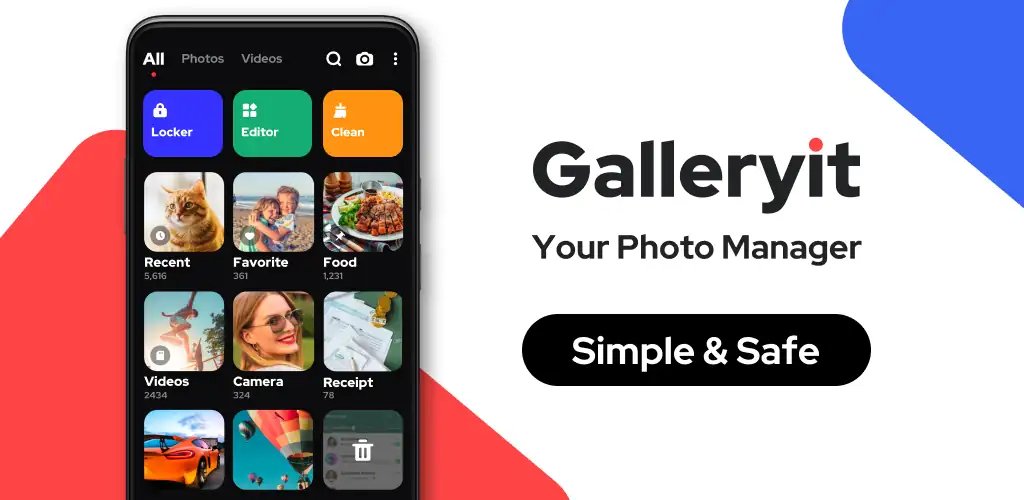

What is Galleryit?
Galleryit - Photo Vault, Album is a photo gallery and vault app that combines everyday photo browsing with a locked-down storage area for the files you don't want visible to anyone who picks up your phone. It works entirely offline, and the pitch is straightforward: view your media, then hide what needs hiding.
The app opens files in most common formats, including JPEG, GIF, PNG, panorama shots, MP4, MKV, and RAW, so there's little need to switch to a separate video player just to check a clip. A built-in slideshow mode plays through photos automatically, with adjustable intervals if you want a slower pace for old albums or a quick flick-through for recent shots. Beyond viewing, the app leans on a private photo vault: PIN, pattern, or fingerprint locks a folder so its contents stay invisible in the normal gallery view. Files aren't just tucked away either. Search tools let you filter by date taken, file name, size, or last modified time, and a smart classification system sorts everything by time, location, and file type without you lifting a finger. Deleted files land in a trash folder first rather than vanishing outright, so an accidental swipe doesn't cost you a memory card's worth of photos.
Key Features:
- A secure photo & video locker protects private files with PIN, pattern, or fingerprint plus encryption the developer describes as military-grade.
- Deleted items sit in a trash folder and can be restored, or wiped permanently to free up storage.
- Smart classification sorts photos and videos by time, location, and file type automatically.
- Quick search filters results by date taken, name, size, or last modified time.
- Uninstall protection uses device administrator permission to stop the app from being removed by kids or cleaning tools without your say.
- The gallery runs fully offline, so no connection is needed to browse, lock, or organize files.
Managing and locking photos in Galleryit - Photo Vault, Album
Folder creation is manual: you group photos and videos into folders the way you'd organize files on a desktop, then share any of them by email, message, or social apps straight from the gallery. Locking a folder pulls it out of the standard view entirely, so it won't show up when someone scrolls through your camera roll or when another app requests gallery access. Fingerprint unlock speeds up the process on supported devices, though PIN and pattern remain there as backups. One practical detail worth knowing upfront: on Android 11, the app asks for All Files Access permission, without which encryption and file management won't work correctly. That's a broader system permission than most gallery apps request, and it's tied directly to how the vault operates rather than being optional.
Apps like Galleryit - Photo Vault, Album
Google Photos covers similar ground for viewing and organizing but is built around cloud backup and AI-driven search, not a local vault, so anything you want kept off a server has no real home there. Simple Gallery takes the opposite approach: a lightweight, open-source viewer with none of the encryption or uninstall-protection layers Galleryit - Photo Vault, Album builds around. Anyone who wants file privacy handled on-device, without syncing to an account, sits closer to what Galleryit - Photo Vault, Album is doing.
This app suits Android users who want a private, offline-capable place for sensitive photos and videos rather than a cloud-synced gallery. The vault's uninstall protection requires granting device administrator rights, and Android 11 devices need All Files Access permission before locking and file management will work at all.




Share your experience with other users.