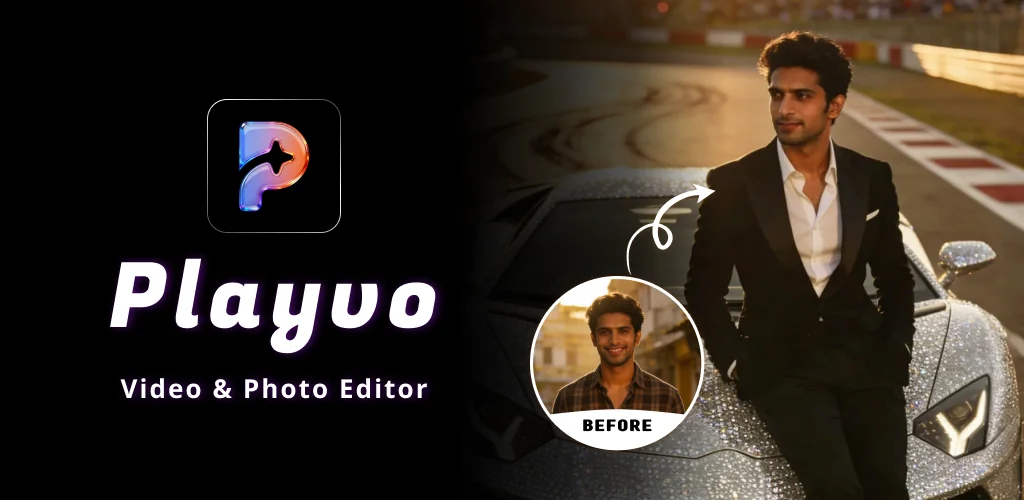
What is Video Status Maker: Playvo?
Most photo editors force you to slice video tracks and arrange keyframes manually. Video Status Maker: Playvo generates finished motion clips from still pictures instead. You pick a theme, upload images, and receive animated music clips in moments.
Need a quick video status for your social feed? The app handles transition timings and matches cuts to music beats. You can also apply stylized filters to turn basic selfies into glossy portraits. Basically, this tool cuts out manual timeline stress. How many times have you abandoned a draft because editing took too long? Here, HD video export finishes fast so you can post immediately.
What stands out:
- Theme categories cover birthdays, festivals, and travel memories.
- An image generator applies AI photo styles to create artistic profile shots.
- Visual effects automatically lock transitions to beat-style motion patterns.
- Rendered files save with high definition resolution for clear sharing.
This app is for casual users and teenagers aged 13 and older who want quick social videos. It relies entirely on rigid templates, so you cannot adjust individual frame lengths or move audio tracks around manually.




Share your experience with other users.