What is Apk Share: Bluetooth & WiFi?
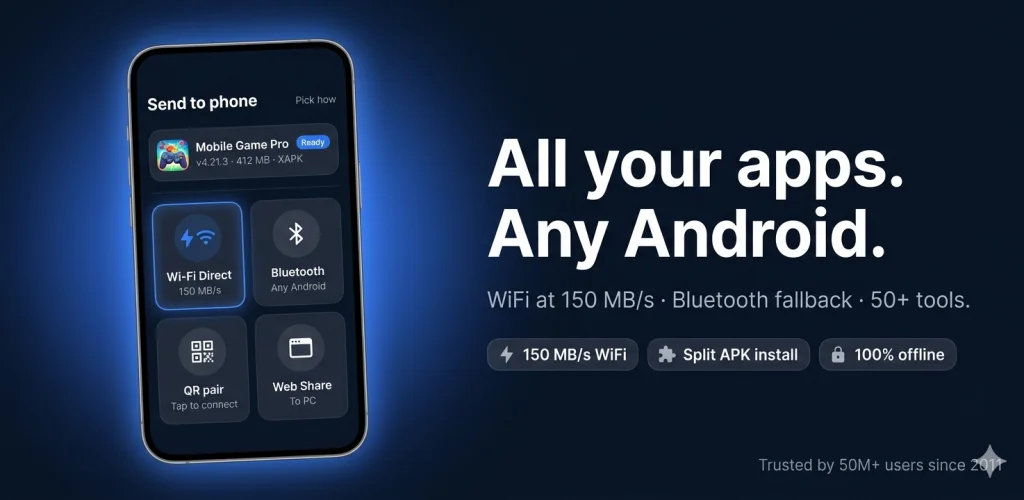
Apk Share: Bluetooth & WiFi is a file transfer and utility tool that moves apps, photos, videos and documents between two Android phones without touching a cloud service. Pair over Bluetooth or WiFi Direct, confirm on both screens, and the file lands ready to open. No typed codes, no account to create first.
Bluetooth handles the universal case: old phone, new phone, no signal needed, nothing to configure beyond a tap to confirm. Switch to WiFi Direct and the ceiling jumps to 150 MB/s, enough to push a full gigabyte across in under seven seconds. That matters for anyone sending a chunky mobile game instead of waiting on a slow cable sync. Why bother with a USB cord when the phone in your other hand can do it faster?
What stands out:
- Split APK and XAPK files reassemble automatically, so base, ABI, density and language files plus OBB data install as one clean package instead of failing silently.
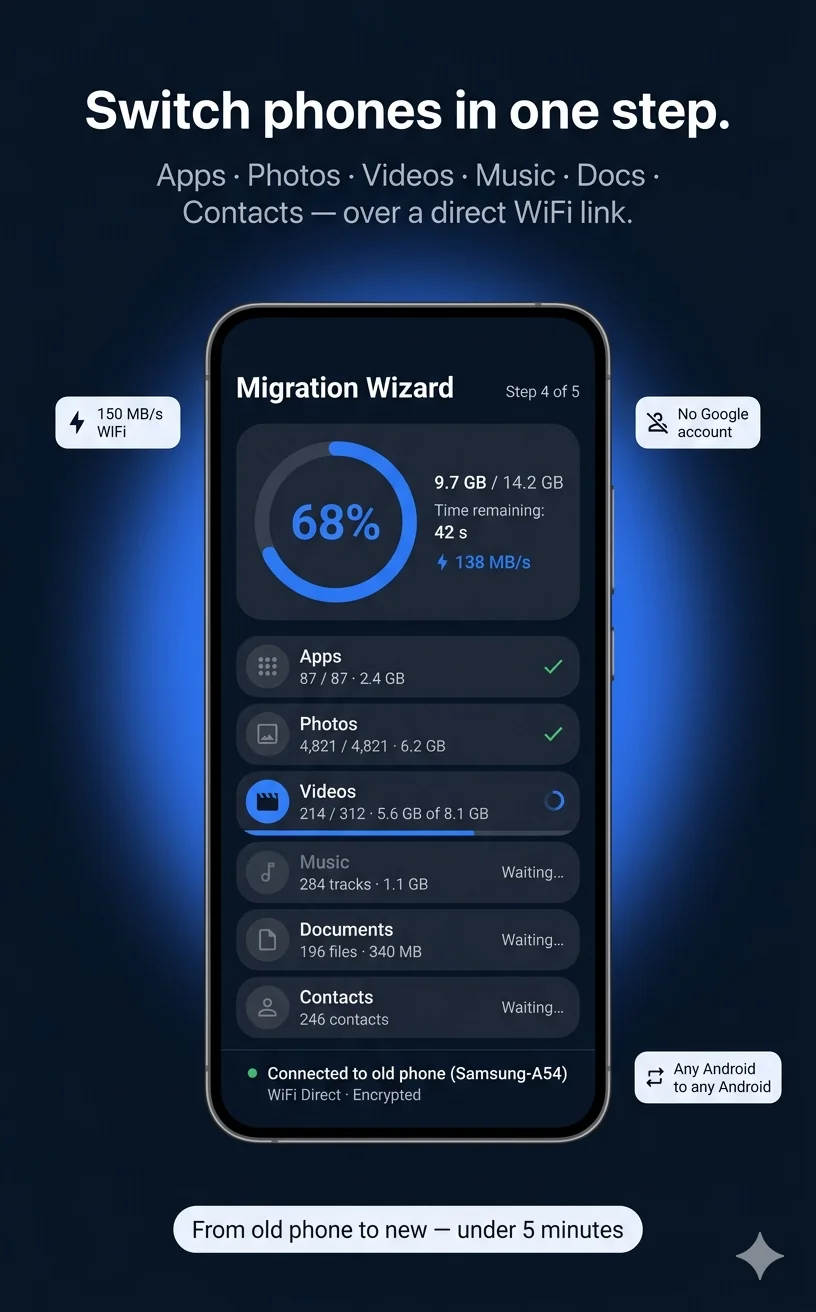
- The Migration Wizard moves apps, media and contacts to a new phone through a simple QR pairing, with no Google account required.
- A Tracker Scanner checks for AirTags and other Bluetooth trackers riding along with you, and a separate scanner flags credit cards or IDs hiding in your photo gallery.
- The Photo Vault locks private images behind AES-256 encryption, and a built-in document scanner turns paper into a searchable PDF.
Bluetooth share, fast wifi mode and web share
Three transfer modes cover different situations: Bluetooth Share for the no-signal basics, Fast Wifi Mode for anything large, and Web Share for sending straight to a PC browser without installing anything on the computer side. Picking the right one is mostly a matter of file size; small stuff goes over Bluetooth, anything game-sized jumps to WiFi.
Other file transfer apps
SHAREit leans on cross-platform sharing and content discovery, while Files by Google ties its storage cleaning tools closely to the Google ecosystem. Apk Share: Bluetooth & WiFi stacks in a developer toolbox and hardware utilities like an IR remote and metal detector alongside the transfer and privacy tools, which neither rival folds into the same app.
Anyone switching phones without wanting to touch a cloud backup, or anyone who'd rather carry one app than a dozen single-purpose ones, gets the most out of this. The catch: with 40-plus tools, ads and in-app purchases bolted on, it can feel like a lot to sort through if all you wanted was a simple file send.




Share your experience with other users.