What is App Lock?
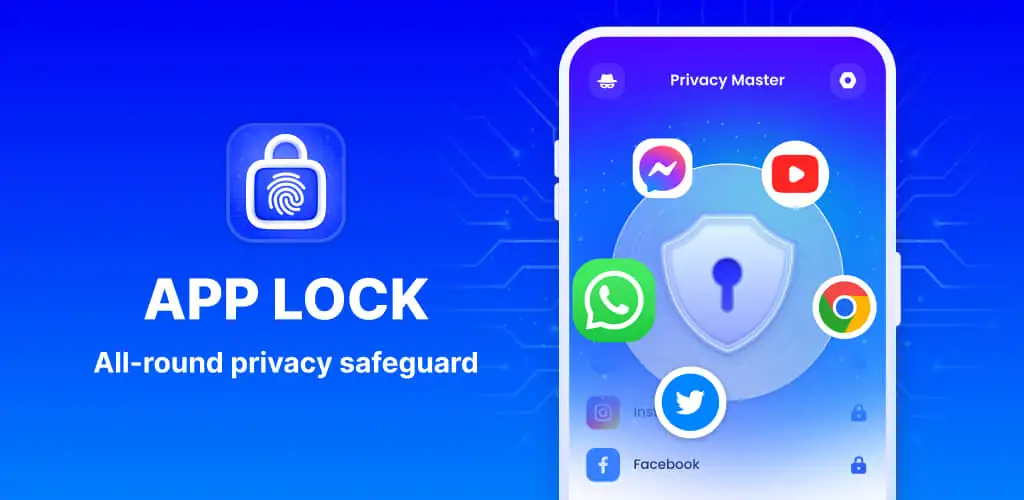
App Lock - Fingerprint Lock provides a robust solution for securing sensitive data and applications on Android devices. Users looking for a comprehensive App Lock – Fingerprint Lock APK will find a suite of privacy tools here, from securing messaging apps to hiding personal media. This utility aims to give you granular control over who accesses your phone's content.
What is App Lock - Fingerprint Lock?
App Lock - Fingerprint Lock functions primarily as an app locker, allowing you to protect any application on your device with a PIN, pattern, or fingerprint. It extends beyond simple app protection, integrating features designed to safeguard your digital footprint from curious eyes. The app secures popular communication platforms like WhatsApp and Messenger, along with system settings and payment apps, ensuring private conversations and financial data remain inaccessible without proper authentication.
Beyond locking individual apps, App Lock - Fingerprint Lock also offers a secure vault for private photos and videos. This means even if someone gains access to your unlocked phone, your most personal media stays hidden. The interface is straightforward, making it easy to select which apps to lock and which files to hide.
Key Features:
- App Locking: Secure any installed application, including social media, banking apps, and system settings, using fingerprint, PIN, or pattern authentication.
- Intruder Camera: Automatically snaps a photo of anyone attempting to unlock your protected apps with an incorrect password, sending alerts to you.
- Hide Notifications: Prevents sensitive notifications from appearing on your lock screen, allowing you to view them only within the App Lock - Fingerprint Lock interface.
- Private File Vault: Creates a secure, password-protected gallery to hide private photos and videos, keeping them separate from your main gallery.
- Icon Disguise: Masks the App Lock - Fingerprint Lock icon as a common utility like a Calculator or Weather app, adding an extra layer of stealth to your privacy measures.
- Junk Files Cleaner: Includes a utility to remove app cache, ad junk, similar photos, and large videos, helping to free up storage space.
Advanced Privacy Controls
App Lock - Fingerprint Lock offers several advanced controls to fine-tune your privacy. The Auto Re-Lock feature lets you set custom timers, allowing temporary access to apps without re-entering a password, then automatically re-securing them. This is a neat trick for quick, trusted access. For those who want to be extra discreet, the Icon Disguise feature is particularly effective, making the app itself virtually invisible on your home screen. It also includes a private web browser for anonymous browsing, ensuring your online activity leaves no trace. A random keyboard option helps prevent shoulder-surfing when entering passwords.
App Lock - Fingerprint Lock vs similar apps
When comparing App Lock - Fingerprint Lock to alternatives like AppLock by DoMobile Lab or Norton App Lock, App Lock - Fingerprint Lock stands out for its integrated junk file cleaner and comprehensive notification hiding. While most app lockers offer core protection and intruder selfies, App Lock - Fingerprint Lock's ability to manage system junk and block sensitive notification previews adds practical utility beyond pure security. If your primary need is robust app locking combined with a desire to keep your phone tidy and notifications private, App Lock - Fingerprint Lock offers a more bundled solution. Users solely focused on brand-name security might lean towards Norton, but App Lock - Fingerprint Lock provides a broader feature set for daily use.
App Lock - Fingerprint Lock is well-suited for users who share their device or simply want to keep their personal data strictly private. It offers a solid suite of tools for digital security, though it does require the "All Files Access" permission to hide private files, which is a significant permission to grant. The app is continuously developed, with cloud backup listed as a "coming soon" feature.



Share your experience with other users.