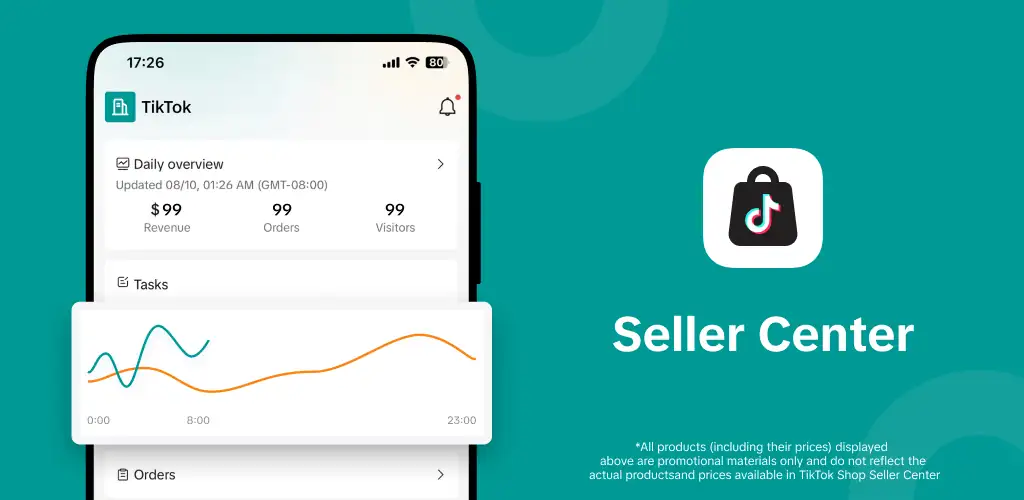
TikTok Shop Seller Center app cover art for Android
TikTok Shop Seller Center Icon

TikTok Shop Seller Center APK for Android

Also known as: com.tiktokshop.seller, Seller Center
51M+
Free
Aug 15, 2026

Run product listings, orders, and TikTok promotions straight from a seller's phone.

Download TikTok Shop Seller Center APK 11.4.1 186MB

What is TikTok Shop Seller Center?

TikTok Shop Seller Center is an e-commerce seller management tool built for businesses that sell through TikTok's app instead of a standalone storefront. It turns the TikTok Shop registration, listing, and fulfillment process into something a seller can run entirely from a phone.

The app covers the full run of a TikTok Shop seller account, starting with store setup and moving through daily operations. Sellers register and configure their shop, then add product listings, fulfill incoming orders, and process returns without switching to a desktop dashboard. Promotional tools sit alongside the order management, so a seller can launch a campaign or set up a discount the same afternoon a product goes live. A built-in chat handles customer questions directly, and a data section shows how listings and campaigns are performing in real time.

Key Features:

  • Order management covers adding products, fulfilling orders, and processing returns from one screen
  • Sellers get a 50% discount on referral fees for the first 30 days after joining
  • TikTok funds free shipping incentives to help new listings compete on price
  • New sellers receive $1,000 in coupons meant to widen a shop's reach
  • A customer chat lets sellers answer buyer questions without leaving the app
  • Real-time data tracks store performance as orders and campaigns run

Setting up a TikTok Shop store

Store setup happens inside the app rather than through a separate seller portal, and TikTok states the registration itself takes minutes. Once the shop is active, product listings, pricing, and stock all get managed from the same interface used for messaging customers. Sellers running promotions can create them alongside regular listings, which keeps campaign management and inventory in one place instead of splitting the workflow across tools. TikTok cites figures showing 70% of users discover new brands on the platform and 3 in 4 are likely to buy while browsing it, numbers the app leans on to justify running a shop where that discovery already happens.

Alternatives to TikTok Shop Seller Center

Shopify is a standalone e-commerce platform that plugs into multiple sales channels, so a merchant already running a Shopify store can add TikTok as one more outlet rather than moving operations over. TikTok Shop Seller Center works the other way around: it exists only for the TikTok ecosystem, with no separate site or checkout to manage. Amazon Seller serves a different audience entirely, built around Amazon's marketplace, fulfillment network, and ad system rather than social discovery.

Small business owners and brands already building an audience on TikTok get the most out of this, since the tools assume traffic is coming from the app itself. Every listing, order, and payout depends on TikTok's platform and its policies, so a seller's business here rises or falls with rules set outside their control.

TikTok Shop Seller Center screenshot 1
TikTok Shop Seller Center screenshot 2

TikTok Shop Seller Center APK Download

What's New in Version 11.4.1

We're frequently updating the app in order to give you the best experience. Turn on auto updates to ensure you have the latest version.

This update includes:
- Bug fixes and minor improvements

Download Link:

System Requirements

OS Version
Android 6.0 (Marshmallow) or higher
Architecture
Varies by file (Which one do I need?)
Disk Space
~250 MB free space required
RAM
2 GB
Internet
Required
Google Services
Required

APK File Details

Package ID com.tiktokshop.seller
Available on Google Play
Developer TikTok Pte. Ltd.
License Free
Monetization Contains Ads  
Content Rating Everyone
Interface Language
English +73

English, Arabic, Bulgarian, Czech, German, Spanish, French, Hindi, Hungarian, Italian, Japanese, Korean, Polish, Portuguese, Romanian, Russian, Thai, Turkish, Ukrainian, Vietnamese, Chinese, + 53 localizations

Required Permissions (22)
  • Internet
  • Camera
  • Access Network State
  • Read External Storage
  • Write External Storage

APK Verification & Virus Scan Results

Scan In Queue Signature Verified Safe & unmodified

Full antivirus scan in queue; report will appear here shortly. Signature matches the official developer release.

Show File Details (SHA-256, SHA-1, MD5)

SHA-1 Signature:

00a584e375b5573c89e1f06f5cf60d0d65ddb632

SHA-256 Hash:

0db0756ca755dc5a87dec39da4119cdaa66e7077ffa9bab6e4c95725e33e82b4

MD5 Checksum:

be1313b7beda0a2e2595db8bc6131313

Frequently Asked Questions

Is TikTok Shop Seller Center safe to download?

Yes, TikTok Shop Seller Center is safe to download. The APK is scanned on every update — no malware or viruses detected. You can verify the full scan report in the Security section above.

How to install XAPK file?

XAPK is a split APK package. Standard Android installer cannot open it directly. Use 'SAI' or 'XAPK Installer' — they handle XAPK files automatically. Download the installer, open the XAPK file with it, and follow the on-screen steps. Read more

What Android version does TikTok Shop Seller Center require?

TikTok Shop Seller Center requires Android 6.0 (API 23) or higher. Optimized for Android 15 (API 35).

Is TikTok Shop Seller Center free?

Yes, it is free to use, but it is ad-supported.

How to update TikTok Shop Seller Center to the latest version?

Download the latest APK from this page and install it over your existing version — no need to uninstall first. Your data and settings will be preserved. We update the file as soon as a new version is released.

What processor architecture does TikTok Shop Seller Center support?

TikTok Shop Seller Center supports arm64-v8a, armeabi-v7a. This build does not support x86/x86_64 processors, so it will not run on most PC emulators. If you are unsure about your device architecture, check the Device Info section on this page.

How to enable installation from unknown sources on Android?

Go to Settings → Security (or Settings → Apps → Special access on Android 8+) and enable "Install unknown apps" for your browser or file manager. On Android 8 and above this setting is per-app, not global. Read more

Found a problem on this page?

User Reviews & Ratings

Global rating (Play Store): 4.28(440.3K)
Site Rating: 5(1)
Rate this app

5.00

12345

1

Share your experience with other users.

Download TikTok Shop Seller Center APK - Latest version

Get the official APK file for your Android device. Fast, safe, and free. Download APK