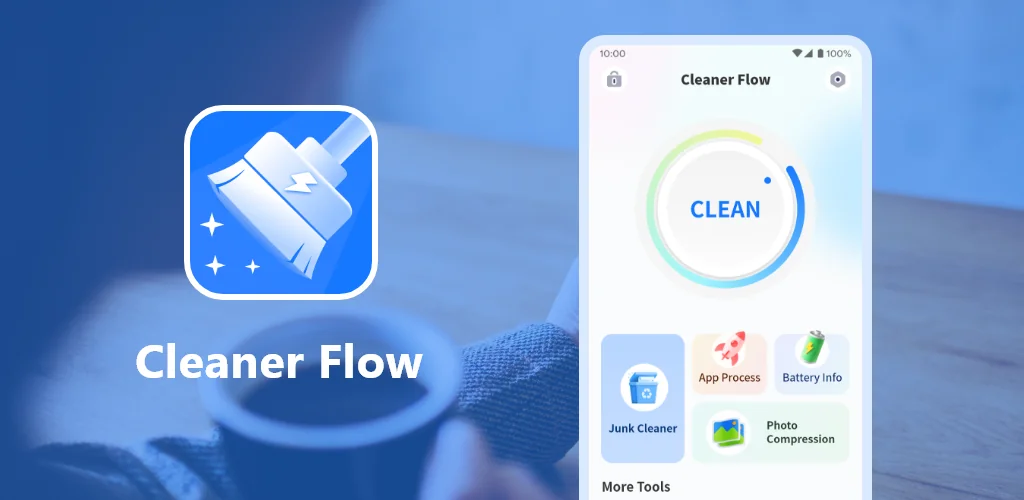

What is Cleaner Flow?
Cleaner Flow is a system optimization tool that strips phone maintenance down to the basics. One scan identifies what can go, one tap clears it, and your storage count ticks back up without digging through settings or figuring out what is safe to delete.
The interface makes this obvious. You open it to a single-action screen that shows battery level, storage status, and a scan button. The junk removal runs through cache files and leftover data, then lists what it found. You confirm the delete and you're done. The app uninstaller lives on a separate tab and flags apps you haven't touched in weeks so you can drop them without hunting through system menus.
Battery monitoring sits at the top of the home screen and taps through to usage breakdowns by app. It won't optimize anything for you, but it shows you where the drain is coming from so you can act on it yourself.
Key Features:
- One-tap scan clears junk files and cache data without manual sorting through folders
- Built-in uninstaller flags rarely-used apps so you can reclaim storage space in one click
- Battery monitor shows current charge and detailed usage stats broken down by app
- Clean interface with no layered menus or settings to configure before it works
- Runs locally with no account required and no sign-in step before first use
Phone storage management without complexity
The whole tool is designed for users who want storage back but don't want to become system administrators to get it. There are no advanced settings, no scheduling options, and no background processes that need explaining. You run it when your phone slows down or when the low-storage warning appears, clear what it flags, and close it until the next time.
The app shows install counts above 15 million with a 4.5-star rating across 79,000 votes, which suggests the stripped-down approach works for people who don't need granular control over what gets deleted.
Other storage cleaner apps
Files by Google uses machine learning to suggest deletions and includes offline file sharing alongside cleanup. CCleaner brings a full optimization suite with advanced app management and performance monitoring tools. Cleaner Flow drops both approaches and focuses entirely on the cleanup itself: scan, review, delete. That makes it faster to use but leaves out the file management and diagnostic tools the other two include.
Cleaner Flow works for users who want phone maintenance to take 30 seconds instead of 10 minutes. It handles the junk removal and app cleanup tasks that reclaim the most space, but it skips the file browser, the duplicate finder, and the background optimizer. The trade is speed for scope, and ads appear throughout the interface to support the free model.




Share your experience with other users.