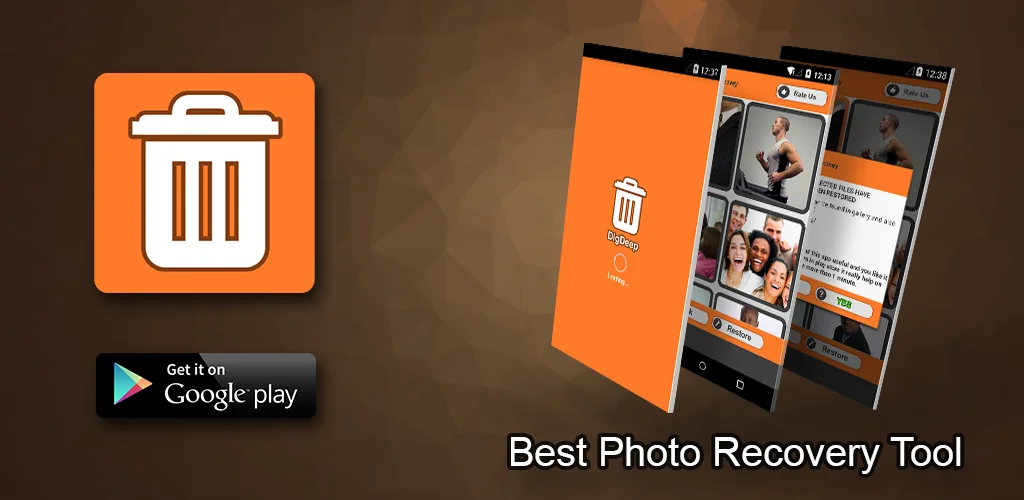

What is DigDeep Image Recovery?
DigDeep Image Recovery APK offers a straightforward solution for retrieving lost photos from your Android device. This dedicated image recovery tool specializes in scanning both internal storage and SD cards to bring back accidentally deleted pictures, even those removed before the app was installed.
What is DigDeep Image Recovery?
DigDeep Image Recovery functions as a deep scanner for your device's memory. When launched, it systematically searches through all accessible folders and files, identifying traces of previously deleted images. It doesn't require root access, making it accessible to a wider range of users who might not want to modify their phone's system. The app then presents its findings in an organized manner, allowing you to browse and select the specific photos you wish to restore to your device's gallery or a designated folder.
Key Features:
- Comprehensive Scan: Actively searches both your phone's internal storage and any inserted SD card for deleted image files.
- No Root Required: Recovers photos without needing elevated system permissions, simplifying the process for most Android users.
- Multiple Image Types: Supports the restoration of common image formats, including JPG, JPEG, and PNG files.
- Pre-Installation Recovery: Capable of finding and restoring images that were deleted even before you installed DigDeep Image Recovery on your device.
- Intuitive Interface: Presents a clean, easy-to-navigate design that guides users through the recovery steps.
How to Recover Deleted Photos
Using DigDeep Image Recovery is a simple, guided process. You just launch the application, and it immediately begins a thorough scan of your device's memory. This initial scan can take a while, depending on your storage size and how many files it needs to sift through. Patience is key here. Once the scan completes, the app displays its findings, typically organized into folders representing their original locations. You can then browse these folders, preview the images, and select the ones you want to recover. After making your selections, a quick tap on the restore button saves them back to your device, often into a new folder or directly into your gallery.
DigDeep Image Recovery vs similar apps
Compared to alternatives like DiskDigger Photo Recovery, DigDeep Image Recovery stands out for its consistent no-root approach to deep scanning. While DiskDigger offers deeper recovery options with root, DigDeep Image Recovery provides a solid, accessible solution for standard users without that complexity. Unlike apps such as Dumpster, which act more like a recycle bin and need to be installed before deletion to save files, DigDeep Image Recovery is designed for post-deletion recovery. It actively hunts for residual data, making it useful even if you're only installing it after realizing a photo is gone.
This app is ideal for anyone who has accidentally wiped precious photos and needs a straightforward, no-fuss recovery tool. Be aware that the initial scan can sometimes be a bit of a grind, taking considerable time on larger storage devices. Also, while effective, no recovery tool guarantees 100% success, especially if the data has been overwritten multiple times.




Share your experience with other users.