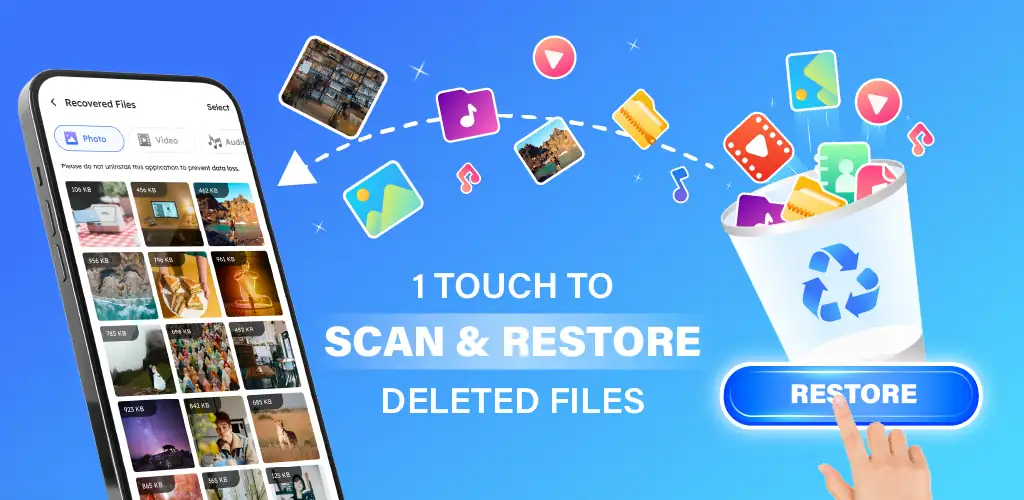

Photo Recovery - File Recovery app cover art for Android
Photo Recovery - File Recovery Icon

Photo Recovery - File Recovery APK for Android

QTStudio Original
3M+
Free
Sep 26, 2026

Restores deleted photos, videos, audio clips, and documents without root access.

Download Photo Recovery - File Recovery APK 1.1.9 33MB

What is Photo Recovery?

Losing important photos or documents from internal storage happens in a single accidental tap. Installing the Photo Recovery - File Recovery gives Android users a quick way to retrieve lost media without needing superuser privileges or a computer connection. The utility searches internal storage sectors to locate deleted files across multiple formats, maintaining original file resolution during the restoration process.

What is Photo Recovery - File Recovery?

Accidentally wiping an entire photo album or erasing an important voice note often feels permanent. That is not always true. This utility operates on a straightforward technical principle: deleted files remain hidden in system storage blocks until fresh user data completely overwrites those exact memory sectors. The software performs two distinct types of storage sweeps to locate lost files. A quick scan rapidly checks recent caches for instantly recoverable items. Meanwhile, a deep scan examines system storage block by block to locate older buried media.

It handles standard gallery files along with compressed documents, PDFs, text logs, audio tracks, and Android package files. You manually select specific items before restoring them. Restored items land directly inside a dedicated target directory, preventing mixed files and keeping junk clutter out of your main photo gallery.

Key Features:

  • Uncompressed Media Retrieval: Restores deleted JPEG, PNG, MP4, and WAV files without lowering resolution or applying extra compression.
  • Root-Free Deep Scanning: Reclaims lost files across internal phone directories without requiring superuser root access on your device.
  • Multi-Format Support: Locates lost documents, PDF files, text logs, voice notes, and installer APK packages alongside standard gallery images.
  • Targeted Storage Management: Isolates recovered files inside a dedicated folder so you can review, export, or permanently erase items safely.

Photo Recovery - File Recovery Scanning and File Recovery

Data loss happens during sudden system crashes, mistaken manual cleans, or failed app updates. Data recovery demands speed. If you continue shooting long high-definition video clips or downloading heavy files right after deleting an important photo, system sectors reassign that specific memory block, rendering full recovery impossible. Filtering scan results by file type lets you salvage critical records without restoring unwanted cached data.

Photo Recovery - File Recovery vs similar apps

DiskDigger requires full device rooting to search beyond cached thumbnails, whereas this application scans unrooted internal storage for broad document types. Trash bin utilities like Dumpster only guard files deleted after installation, but this app searches system storage blocks for items erased prior to downloading the app.

Results vary by phone. This tool works best for users needing to salvage lost media files without complex technical setups. Deep scans take considerable time on high-capacity storage drives and frequently surface thousands of leftover app thumbnails right alongside your lost full-resolution images.

Photo Recovery - File Recovery screenshot 1
Photo Recovery - File Recovery screenshot 2
Photo Recovery - File Recovery screenshot 3
Photo Recovery - File Recovery screenshot 4
Photo Recovery - File Recovery screenshot 5

Photo Recovery APK Download

What's New in Version 1.1.9

No official changelog provided for Photo Recovery - File Recovery version 1.1.9. This update likely includes general stability improvements and bug fixes.

Download Link:

System Requirements

OS Version
Android 7.0 (Nougat) or higher
Architecture
Varies by file (Which one do I need?)
Disk Space
~40 MB free space required
RAM
1 GB
Internet
Not required
Google Services
Required   GMS dependent

APK File Details

Package ID com.deletedphotorecovery.restoredata.filerecovery
Available on Google Play
Developer QTStudio
License Free
Monetization Contains Ads   In-App Purchases
Content Rating Everyone
Interface Language
English +78

English, Arabic, Bulgarian, Czech, German, Spanish, French, Hindi, Hungarian, Indonesian, Italian, Japanese, Korean, Polish, Portuguese, Romanian, Russian, Thai, Turkish, Ukrainian, Vietnamese, Chinese, + 57 localizations

Required Permissions (22)
  • Requires Google Play Services to launch:
    Note: This is an original file. Unlike modded versions with no verification, it validates via your store account. Details
  • Internet
  • Access Network State
  • Read External Storage
  • Write External Storage
  • Wake Lock

APK Verification & Virus Scan Results

Scan In Queue Signature Verified Safe & unmodified

Full antivirus scan in queue; report will appear here shortly. Signature matches the official developer release.

Show File Details (SHA-256, SHA-1, MD5)

SHA-1 Signature:

fc84fc7a7db720fab316ef29427e6a1f517d4bda

SHA-256 Hash:

49b02507fe858b52b3f2226089bd2cd69f5bf827873c6603521614f3852e606f

MD5 Checksum:

381c285d580db421c8b1a8dc4cdb8cf4

Frequently Asked Questions

Is Photo Recovery safe to download?

Photo Recovery has passed a basic integrity check. A full antivirus scan is pending. You can check the current scan status in the Security section above.

How to install XAPK file?

XAPK is a split APK package. Standard Android installer cannot open it directly. Use 'SAI' or 'XAPK Installer' — they handle XAPK files automatically. Download the installer, open the XAPK file with it, and follow the on-screen steps. Read more

What Android version does Photo Recovery require?

Photo Recovery requires Android 7.0 (API 24) or higher. Optimized for Android 16 (API 36).

Is Photo Recovery free?

Yes, it is free to download and use, but it contains ads and offers in-app purchases.

Does Photo Recovery require a license check?

Yes, this app performs a license check. You may need to have the Google Play Store installed and be logged in to verify the license.

How to update Photo Recovery to the latest version?

Download the latest APK from this page and install it over your existing version — no need to uninstall first. Your data and settings will be preserved. We update the file as soon as a new version is released.

Does Photo Recovery require Root access?

No root is required for basic use. Photo Recovery works on standard Android for CPU info, RAM, battery, sensors, and network stats. Root unlocks a small set of advanced system parameters that Android restricts by default.

Found a problem on this page?

User Reviews & Ratings

Global rating (Play Store): 4.43★ (552)
Site Rating: 5★ (1)
Rate this app

5.00

12345

1

Share your experience with other users.

Download Photo Recovery APK - Latest version

Get the official APK file for your Android device. Fast, safe, and free. Download APK