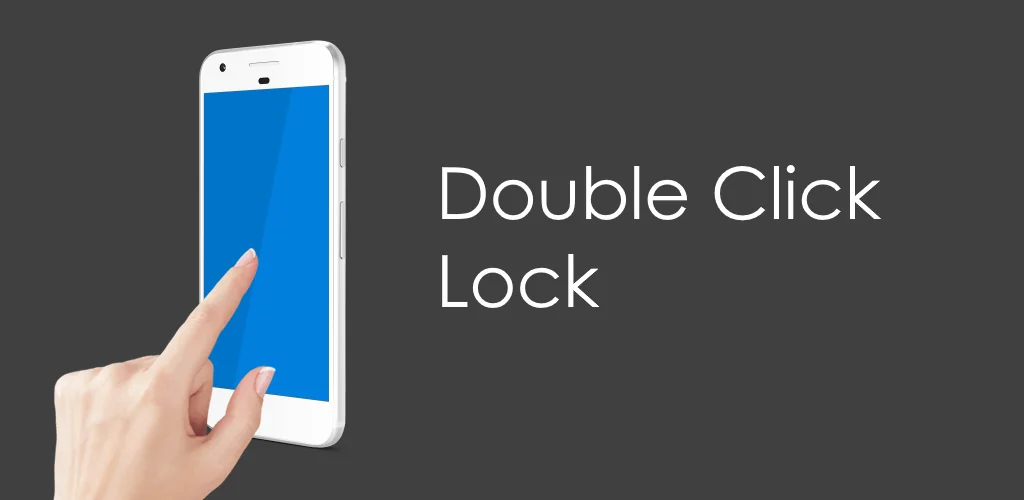

Double Click Lock app cover art for Android
Double Click Lock Icon

Double Click Lock APK for Android

- Double Tap
2M+
Free
Aug 3, 2025

Lock your screen with two quick taps from your homescreen

Download Double Click Lock APK 10.9 17MB

What is Double Click Lock?

Well, what if you could add that exact feature to your phone in about 30 seconds? Meet Double Click Lock - Double Tap, a wonderfully simple solution that does one thing and does it perfectly.  Once it’s there, a quick double-tap on it instantly locks your device. It’s a fantastic way to give your physical power button a rest!

Here’s what makes it great:

  • Modern Convenience: Brings the popular double-tap-to-lock function to any Android device.
  • Feather-Light: It’s just a widget, meaning it takes up almost no space and uses no resources.
  • Battery Friendly: You won’t even notice it’s there. It has zero impact on your battery life.
  • Super Simple: Just add the widget to your homescreen and you’re ready to go.

Now, a quick heads-up about security. On some phones, an Android security rule means that after locking with the widget, you might need to use your PIN or pattern instead of your fingerprint or face to unlock it. This doesn’t happen on every device, so it’s best to try it and see how your phone behaves.

To work its magic, the app needs “Device Administrator” permission. Think of this as giving it the key to lock your screen. Because of this special permission, if you ever want to uninstall it, you just have to turn that permission off first in your phone’s settings.
Also known as: Double Click Lock - Double Tap
Video of Double Click Lock
Screenshot Double Click Lock 1
Screenshot Double Click Lock 2
Screenshot Double Click Lock 3
Screenshot Double Click Lock 4
Screenshot Double Click Lock 5
Screenshot Double Click Lock 6
Screenshot Double Click Lock 7
Screenshot Double Click Lock 8

Download Double Click Lock - Double Tap APK for Android

What's New in Version 10.9

- minor fixes and optimizations

Available Files

System Requirements

OS Version
Android 5.0 (Lollipop) or higher
Architecture
Varies by file (Which one do I need?)
Disk Space
~30 MB free space required
RAM
1 GB
Internet
Not required
Google Services
Required
Permissions (10)
  • Internet
  • Access Network State
  • Wake Lock
  • In-app billing
  • Android.gms.permission.ad Id

APK File Details

Package ID com.radefffactory.doublelock
Available on Google Play
Developer RADEFFFACTORY
License Free
Monetization Contains Ads   In-App Purchases
Content Rating Everyone
Interface Language
English +1

English, French

APK Verification & Virus Scan Results

Scan In Queue Signature Verified Safe & Original

Antivirus scan in queue, will be scanned soon. This APK is free of malware and its signature matches the official developer release.

Show File Details (SHA-256, SHA-1, MD5)

SHA-1 Signature:

8f857fc99fb77f44064a9583131bb64f61a1fa6f

SHA-256 Hash:

4aceea47256ec0281c7d0382f87157b8b6c08181615477f9c6b52f53f7f68454

MD5 Checksum:

3d835dd3c1607354b711155256cd548b

Frequently Asked Questions

Is Double Click Lock safe to download?

Double Click Lock has passed a basic integrity check. A full antivirus scan is pending. You can check the current scan status in the Security section above.

How to install XAPK file?

XAPK is a split APK package. Standard Android installer cannot open it directly. Use 'SAI' or 'XAPK Installer' — they handle XAPK files automatically. Download the installer, open the XAPK file with it, and follow the on-screen steps. Read more

What Android version does Double Click Lock require?

Double Click Lock requires Android 5.0 (API 21) or higher. Optimized for Android 15 (API 35).

Is Double Click Lock free?

Yes, it is free to download and use, but it contains ads and offers in-app purchases.

How to update Double Click Lock to the latest version?

Download the latest APK from this page and install it over your existing version — no need to uninstall first. Your data and settings will be preserved. We update the file as soon as a new version is released.

Does Double Click Lock require Root access?

No root is required for basic use. Double Click Lock works on standard Android for CPU info, RAM, battery, sensors, and network stats. Root unlocks a small set of advanced system parameters that Android restricts by default.

What processor architecture does Double Click Lock support?

Double Click Lock supports universal. If you are unsure about your device architecture, check the Device Info section on this page.

If you have found any issue or are having difficulty with this page, please .

User Reviews & Ratings

Global rating(Play Store): 3(3.8K)
Site Rating: 4(1)
Rate this app

4.00

12345

1

Share your experience with other users.