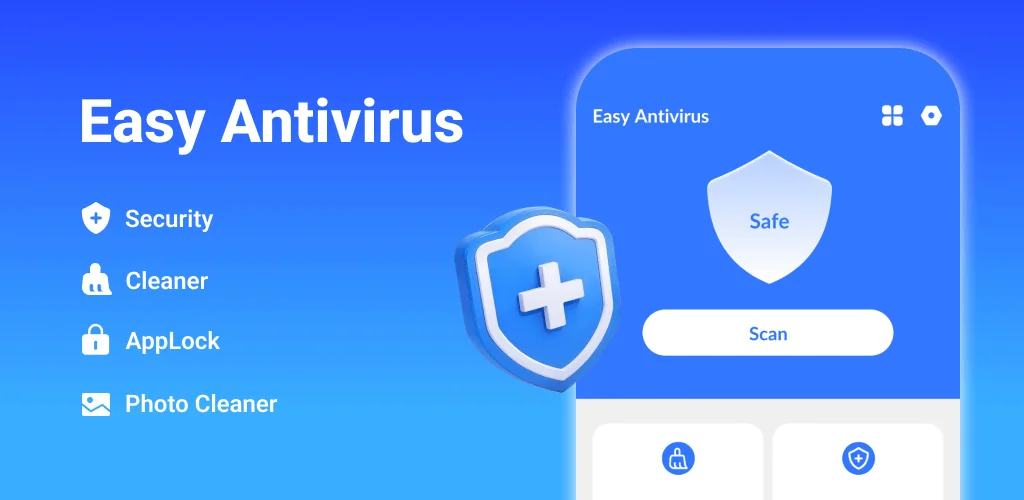

What is Easy Antivirus?
Keeping your Android device secure and optimized often feels like a constant battle against digital clutter. The Easy Antivirus - clean virus APK offers a consolidated solution, aiming to protect your phone from threats while also reclaiming valuable storage space. This utility app combines antivirus capabilities with a suite of cleaning and management tools.
What is Easy Antivirus - clean virus?
Easy Antivirus - clean virus functions as an all-in-one utility designed to maintain your phone's health. Its core purpose is to scan for and eliminate various forms of malicious software, including malware, spyware, and Trojans, helping to secure your device against digital threats. Beyond security, the app also tackles performance issues by identifying and clearing out unnecessary files that accumulate over time. This includes temporary data, residual files left by uninstalled apps, and other digital debris that can slow down your phone.
The app’s cleaning process is straightforward. It performs a deep scan of your device’s storage, pinpointing files that no longer serve a purpose. Once identified, you can review and remove these items, freeing up space and potentially improving overall system responsiveness. It's a practical approach to keeping your phone running smoothly without needing multiple specialized applications.
Key Features:
- Antivirus: Scans your phone for malware, spyware, and Trojans, then removes detected threats to enhance device security.
- Junk Clean: Identifies and clears out unnecessary junk files and residual data, helping to free up storage space.
- Files Cleaner: Locates and removes duplicate files, large videos, and other big files that consume significant storage.
- Similar Photos Clean: Scans your gallery to find and delete duplicate or near-identical images, decluttering your photo collection.
- AppLock: Secures specific applications with a digital PIN or pattern password, adding a layer of privacy.
- App Manager: Provides an overview of installed applications, highlighting those that consume excessive storage, making it easier to manage your app library.
Practical Phone Management with Easy Antivirus - clean virus
Beyond its security functions, Easy Antivirus - clean virus provides several practical tools for day-to-day phone maintenance. If your device feels sluggish or you're constantly running low on storage, the Files Cleaner and Similar Photos Clean features come in handy. These tools dig deep to find duplicate documents, large video files you might have forgotten about, or multiple copies of the same photo. Clearing these out can quickly reclaim gigabytes of space.
The App Manager helps you identify which applications are the biggest storage hogs. This insight allows you to make informed decisions about uninstalling rarely used apps or clearing their cache. Furthermore, the Network Data feature offers a clear view of which apps are consuming the most mobile data. This can be crucial for staying within your data plan limits and identifying any apps that might be secretly eating storage or bandwidth in the background.
Easy Antivirus - clean virus vs similar apps
When comparing Easy Antivirus - clean virus to alternatives, its strength lies in its integrated approach. Apps like Avast Mobile Security offer robust antivirus protection, often with more advanced security features. Dedicated cleaners like CCleaner or Files by Google excel at junk removal and file management. Easy Antivirus - clean virus carves out its niche by bundling core antivirus capabilities with a comprehensive suite of cleaning and management tools into a single application. If you prefer a single utility that handles both security and optimization tasks without installing multiple apps, Easy Antivirus - clean virus presents a compelling option.
For users seeking a straightforward, multi-purpose utility to keep their Android phone secure and tidy, Easy Antivirus - clean virus offers a convenient package. It consolidates several essential maintenance functions into one place, simplifying phone management. While it aims to be a jack-of-all-trades, users might encounter advertisements, a common trade-off for free utility apps.




Share your experience with other users.