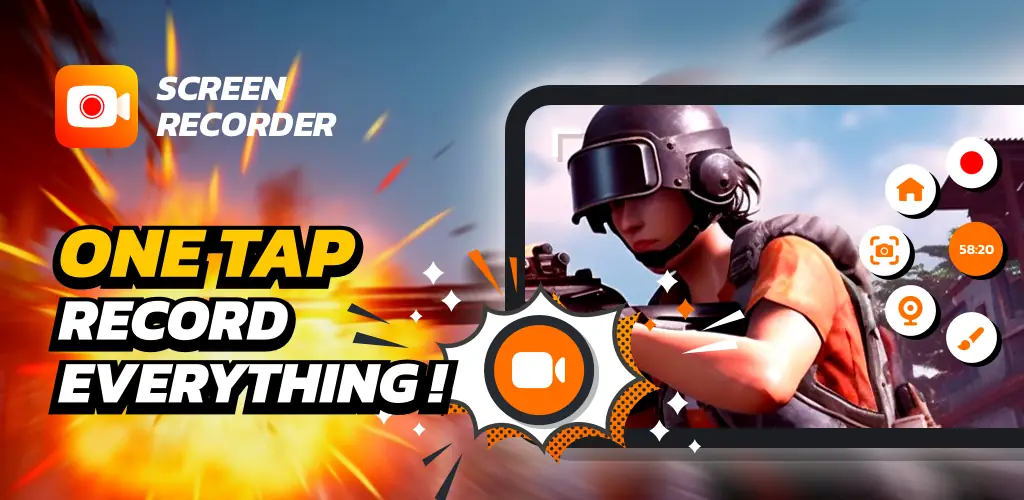
Screen Recorder app cover art for Android
Screen Recorder Icon

Screen Recorder APK for Android

- Video Recorder
96M+
Free
Oct 13, 2025

Record, edit, and share your screen in crystal-clear HD — no watermark, no limits.

Download Screen Recorder APK 1.5.4.0 46MB

What is Screen Recorder?

Ever watched a gaming video or a helpful tutorial and thought, “Hey, I could do that”? Well, now you can! Turning your Android phone or tablet into a recording studio is easier than ever. Meet Screen Recorder Video Recorder, your all-in-one tool for capturing what’s happening on your screen and turning it into awesome video content.

This isn’t just a basic screen recorder; it’s a pocket-sized video maker. You can capture your screen in beautiful Full HD (that’s 1080p for the tech-savvy), ensuring every detail of your epic gaming win or detailed tutorial is crystal clear. Plus, with support for up to 120 frames per second (FPS), your recordings will be incredibly smooth. Worried about sound? Don’t be. The app lets you record audio from your device’s microphone or directly from the internal sound of a game or app.

What really makes this app shine are the creator-focused features. The handy floating ball control lets you start, stop, and pause your recording with a single tap, without cluttering your screen. Want to add a personal touch? Use the Facecam feature to include your own reactions in a small window, perfect for engaging with your audience. You can even draw on the screen as you record to highlight important points in real-time.

Once you’ve captured your masterpiece, the built-in editor lets you trim, crop, and polish your video. No need for a separate app! And when you’re done, you can even convert your best moments into animated GIFs. Best of all, there are no annoying watermarks or time limits to hold you back.

Stop just watching and start creating! Download Screen Recorder today and discover how easy it is to share your story, skills, and memorable moments with the world.

Also known as: Screen Recorder Video Recorder
Screenshot Screen Recorder 1
Screenshot Screen Recorder 2
Screenshot Screen Recorder 3
Screenshot Screen Recorder 4
Screenshot Screen Recorder 5
Screenshot Screen Recorder 6
Screenshot Screen Recorder 7
Screenshot Screen Recorder 8

Download Screen Recorder Video Recorder APK for Android

What's New in Version 1.5.4.0

🌟 NEW
✏️ Add text to Edit Video & Merge Video.
🎨 Custom font styles for your text overlays.

Available Files

System Requirements

OS Version
Android 6.0 (Marshmallow) or higher
Architecture
Varies by file (Which one do I need?)
Disk Space
~60 MB free space required
RAM
1 GB
Internet
Not required
Google Services
Required
Permissions (35)
  • Internet
  • Record Audio
  • Camera
  • Access Network State
  • Read External Storage

APK File Details

Package ID recorder.screenrecorder.videoeditor
Available on Google Play
Developer Video Player & Cast to TV
License Free
Monetization Contains Ads   In-App Purchases
Content Rating Everyone

APK Verification & Virus Scan Results

Scan In Queue Signature Verified Safe & Original

Antivirus scan in queue, will be scanned soon. This APK is free of malware and its signature matches the official developer release.

Show File Details (SHA-256, SHA-1, MD5)

SHA-1 Signature:

b0af40b896ff2b96b23f5c0060623676e0034dd8

SHA-256 Hash:

27c0c63b81f9230fb9f6dcdcfb08d7030b83230f037df5b3cf953dcea76789e2

MD5 Checksum:

5738c0d72c970ec59d004d8c5e62273d

Frequently Asked Questions

Is Screen Recorder safe to download?

Screen Recorder has passed a basic integrity check. A full antivirus scan is pending. You can check the current scan status in the Security section above.

How to install XAPK file?

XAPK is a split APK package. Standard Android installer cannot open it directly. Use 'SAI' or 'XAPK Installer' — they handle XAPK files automatically. Download the installer, open the XAPK file with it, and follow the on-screen steps. Read more

What Android version does Screen Recorder require?

Screen Recorder requires Android 6.0 (API 23) or higher. Optimized for Android 15 (API 35).

Is Screen Recorder free?

Yes, it is free to download and use, but it contains ads and offers in-app purchases.

How to update Screen Recorder to the latest version?

Download the latest APK from this page and install it over your existing version — no need to uninstall first. Your data and settings will be preserved. We update the file as soon as a new version is released.

Does Screen Recorder require Root access?

No root is required for basic use. Screen Recorder works on standard Android for CPU info, RAM, battery, sensors, and network stats. Root unlocks a small set of advanced system parameters that Android restricts by default.

What processor architecture does Screen Recorder support?

Screen Recorder supports arm64-v8a. This build does not support x86/x86_64 processors, so it will not run on most PC emulators. If you are unsure about your device architecture, check the Device Info section on this page.

If you have found any issue or are having difficulty with this page, please .

User Reviews & Ratings

Global rating(Play Store): 4.49(560.7K)
Site Rating: 5(1)
Rate this app

5.00

12345

1

Share your experience with other users.