What is Smart Remote?
There’s nothing quite like the frantic search for a lost TV remote when your favorite show is about to start. That familiar frustration led me to try Smart Remote - Easy TV Control, and my first impression was immediate relief.
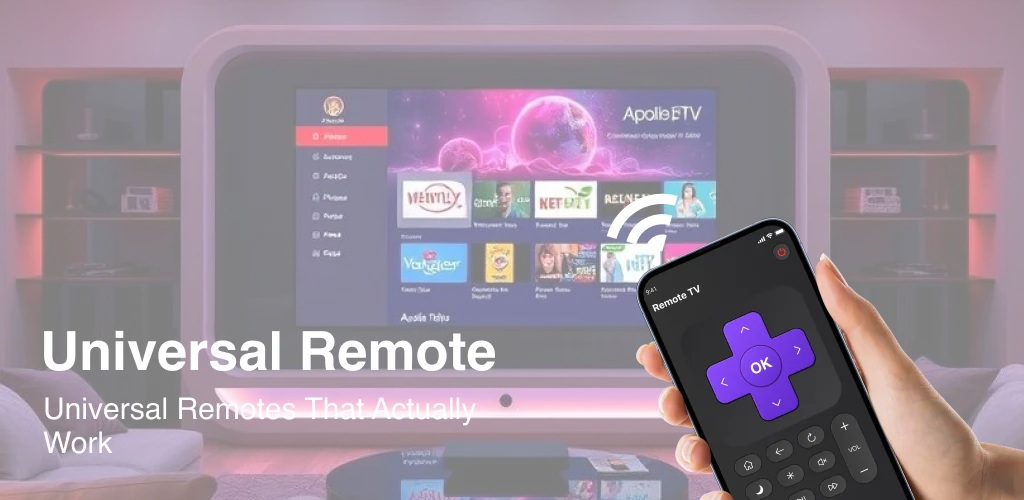
Connecting my phone to the smart TV via Wi-Fi was surprisingly quick. I expected a complicated setup, but it just worked. Suddenly, my phone transformed into a fully functional smart TV control, right in my hand. No more fumbling with dead batteries or digging through couch cushions.
This app isn’t just a basic on/off switch. It replicates all the functions of a physical remote. Adjusting volume, navigating menus, and even launching specific channels felt incredibly intuitive. Is your old remote always disappearing? Unlike generic alternatives that often offer limited functions, Smart Remote - Easy TV Control provides comprehensive control, letting you browse content and switch inputs with ease. It’s a genuine upgrade, making TV interaction smoother and more convenient. The UI is clean, making it simple for anyone to pick up and use.
Key Features
- Essential TV Management:
- Power On/Off: Instantly turn your smart TV on or off.
- Volume Control: Adjust audio levels precisely from your device.
- Content & Navigation:
- Channel Launcher: Quickly open your favorite streaming apps and channels.
- Content Browsing: Navigate menus and explore media libraries with ease.
If you’re tired of remote hassles, give Smart Remote - Easy TV Control a try. It’s a practical solution that brings smart TV control right to your phone. Download it now and reclaim your couch potato peace.



Share your experience with other users.