What is TV Remote: Roku Remote Control?
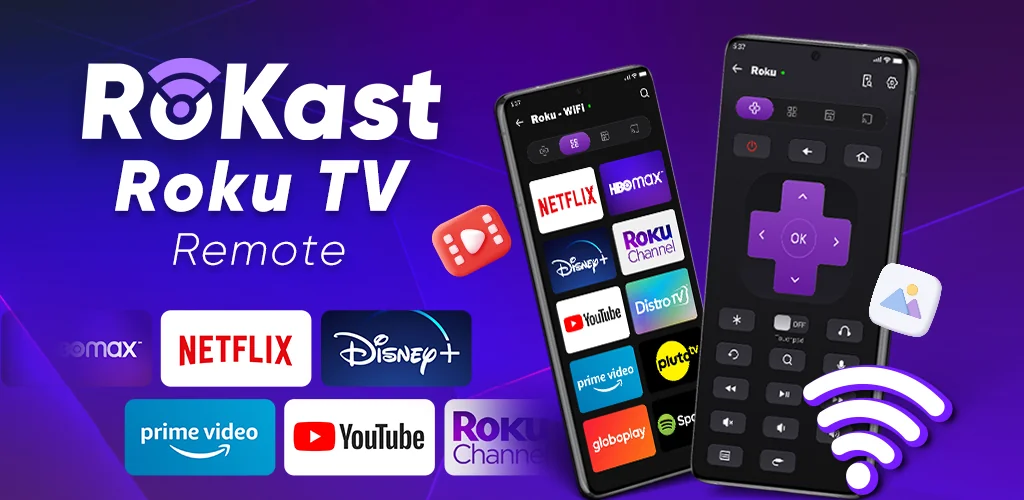
Tired of juggling multiple remotes or constantly searching for the one that went missing? Imagine having complete control over your Roku TV or streaming player right from your Android phone or tablet! Say hello to TV Remote: Roku Remote Control, the free app designed to transform your mobile device into the ultimate Roku command center.
This isn’t just a basic remote; it’s a powerhouse of features packed into your pocket. With TV Remote: Roku Remote Control, you get all the essentials: power your TV on and off, adjust the volume, and navigate menus with ease. But it goes further! Glide through options using a smooth touchpad, or type out searches and passwords quickly with a full keyboard – no more frustrating on-screen letter hunting!
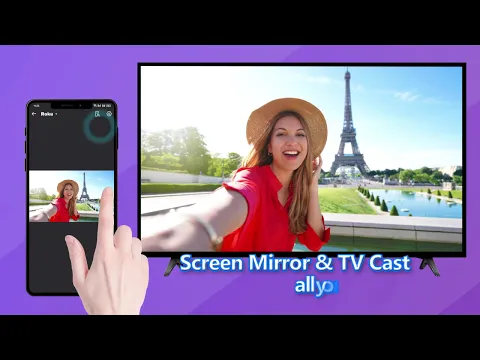
Want to explore new entertainment? Dive into the Roku Channel Store directly from the app. Browse, install, and launch popular services like Netflix, YouTube, Disney+, Plex, and many more, or quickly access your favorite local channels. Plus, TV Remote: Roku Remote Control brings some seriously cool extras to the table. Ever wanted to watch a movie without disturbing anyone? Try the Private Listening feature! Or maybe you want to share content from your phone? Screen Mirroring and TV Cast have got you covered.
Whether your Roku device is a TCL, Philips, Hisense, Sharp, or any other Roku-enabled TV or streaming player, TV Remote: Roku Remote Control is ready to connect. It works seamlessly in two ways:
- Wi-Fi Mode: Just make sure your Android device and Roku are on the same Wi-Fi network. Simple!
- IR Mode: If your Android phone has a built-in infrared (IR) blaster (a tiny light that sends signals, just like a traditional remote), you can control your TV even without Wi-Fi!
While TV Remote: Roku Remote Control is an independent creation and not an official Roku product, it’s built to deliver a premium, hassle-free control experience. Ready to simplify your entertainment and unlock a new level of convenience? Download TV Remote: Roku Remote Control for your Android device today and take command of your Roku like never before!



Share your experience with other users.