What is DIY Boba: Bubble Tea Simulator?
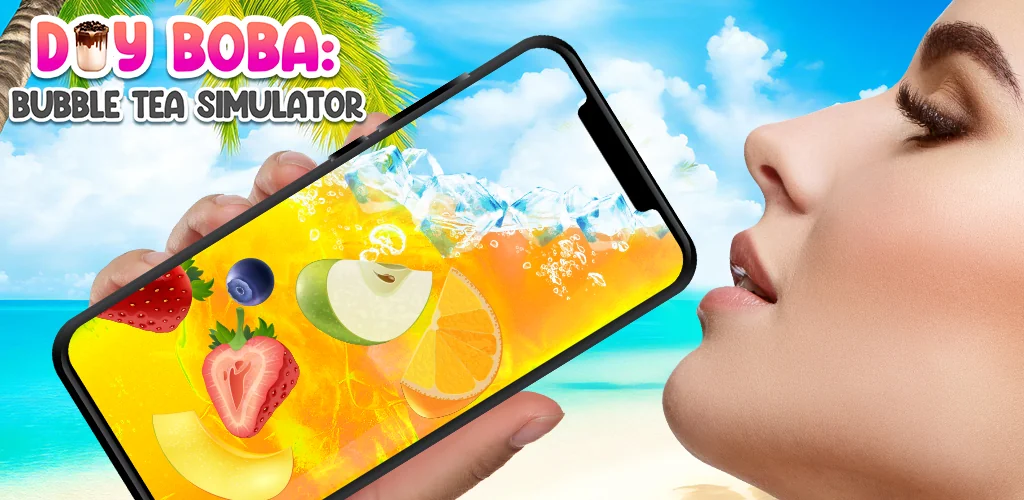
DIY Boba: Bubble Tea Simulator lets you craft virtual bubble tea on your phone.
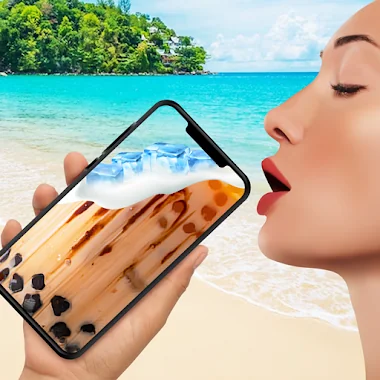
Imagine craving a custom bubble tea, but the nearest shop is closed. Or perhaps you want to experiment with wild flavor combinations without wasting ingredients. This simulation game steps in, transforming your device into a personal boba bar. I found myself spending surprising amounts of time layering vibrant pearls, fresh fruits, and creamy whipped toppings. The physics are surprisingly engaging; you see mesmerizing water ripples as ice cubes drop, and hear satisfying sloshing sounds as you “drink” your creation. It’s more than just tapping buttons; it feels like genuine mixing. Ever wondered what a mango-strawberry-coffee boba would taste like? Now you can find out.
Controls are intuitive, mostly drag-and-drop, making it easy to experiment with different ingredients. The app offers a wide array of toppings, from classic tapioca pearls to quirky jelly bears. Mixing colors creates unexpected visual shifts, adding a layer of discovery to each drink. You can even shake your phone when the glass is “empty” for a final playful touch. Once your masterpiece is ready, sharing a screenshot with friends is simple, sparking curiosity about your latest concoction.
Here’s what you get:
- Realistic Drink Physics: Experience captivating sounds and mesmerizing water ripples as you add ice and toppings.
- Extensive Topping Bar: Choose from jelly bears, fresh fruits, classic pearls, and fruit pearls for endless customization.
- Color Blending Magic: Watch milk tea colors combine and transform, creating unique visual effects.
- Virtual Drink Variety: Craft not just bubble tea, but also milkshakes and simulated juices directly on your device.
If you enjoy casual simulation games or have a soft spot for custom beverages, DIY Boba: Bubble Tea Simulator offers a delightful diversion. Why just imagine your perfect boba when you can virtually craft and “drink” it anytime? Don’t miss out on becoming your own digital barista.




Share your experience with other users.