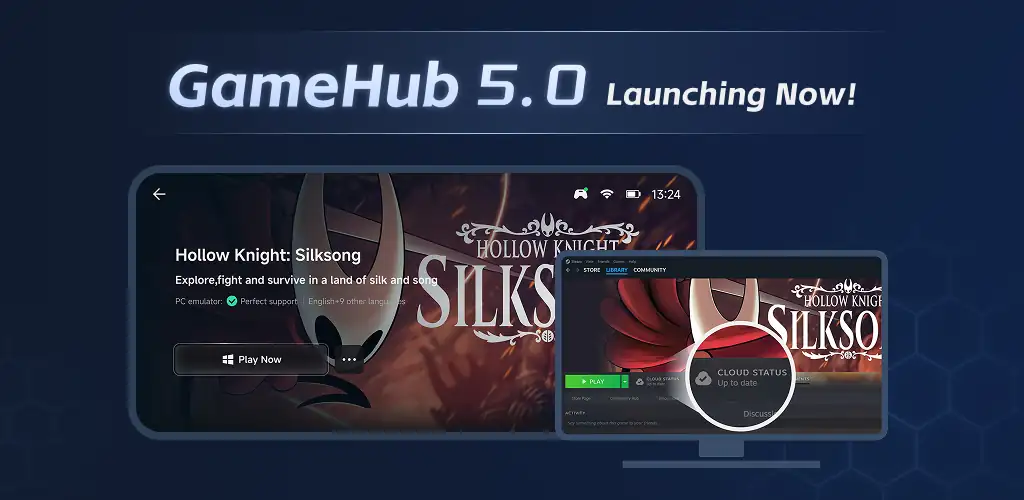

GameHub app cover art for Android
5M+
Free
Aug 8, 2026

One launcher for PC emulation, cloud servers, and home PC game streaming on mobile

Download GameHub APK 5.3.7.02 179MB

What is GameHub?

GameHub is a game streaming and emulation hub that pulls PC emulators, cloud gaming, and personal game streaming into one app, so you don't need three separate tools to play the same library on a phone or tablet.

The app works as a launcher rather than a single engine. Pick an emulator profile to run PC titles locally, connect to a cloud gaming service to stream high-end games off remote hardware, or link a home PC and pull your own installed library over to the handset. Each path needs different resources: local emulation leans on the phone's own chip, cloud gaming leans on the server, and personal streaming leans on the PC doing the actual rendering. Input switches to match whatever you're running, a wired or Bluetooth controller for console-style games, or a touch overlay laid over the screen when the title has no gamepad support at all.

Key Features:

  • Runs PC emulators directly on the device without a separate emulator app
  • Streams from cloud gaming servers so the phone's own hardware isn't the bottleneck
  • Pulls a personal library over with game streaming from a home PC
  • Reads input from a paired controller for a console-like feel
  • Lays down a customizable touch control overlay for games without native gamepad support

Switching between PC emulators, cloud gaming, and streaming

Three modes sit inside one interface, and which one makes sense depends on what's on hand. PC emulators suit anyone with a capable phone and no interest in a monthly server bill. Cloud gaming skips the local horsepower question entirely, since the demanding work happens elsewhere, but it asks for a steady connection in return. Game streaming is the odd one out: it needs a PC already running and turned on, and it's really remote play more than emulation. GameHub doesn't merge these into a single mode, it just keeps all three reachable from the same home screen instead of forcing a separate app for each.

Games like GameHub

Steam Link covers only the third case here, streaming a Steam library from PC to phone, with none of the built-in emulator or cloud-server options GameHub bundles in. Moonlight does something similar but through NVIDIA's GameStream protocol, which means the host PC needs an NVIDIA GPU for the low-latency link to work at all. Anyone who already owns a gaming PC with the right graphics card might prefer Moonlight's more specialized pipeline; anyone without one, or without a PC at all, gets more mileage from the all-in-one approach here.

GameHub fits players who want PC-level games on a handheld without settling on one delivery method ahead of time. Every mode inside it, emulation, cloud streaming, and PC remote play, depends on either a strong internet connection or a capable host machine, so performance tracks the network and the hardware behind it rather than the app itself.

GameHub screenshot 1
GameHub screenshot 2
GameHub screenshot 3

GameHub APK Download

What's New in Version 5.3.7.02

Steam Enhanced – Faster launches, updated library, and account sidebar.
New Interface – “My” page with quick-access recent games.
Better Search – Includes history and trending suggestions.
Playtime Stats – View and share in GameHub.
Cross-Device Login – One account, multiple devices.
Emulator Tuned – Customizable controller sensitivity.
Bug Fixes – Fixed HUD display and text deletion issues.

System Requirements

OS Version
Android 10 (Q) or higher
Architecture
Varies by file (Which one do I need?)
Disk Space
~300 MB free space required
RAM
2 GB
Internet
Not required

APK File Details

Package ID com.xiaoji.egggame
Available on Google Play
Developer Guangzhou Chicken Run Network Technology Co.,Ltd.
License Free ( No Ads)
Content Rating Everyone
Interface Language
English +74

English, Japanese, German, Bulgarian, Thai, Hindi, Vietnamese, Ukrainian, Polish, Korean, Romanian, Arabic, French, Turkish, Czech, Spanish, Italian, Portuguese, Hungarian, Russian, Chinese, + 54 localizations

Required Permissions (55)
  • Internet
  • Record Audio
  • Camera
  • Access Network State
  • Read External Storage

APK Verification & Virus Scan Results

No Virus Signature Verified Safe & unmodified

Virus scan: Verified safe (0/64) View report. This APK is free of malware and its signature matches the official developer release.

Show File Details (SHA-256, SHA-1, MD5)

SHA-1 Signature:

1e3bdf63b4695a612a12280076dcccebd4194f15

SHA-256 Hash:

7a0485d5a661279a3233ee1a0cb7f7901001dba9f9824994ba9dbb39eaa689e1

MD5 Checksum:

ce6c63bda3aa088c65d2d6dc4696fd82

Frequently Asked Questions

Is GameHub safe to download?

Yes, GameHub is safe to download. The APK is scanned on every update — no malware or viruses detected. You can verify the full scan report in the Security section above.

How to install GameHub APK on Android?

Download the APK using the button above. Then open the file and tap Install. If prompted, enable "Install from unknown sources" in Settings → Security. The process takes under a minute. Read more

What Android version does GameHub require?

GameHub requires Android 10 (API 29) or higher. Optimized for Android 15 (API 35).

Is GameHub free?

Yes, this app is completely free to download and use.

How to update GameHub to the latest version?

Download the latest APK from this page and install it over your existing version — no need to uninstall first. Your data and settings will be preserved. We update the file as soon as a new version is released.

What processor architecture does GameHub support?

GameHub supports arm64-v8a. This build does not support x86/x86_64 processors, so it will not run on most PC emulators. If you are unsure about your device architecture, check the Device Info section on this page.

How to enable installation from unknown sources on Android?

Go to Settings → Security (or Settings → Apps → Special access on Android 8+) and enable "Install unknown apps" for your browser or file manager. On Android 8 and above this setting is per-app, not global. Read more

Found a problem on this page?

User Reviews & Ratings

Global rating (Play Store): 2.98(13.1K)
Site Rating: 5(1)
Rate this app

5.00

12345

1

Share your experience with other users.

Download GameHub APK - Latest version

Get the official APK file for your Android device. Fast, safe, and free. Download APK