What is Piclux: AI Photo Studio?
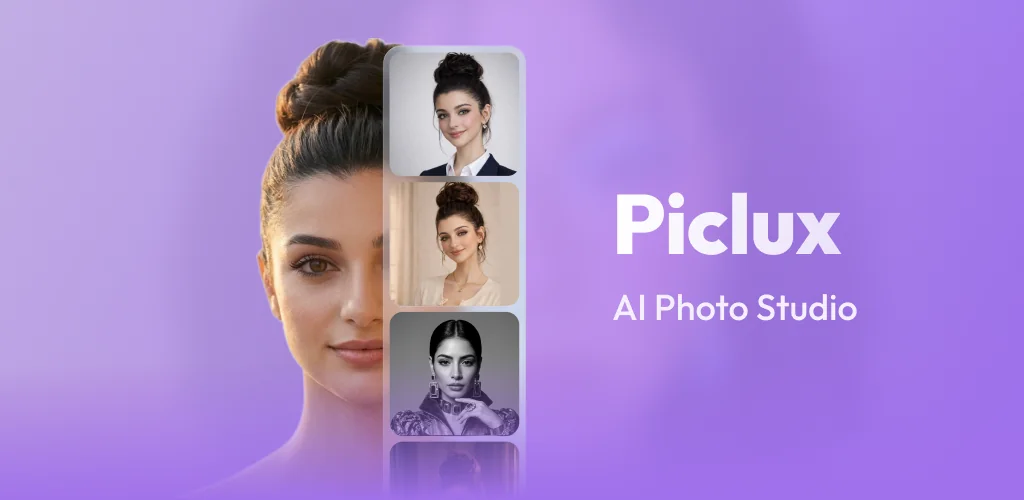
Need a professional headshot but don't want to book a photographer? AI photo and video editors like Piclux: AI Photo Studio turn casual selfies into polished portraits and animated clips using style transfer and motion generation.
You upload a photo, pick a look from the style library, and the app generates a new version in seconds. Want corporate polish? A fashion editorial vibe? Different hair or outfit? The processing happens fast enough that you can try multiple directions before settling on one. The video mode takes the same approach but adds motion, turning a still portrait into a short animated clip with movement and expression shifts.
The highlights:
- Generates studio-grade headshots from selfies without manual retouching or lighting adjustments
- Converts static images into motion video clips with animated expressions and camera movement
- Lets you swap hairstyles, makeup, and outfits through AI wardrobe transformations
- Returns results in seconds, so you can iterate on styles without waiting through render queues
AI headshot and style options
The headshot generator offers corporate, editorial, and creative portrait styles. You choose the direction that matches your profile need, whether that's LinkedIn, Instagram, or a personal site. The style swap covers hair, makeup, and clothing changes without requiring you to pose again or own the actual wardrobe. Results vary depending on input photo quality and lighting, but the tool handles most casual selfies without issue.
Other AI photo editors
Where Remini focuses on photo enhancement and restoration alongside AI headshots, Piclux: AI Photo Studio leans harder into style experimentation and video generation. Lensa AI specializes in stylized avatars and artistic edits. Piclux: AI Photo Studio sits between the two, offering professional headshots but with more wardrobe and motion options than Remini, and less artistic stylization than Lensa.
This works for anyone building a social media presence, updating professional profiles, or testing creative concepts without a studio setup. The app includes ads and in-app purchases ranging from $6.99 to $89.99, so expect prompts to upgrade for full access to styles and export options.




Share your experience with other users.