What is Remote for Smart Samsung TV?
Ever frantically search for your Samsung TV remote, only to find dead batteries or a device that’s simply vanished? That familiar frustration of a lost or broken controller can really disrupt your evening. What if you could banish that problem for good?
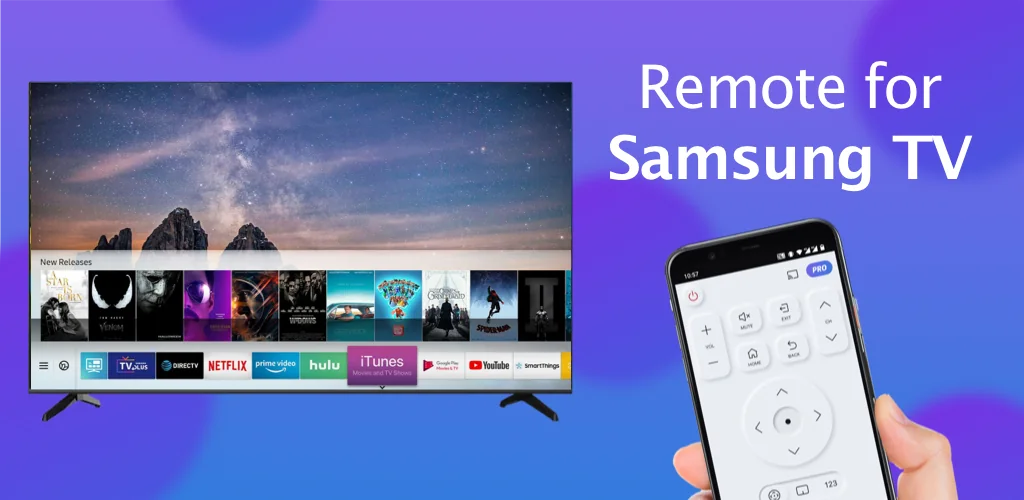
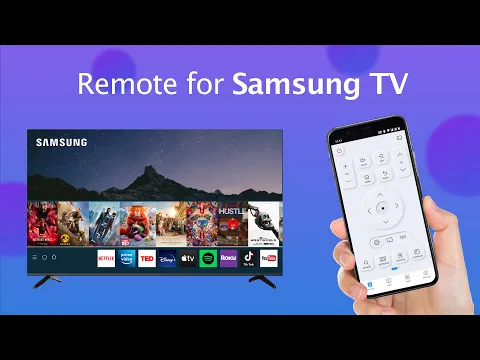
I recently tried Remote for Smart Samsung TV, and it’s a genuine lifesaver for anyone with a Samsung Smart TV. This isn’t just another basic remote; it transforms your phone into a fully functional Samsung TV controller. Forget the endless hunt or the hassle of outdated physical devices. It connects quickly to mainstream Samsung series, including 7, 6, Curved, and K-Series (2016+) Tizen models, all over your home WiFi. Why settle for a limited experience when your phone can do so much more?
Unlike most generic remote apps that just offer basic channel surfing, Remote for Smart Samsung TV brings some serious upgrades. I loved the keyboard feature for text input, making searches on my Samsung Smart View TV a breeze. No more tedious arrow-key typing! Plus, the ability to mirror my phone screen or cast local photos and web videos directly to the TV was a pleasant surprise. It’s incredibly convenient for sharing moments or watching content without extra cables.
What stands out:
- Keyboard Input → Type directly on your phone for quick searches and logins on your Samsung Smart TV.
- Quick Access → Jump to your favorite channels and apps with just a few taps.
- Screen Mirroring → Display your phone or tablet screen on your TV in high resolution.
- Media Casting → Share local photos, videos, or web content straight to your Samsung Smart TV.
Stop letting a missing remote dictate your entertainment. Discover a smarter, more integrated way to manage your Samsung television. You’ll wonder how you ever managed without this mobile Samsung remote.



Share your experience with other users.