What is Candy Race Launcher?
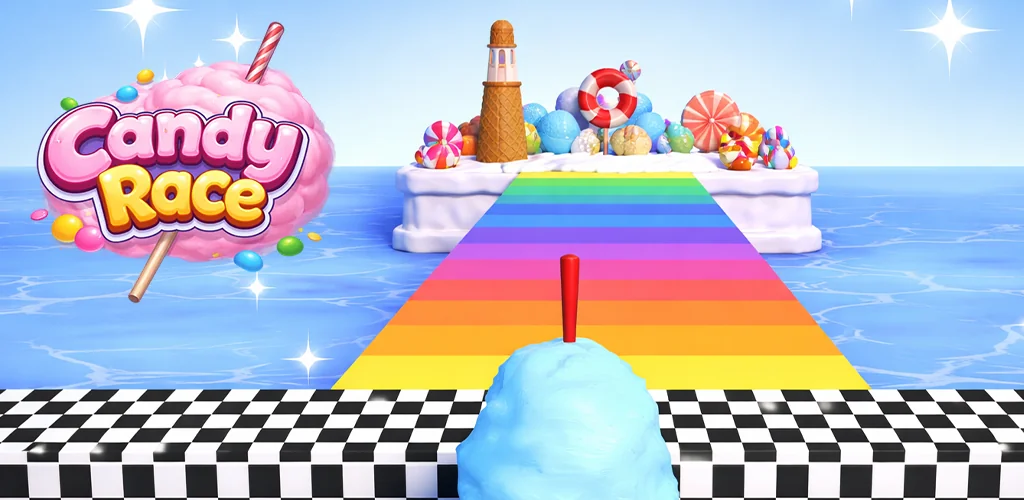
Candy Race Launcher offers a distinct way to personalize your Android device. This home screen replacement app combines robust customization with a unique "Candy Race" visual theme, transforming your phone's interface.
What is Candy Race Launcher?
Candy Race Launcher functions as a complete overhaul for your Android home screen. It replaces the default launcher, providing users with a new interface focused on quick navigation and visual flair. The app integrates a vibrant "Candy Race" aesthetic directly into its design, from backgrounds to icon styles. Users interact with a system designed for efficiency, reducing the need to dig through menus for common actions. Its core purpose is to deliver a customized, streamlined, and visually engaging mobile experience.
Key Features:
- Themed Backgrounds: Infuse your home screen with the colorful, energetic style of the "Candy Race" universe. These backgrounds are integrated to provide a consistent visual experience.
- Cool Gestures: Assign custom actions to swipes, taps, and double taps on your home screen. This allows for quick launching of specific apps, triggering shortcuts, or performing system actions without navigating menus.
- Adjustable Themes: Switch between bright and dark modes to match your environment or personal preference. This flexibility ensures comfort during different times of day.
- Icon Shape Customization: Modify the appearance of your app icons. A dedicated panel offers various shapes and styles, letting you fine-tune the visual consistency of your app drawer and home screens.
Practical Use Cases for Candy Race Launcher
This launcher excels for users who prioritize both aesthetics and efficiency. Imagine setting a double-tap to instantly open your camera, or a quick swipe to access your favorite messaging app. The gesture system cuts down on fiddly menu navigation, making daily phone use snappier. Beyond speed, the "Candy Race" theme provides a playful, consistent look that can refresh an otherwise stale interface. It's a solid choice for anyone wanting their device to feel more personalized and responsive. Accessing these settings is straightforward: press and hold an empty home screen area, then select "Home Settings" for themes and icons, or the main launcher menu for gestures.
Candy Race Launcher vs similar apps
Compared to highly flexible options like Nova Launcher, Candy Race Launcher offers a more curated, themed experience. While Nova provides granular control over almost every visual element, Candy Race Launcher delivers a specific "Candy Race" aesthetic right out of the box, appealing to users who enjoy that particular style without extensive setup. Action Launcher, another popular choice, also emphasizes quick access and gestures, but Candy Race Launcher's gesture system feels particularly intuitive for assigning direct app launches and shortcuts. If you appreciate a distinct, pre-designed visual theme combined with powerful gesture controls, Candy Race Launcher carves its own niche.
Candy Race Launcher is ideal for Android users seeking a launcher that blends a unique, colorful theme with practical gesture-based navigation. Its specific "Candy Race" visual style might not appeal to everyone, making it a niche pick for those who prefer a more subdued or minimalist look. Be aware that switching to any new launcher, including this one, can temporarily refresh your home screen layout, though returning to your old setup is always possible via your device's default home app settings.




Share your experience with other users.