What is Edge Lighting?
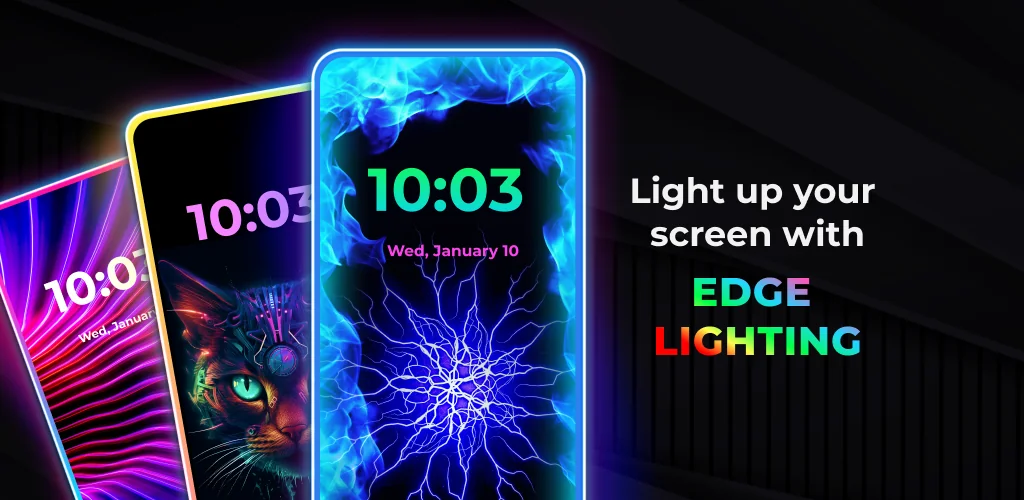
Downloading the Edge Lighting - Borderlight gives your Android phone custom illuminated borders that wrap around screen edges, camera cutouts, and notch displays. This visual personalization tool transforms static displays into dynamic light shows using multi-color RGB borders and animated background overlays. It brings modern curved-edge lighting to virtually any Android hardware without needing root permissions.
What is Edge Lighting - Borderlight?
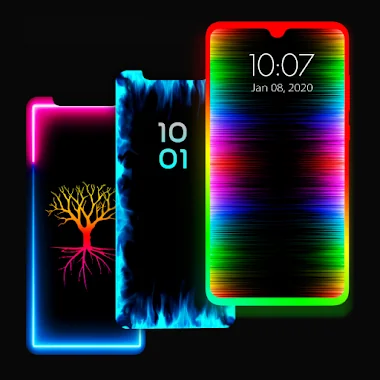
You can configure neon light strips along the exact contours of your screen panel. The software handles punch-hole camera cutouts, teardrop notches, and standard rounded corners on modern mobile screens. Adjust color combinations from simple dual-color gradients to complex four-color RGB presets. Border shapes expand far beyond simple lines. You select custom icon shapes like hearts, snowflakes, dolphins, or lotus flowers that orbit your panel edges. Speed options vary wildly. You can slow down the glow for low-key ambient accents or ramp up border movement for high-visibility screen edges that grab immediate attention. The overlay renders across your lock screen, home screen, or on top of active third-party applications.
Key Features:
- Custom Border Shapes: Over 15 unique icon designs including stars, trees, clouds, and seasonal symbols line your screen borders.
- Notch Adjustment Control: Precise slider controls modify notch width, height, and corner radii to match any hardware layout.
- Magical Lighting Presets: Access 30 pre-configured color combinations featuring two, three, and four-color gradient RGB animations.
- Layered Wallpapers: Blend neon border lighting with included 4K background images or personal gallery photos directly underneath the animation.
Edge Lighting - Borderlight Customization Options
Fine-tuning takes seconds. You drag corner sliders along fine increments until the colorful light strip traces your phone glass edge and camera cutout with complete precision. Layout options remain flexible. The rendered light border sits neatly on top of active system windows, chat apps, and browser tabs without interfering with standard touchscreen swipe gestures. Older hardware with limited memory might experience brief frame drops when loading complex RGB presets alongside heavy apps.
Edge Lighting - Borderlight vs similar apps
Compared to dedicated notification tools like Always On Edge (AOE) or Edge Mask, this utility centers strictly on quick screen styling rather than intricate event triggers. AOE offers deep control over app-specific alert behaviors, but its confusing setup menus put off casual users. Screen design fans looking for straightforward RGB borders and bundled live wallpapers will prefer this clean alternative.
Visual customization enthusiasts wanting clean RGB borders on flat display screens will get great use out of this app. It eats battery. Keeping persistent RGB light overlays active on high brightness settings will naturally pull extra power from your phone battery throughout the entire day.



Share your experience with other users.