What is AI Photo Magic Editor?
AI Photo Magic Editor offers an AI-powered solution for common photo editing challenges, making advanced transformations accessible to everyone. This application simplifies tasks like object removal, background changes, and artistic style application, delivering polished results quickly. If you're looking for an efficient photo editor that harnesses artificial intelligence, AI Photo Magic Editor APK provides a compelling toolkit.
What is AI Photo Magic Editor?
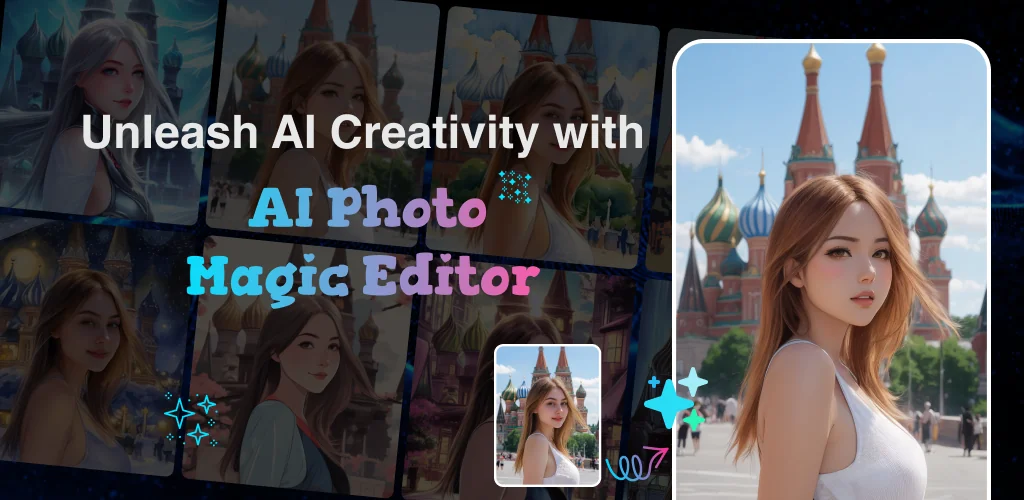
AI Photo Magic Editor functions as a smart photo studio, designed to streamline image enhancement and creative manipulation. It employs AI technology to automate complex editing processes that typically demand significant time and skill with traditional software. Users can quickly fix imperfections, generate unique artistic portraits, or prepare images for social media and professional use. The app focuses on delivering high-quality outcomes through intuitive, tap-based controls.
The core mechanics revolve around its AI engine, which analyzes each photo to perform precise adjustments. This includes identifying unwanted elements for removal, distinguishing subjects from backgrounds for seamless swaps, and applying artistic filters that transform ordinary photos into stylized digital art. It’s a powerful tool for anyone needing quick, impactful edits without a steep learning curve.
Key Features:
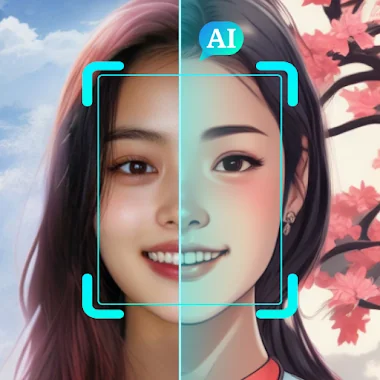
- AI Portrait & Styles: Convert selfies into various artistic renditions, including digital art, cartoon effects, clay filters, and anime styles. The AI generator produces high-quality visual transformations.
- Remove Unwanted Objects: Erase logos, blemishes, or distracting elements from photos with precision. The AI tools intelligently fill in the background, maintaining scene integrity.
- Replace Backgrounds: Swap out existing backdrops for new scenic views, solid colors, or custom designs. This comes in handy for product photography or creating professional headshots.
- Auto-Enhance & Retouch: Automatically correct blurry, dark, or low-quality images. The AI-driven enhancement improves clarity, brightness, and overall visual appeal.
- Advanced Editing Suite: Access brush tools for detailed masking and lasso tools for precise selections. Ratio cropping also helps frame images for specific platforms or purposes.
Practical Photo Editing Uses
AI Photo Magic Editor excels in practical applications where speed and quality are paramount. Content creators can rapidly prepare images for social media, ensuring consistent, eye-catching visuals. Businesses might use it to quickly generate clean product shots or professional headshots by swapping out cluttered backgrounds. For personal use, it’s a neat trick to turn a simple selfie into a cartoon avatar or a stylized digital painting. The app provides real-time previews, allowing you to compare before-and-after results instantly and experiment with different styles and filters without committing to an edit.
AI Photo Magic Editor vs similar apps
When comparing AI Photo Magic Editor to alternatives like PhotoRoom or Remini, distinct strengths emerge. PhotoRoom shines in its dedicated focus on background removal and product photo creation, often used by small businesses. Remini is renowned for its AI-powered photo enhancement, particularly for restoring old photos and generating realistic AI avatars. AI Photo Magic Editor carves its niche by offering a broader creative suite that blends robust object removal and background replacement with a strong emphasis on diverse AI art styles (cartoon, anime, clay). If your workflow involves frequent artistic transformations of selfies alongside general image cleanup, AI Photo Magic Editor offers a more versatile package than apps specializing in just one AI function.
This app is ideal for content creators, bloggers, and casual users who want to achieve professional-looking photo edits and creative transformations without investing in complex software. While its AI capabilities are impressive, users seeking absolute pixel-level control or a vast array of manual adjustment sliders might find it less comprehensive than a full-fledged desktop photo editor.



Share your experience with other users.