What is Photo Editor: Retouch, Enhance?
For users seeking a comprehensive photo editing suite on Android, the DoFoto APK offers a robust set of tools, particularly excelling in AI-driven face retouching and photo enhancement. This application provides a full spectrum of features, from quick selfie fixes to advanced color adjustments, making it a strong contender for mobile content creators and casual photographers alike.
What is Photo Editor: Retouch, Enhance?
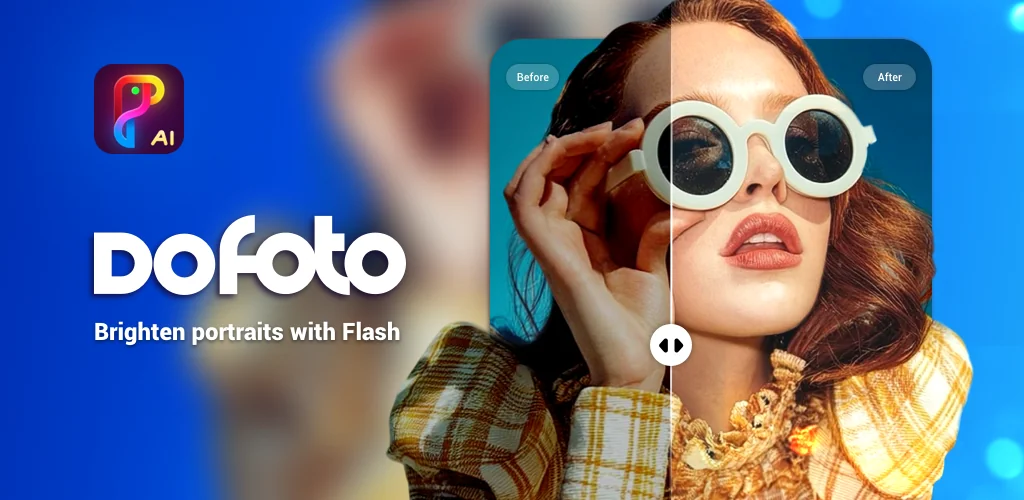
Photo Editor: Retouch, Enhance functions as an all-in-one photo editor, blending powerful AI capabilities with traditional editing controls. Its core strength lies in facial adjustments and general photo quality improvements. You can refine facial features with precision, remove blemishes, whiten teeth, and smooth skin, all often with a single tap. Beyond portraits, the app includes tools to enhance overall image quality, converting lower-resolution pictures into clearer, sharper HD versions. It's a handy utility for breathing new life into older or blurry photos.
The application extends its utility with creative features like an AI art generator for 3D avatars, an object remover that works offline, and an automatic background remover. These tools streamline complex editing tasks, allowing users to focus on creative expression rather than tedious manual selections. A live effects camera also lets you capture photos and videos with real-time filters and visual effects, adding a playful element to content creation.
Key Features:
- AI Face Tune & Retouch: Offers precise control over facial features, multi-face editing for group photos, and automatic blemish removal, skin smoothing, and teeth whitening.
- AI Photo Enhancer & Object Removal: Converts photos to HD, unblurs images, and provides an offline tool to remove unwanted objects from your pictures.
- Advanced Color Adjustment (HSL & Curves): Provides professional-grade HSL (Hue, Saturation, Luminance) and Curves tools for detailed color correction, all available without a paywall.
- Live Effects Camera: Captures photos and videos using a variety of real-time filters and dynamic effects like Glitch, Stardust, and Clone.
- AI Background Changer & Blur: Automatically cuts out subjects and allows background replacement with custom images or a one-tap blur effect.
- Pic Collage Maker: Features over 200 layouts and supports up to 20 photos, including AI Cutout for easy portrait integration into collages.
Unlocking Creative Photo Editing
Photo Editor: Retouch, Enhance equips you with a versatile toolkit for various creative endeavors. Social media users can quickly perfect selfies and group shots, applying trendy filters or unique AI effects before sharing. The background changer and blur features are excellent for isolating subjects or creating depth, useful for product shots or stylized portraits. For those looking to fix old memories, the AI Photo Enhancer can rescue blurry or low-quality images, giving them a much-needed facelift. Even advanced users will appreciate the free access to HSL and Curves, allowing for granular control over color grading that's typically found in desktop software. It's a solid platform for experimenting with different visual styles.
Photo Editor: Retouch, Enhance vs similar apps
Compared to dedicated face editors like FaceTune, Photo Editor: Retouch, Enhance offers a broader suite of general photo editing tools alongside its robust facial retouching. While apps like PicsArt provide extensive creative options and collage features, Photo Editor: Retouch, Enhance often makes its advanced AI-driven enhancements and professional color tools (like HSL and Curves) available without a subscription, which is a big plus. Snapseed, another powerful editor, excels in non-destructive editing and advanced adjustments but lacks the specific AI face-tuning and cartoon avatar features that Photo Editor: Retouch, Enhance emphasizes. If your primary need is a strong blend of AI-powered face and photo enhancement with free access to advanced color controls, Photo Editor: Retouch, Enhance hits a sweet spot.
This app caters well to anyone frequently editing portraits, selfies, or social media content, and those who appreciate AI assistance for quick fixes. Its extensive feature set means there's a slight learning curve for mastering all the advanced adjustments. However, the sheer number of free, powerful tools makes it a compelling choice for mobile photographers.




Share your experience with other users.