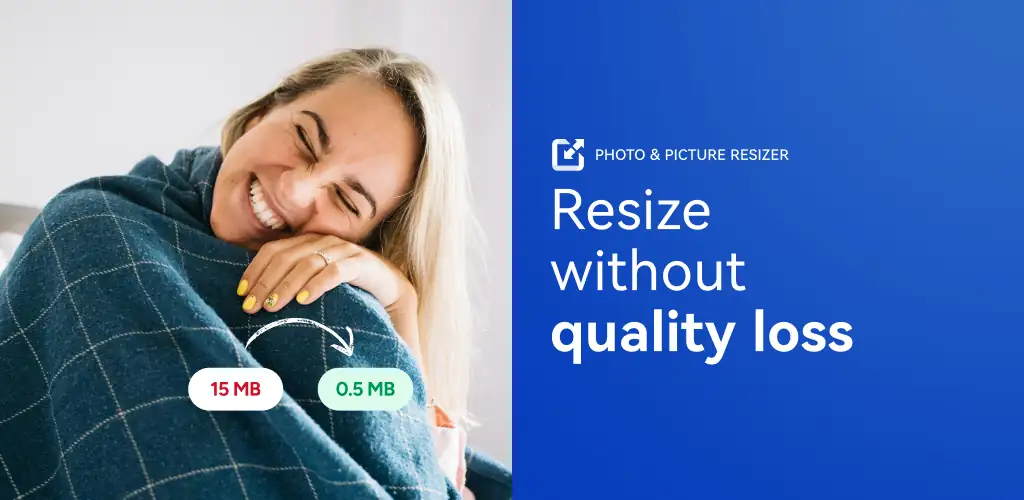

What is Photo & Picture Resizer?
Ever tried attaching two phone photos to an email, only to get bounced back for exceeding the size limit? That's the exact headache this photo resizer and image editor app fixes, and it does it without asking you to understand anything about pixels or compression ratios.
Open it, pick a photo (or a dozen), and pick a target size. That's the whole workflow. The app shrinks the files and drops them straight into a folder named Pictures/PhotoResizer, so your originals stay untouched and you're not hunting through a messy gallery afterward. A 4MB photo compressed down to around 800×600 lands at roughly 400 KB, small enough to clear most email limits without the image turning to mush. Browsing your library happens through simple swipe gestures, which sounds minor until you're flicking through fifty vacation photos trying to find the right one.
Key Features:
- Batch resize handles multiple photos at once instead of forcing you through them one by one.
- Fixed resolution presets include 1920×1080 and 2048×1152, plus a custom option if neither fits.
- Aspect ratio choices like 2×3 and 16×9 keep images from stretching or squashing.
- Original files stay untouched because resized copies land in a separate output folder.
- Repeated resizing doesn't degrade quality, so a photo shrunk twice still looks clean on a second pass.
resizing photos for email and social media
Sending a picture by text or email usually means fighting a size cap you didn't choose. This app sidesteps that by letting you set a target resolution before you ever open your messaging app, so the file is already small when you attach it. The same approach works for Instagram, Facebook, or Whatsapp uploads, where oversized images either get rejected or silently recompressed by the platform anyway. There's even a preset sized for a YouTube banner, which is a nice touch if you've ever had to guess at the right dimensions by trial and error.
Other photo resizer apps
Photo Compress & Resize leans harder into compression algorithms and strips metadata, which suits anyone who cares about file privacy as much as file size. Image Size instead gives you a dedicated dimensions screen where you can type output size in millimeters or inches, handy for print work. This app's edge is simpler: it builds its resolution list around your camera's own resolution, so the aspect ratio stays correct without you doing any math.
Anyone emailing photos, filling out web forms with size limits, or posting to social platforms will find this straightforward to use. It carries ads and in-app purchases, so expect the occasional interruption and a few paid extras along the way.




Share your experience with other users.