
What is Pix Editor: AI Photo Maker?
Pix Editor: AI Photo Maker is a photo editor and collage maker that combines AI-powered touch-ups with 500+ frames and layout tools built for social sharing. The hook here is the AI enhancer and background eraser working alongside grid layouts so you can clean up a photo and arrange it into a shareable post without switching apps.
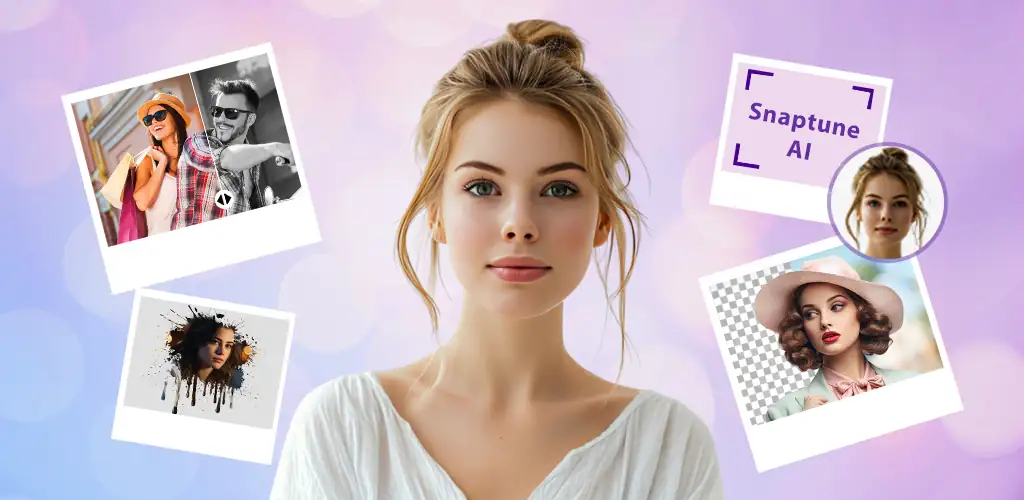
You get three main tools. The editor handles crops, brightness tweaks, text overlays using 150+ fonts, and stickers. The collage maker offers 100+ adjustable grid layouts that fit up to several photos at once. PIP mode lets you layer one image over another with effects that blend or outline the overlay. Background removal runs on AI and handles erase, blur, or swap tasks in seconds, though results depend on edge complexity.
Key editing and layout tools
- The AI background eraser removes or blurs backgrounds with a tap, and you can swap scenes without manual masking.
- 500+ frames cover occasions like weddings or holidays, each adjustable to fit your image dimensions.
- Text tools give you 150+ fonts with full control over color and size, useful for meme captions or event announcements.
- PIP effects layer images with borders, shadows, or transparency so one photo sits cleanly over another.
- Social media templates are pre-sized for Instagram, Facebook, and other platforms, cutting the guesswork on aspect ratios.
Photo collage and frame options
The collage maker supports 100+ layouts ranging from simple grids to asymmetric splits. You pick the number of photos, choose a layout, then adjust spacing and borders. Frames work separately: you apply one decorative border to a single image or a pair, and the library updates seasonally so newer styles appear for current holidays. You can save finished collages to your gallery or share them directly from the app.
Other photo editors and collage makers
Picsart brings drawing tools, video editing, and a community asset library that Pix Editor: AI Photo Maker skips. Canva focuses on professional layout templates for print and digital design with more typography control. Pix Editor: AI Photo Maker centers on quick social posts and framed keepsakes rather than multi-page projects or illustration work.
This suits casual users who post photos regularly and want frames or AI cleanup without a steep learning curve. The app is free with ads, and in-app purchases range up to $254.99 for premium frame packs and effect bundles. If you need one tool for editing, collaging, and framing, it handles all three without extra downloads.




Share your experience with other users.