
What is TeamViewer Remote Control?
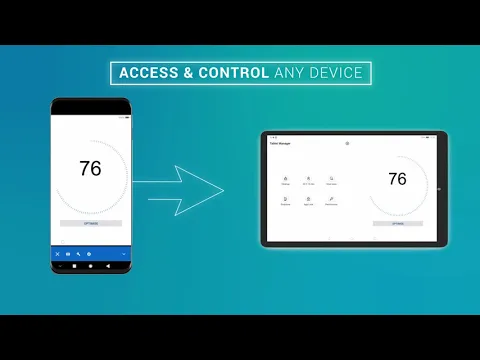
Ever wished you could access your computer from your phone or tablet? TeamViewer Remote Control lets you do just that! This powerful remote control app gives you the freedom to control your Windows, macOS, or Linux machines from your Android device, no matter where you are. Need to grab a file you left on your home computer? Want to help a friend troubleshoot their PC? TeamViewer Remote Control makes it easy.
It’s not just for computers, either. You can even remotely manage Android devices, which is super handy for IT support or managing kiosks. Plus, the Assist AR feature lets you provide visual guidance with augmented reality – imagine drawing instructions directly onto someone’s real-world view!
Here’s what you can do with TeamViewer Remote Control:
- Full Remote Control: Access and control your computers as if you were sitting right in front of them.
- File Transfer: Easily move files between your Android device and your remote computer.
- Real-Time Chat: Communicate with the person on the other end during a remote session.
- Cross-Platform Support: Works seamlessly across Android, iOS, Windows, macOS, and Linux.
- Mobile Device Management: Remotely manage Android devices, perfect for support or kiosk management.
Security is a top priority, with industry-standard 256-bit AES encryption protecting your connections. Whether you’re a tech pro or just need to occasionally access your files remotely, TeamViewer Remote Control is a game-changer. Ready to experience the freedom of remote access? Download TeamViewer Remote Control today and take control!



Share your experience with other users.