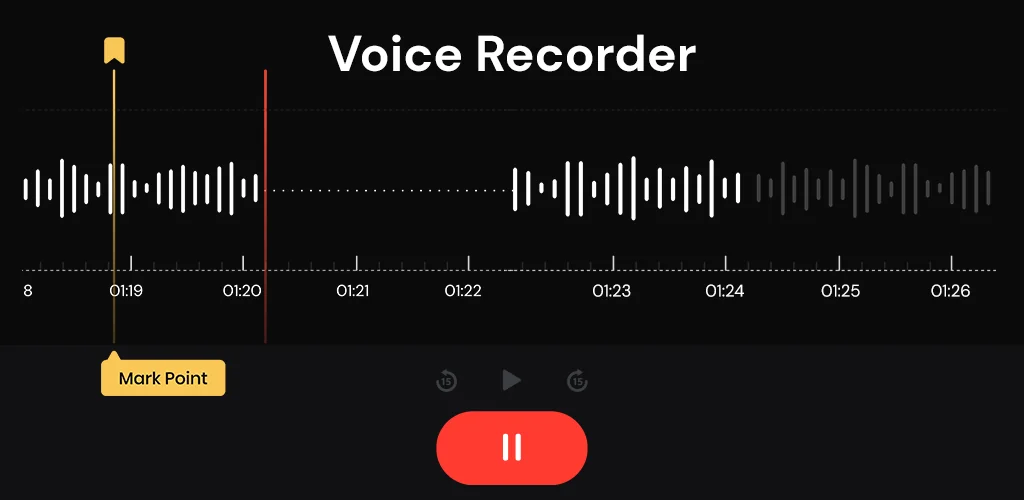
What is Voice Recorder?
Most voice recorders simply capture sound. Voice Recorder goes further, offering studio-quality audio enhancement that truly sets it apart. I stumbled upon it looking for a reliable way to jot down fleeting thoughts, and its promise of clarity immediately caught my eye.
What made me stop scrolling? Beyond the clean, modern interface, it was the focus on actual sound quality. I’ve used countless recording apps, but few deliver on crisp, clear playback without background noise. This one does. Whether you’re capturing a lecture, an important meeting, or just a quick personal reminder, the sound comes through remarkably well. Ever had a brilliant idea vanish because you couldn’t record it fast enough?
That frustration disappears with Voice Recorder. Its after-call recording option is a lifesaver, letting you instantly record follow-up notes or set reminders right after hanging up. No more fumbling to open another app. It’s designed for real-world use, making sure you never miss a crucial detail or a spontaneous thought.
Key Features
- One-Tap Recording: Start capturing voice or sound instantly, without navigating menus.
- After-Call Option: Quickly record notes, view lists, and set reminders right after a phone call.
- Clear Sound Quality: Enjoy reliable, enhanced audio clarity for all your recordings, making playback easy.
- Easy Playback & Management: Listen to recordings with simple controls and keep all your audio organized in one place.
Stop letting important details slip away. If you need a dependable voice recorder that prioritizes clear audio and convenience, Voice Recorder is an essential download for your Android device.




Share your experience with other users.