
What is Dr.Fone: Photo & Data Recovery?
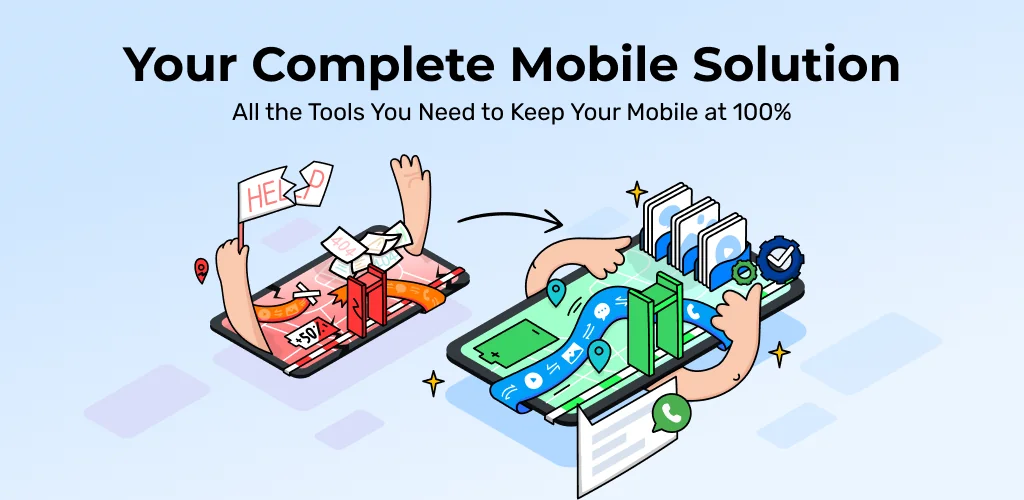
Dr.Fone: Photo & Data Recovery APK offers a comprehensive toolkit for Android users, focusing on data management, recovery, and device troubleshooting. This single application aims to simplify tasks like transferring files to a new phone or recovering accidentally deleted photos and messages.
What is Dr.Fone: Photo & Data Recovery?
Dr.Fone: Photo & Data Recovery functions as an all-in-one utility designed to handle various phone issues and data needs. It helps users manage their digital life across devices, from moving entire chat histories to fixing common Android system glitches. The app provides guided steps for each function, making complex operations accessible even for those without technical expertise. Whether you're upgrading your device or just tidying up, it brings multiple tools under one roof.
Key Features:
- Data Transfer: Move photos, videos, apps, music, contacts, and other files between phones or from phone to PC. It supports fast wireless transfers over local Wi-Fi, a significant step up from slower Bluetooth options.
- WhatsApp Transfer: Specifically designed to migrate WhatsApp and WhatsApp Business data, including chats, photos, videos, and voice messages, when switching to a new device.
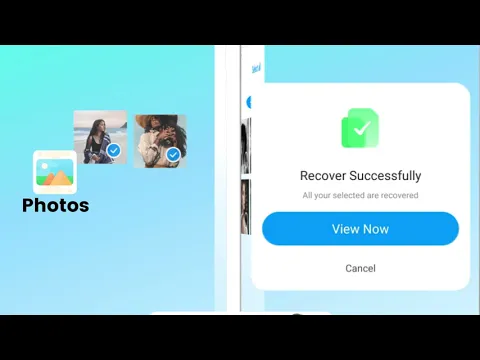
- Deleted Data Recovery: Restore recently deleted photos, videos, files, contacts, and audio from your device's recycle bin or recently deleted areas. This feature can be a lifesaver for accidental deletions.
- Recover View Once Messages: A newer addition, this function attempts to recover and save "View Once" media from supported messaging apps, turning ephemeral content into a permanent copy on your phone.
- AI Photo Enhancer: Beyond recovery, the app can enhance image clarity, improving blurry or low-resolution pictures and repairing older photos to make them sharper.
- Device Unlock: Helps device owners remove screen locks (pattern, PIN, password, fingerprint) on supported Android models, particularly Samsung and LG devices, with clear on-screen instructions.
- System Repair: Addresses common Android problems like being stuck on the boot screen, boot loops, black screens, or general system lag and crashes, guiding users through the repair process.
Practical Uses for Dr.Fone: Photo & Data Recovery
This toolkit shines in several everyday scenarios. If you're switching to a new Android phone, Dr.Fone: Photo & Data Recovery can clone your old device's essential content, ensuring a smooth transition. The dedicated WhatsApp transfer feature is particularly useful for migrating chat histories without losing precious memories. For those moments when you accidentally delete an important photo or video, the data recovery function offers a chance to get it back. Furthermore, if your Android device starts acting up – perhaps it's stuck in a boot loop or just running sluggish – the system repair tools provide a straightforward way to diagnose and potentially fix issues without needing a service center. The virtual location feature also comes in handy for privacy or app testing.
Dr.Fone: Photo & Data Recovery vs similar apps
While apps like SHAREit excel purely at file transfer and DiskDigger focuses solely on photo recovery, Dr.Fone: Photo & Data Recovery distinguishes itself by bundling a wide array of utilities into a single application. Instead of juggling multiple specialized apps, users get data transfer, recovery, system repair, and even a virtual location tool in one package. If your primary need is just to send a few files to a nearby friend, SHAREit might be quicker. For deep photo recovery alone, DiskDigger is a solid choice. However, for users who frequently upgrade phones, need to recover various types of data, or want a safety net for common Android system woes, Dr.Fone: Photo & Data Recovery offers a more integrated and comprehensive solution.
Dr.Fone: Photo & Data Recovery is best suited for Android users seeking a robust, multi-functional tool to manage their device's data and health. It's a handy companion for anyone prone to accidental deletions or frequent device changes. However, it's worth noting that data recovery success can vary significantly based on device model, Android version, and how recently data was lost, so results aren't always guaranteed.




Share your experience with other users.