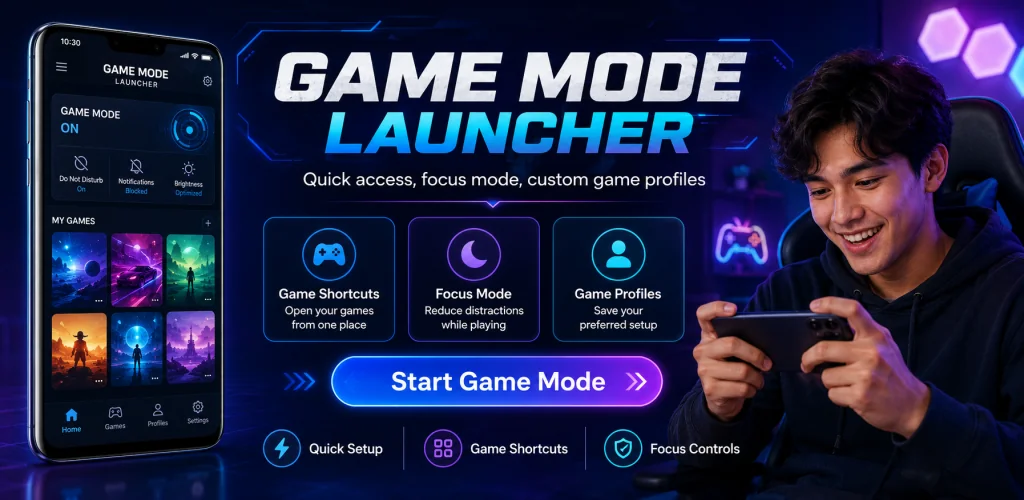

What is Game Mode, Game Launcher?
Game Mode, Game Launcher is a game booster and launcher that sits between you and your phone's settings menu, so you stop fumbling through brightness sliders and notification toggles every time you want to play.
What stopped me scrolling past this one was how little it asks of you before a session. You open it, pick a preset, and your phone adjusts itself. No hunting through five different settings screens while your friends wait in a lobby. The app groups brightness, audio and notification controls into one screen, then lets you save that combination as a profile you can reuse. Four presets ship by default: Standard, Smooth, Performance and Maximum. Each one applies a different mix of device settings depending on how hard you want your phone pushed. Pick Maximum before a long ranked session, drop back to Standard for a casual round. Either way takes a couple of taps rather than a trip through your phone's full settings app.
The highlights:
- Four built in profiles (Standard, Smooth, Performance, Maximum) cover everything from casual play to longer sessions.
- Calls and notifications can be muted for the duration of a match so nothing pulls you out of a match.
- A one screen stats view shows FPS and network latency where your device supports it.
- The Game Hub keeps your most played titles in one list so you launch straight from the app.
- Brightness can be locked manually, which matters if auto-brightness keeps dimming your screen mid fight.
how to set up brightness and audio before gaming
Auto-brightness is the one setting that ruins more gaming sessions than people admit. A shadow falls across the room and suddenly your screen dims right as you need to track a target. Game Mode, Game Launcher lets you switch auto-brightness off and lock the level manually, so it stays put for the session. Audio works the same way: ringtone and media volume are handled separately, so you can keep music or game audio loud while silencing calls. None of this is complicated, and that's sort of the point. It's a settings panel built around one use case instead of a general one.
other game booster apps
Game Booster covers similar ground with system optimization tools and its own way of launching games, while Game Launcher focuses more on organizing your installed titles into a single library with performance monitoring built in. Game Mode, Game Launcher leans on its preset system paired with the Game Hub, so switching between a quick casual setup and a locked-down, distraction-free one takes a couple of taps rather than a trip through menus. Which one fits depends on whether you want presets to switch between, or a library to browse.
This suits anyone who plays on the same phone daily and is tired of resetting brightness and muting notifications by hand before every round. It won't tune your actual game files or boost hardware performance beyond what your phone's settings allow, and the FPS and latency readout only works on devices that support it, so don't expect it on every phone.




Share your experience with other users.