What is Status Saver?
Status Saver - Save Status is a social media utility built to grab photo and video statuses shared on a messaging app and drop them straight into your phone’s gallery. It skips the awkward step of asking a contact to resend something you liked, and it keeps a copy for as long as you want it.
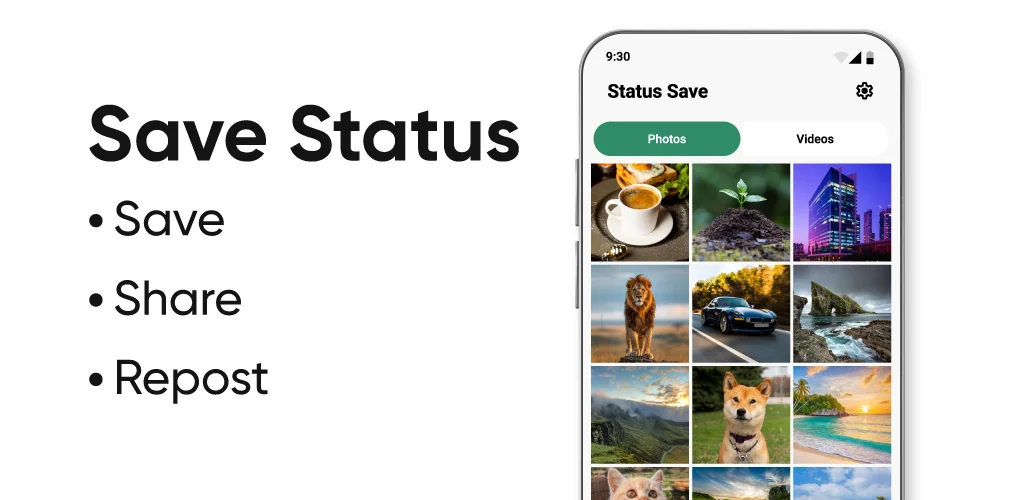
The workflow stays close to how status content actually gets viewed. You open the app, watch the status inside its own screen, then pick the one you want and tap the download button. Saved items land in two places: the app’s own tabs and your device gallery, split cleanly between Status Images and video status so you’re not scrolling past clips when you just want a photo. Everything you pull down plays or displays offline afterward, and you can select several files at once to save or delete rather than tapping through them one by one.
Key Features:
- A built-in video player lets you replay saved clips without leaving the app.
- The built-in gallery shows downloaded photos even with no connection.
- Multiple files can be saved or removed in one pass thanks to multiple save and delete.
- Content is split into a clean tab view so images and videos never mix.
- The reposting option lets you save a status and share it back out.
- The app has a small size, so it doesn’t eat much storage.
How to save and repost statuses
Saving a status here isn’t automatic; you still have to view the status in the original app first, then open Status Saver - Save Status to select and download it. That extra step is the tradeoff for a tool that doesn’t touch the sender’s side at all. Once a file is downloaded, the repost option pulls it back up so you can send it along to someone else or post it again yourself. The app also lets you clear out anything you no longer want, which matters once a gallery folder fills up with clips you saved on a whim.
Apps like Status Saver - Save Status
Status Saver – WA Status covers the same ground with a different layout and its own file management extras, while Status Downloader for WhatsApp follows a near-identical save-and-view routine. The choice between them mostly comes down to tab layout and how each one handles bulk deletes, since the core job, pulling a status into your gallery, is the same everywhere.
This fits anyone who follows friends’ statuses closely and wants a personal archive without pinging them for the original file. The catch is that nothing downloads until you’ve watched the status yourself first; there’s no background grabbing or auto-save running behind the scenes.




Share your experience with other users.