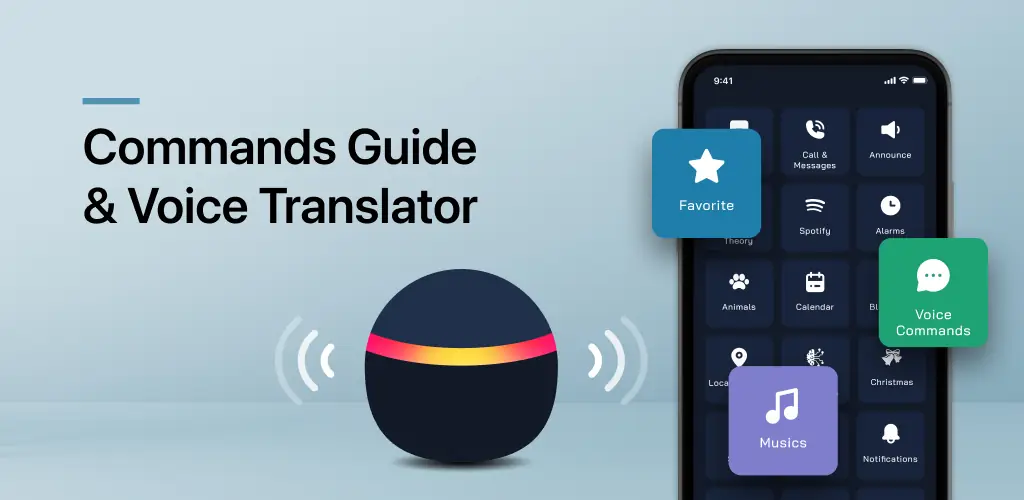

What is Voice Command, Setup for Alexa?
Trying to get your smart speaker to understand you can sometimes feel like a frustrating game of charades, right? That’s exactly how I felt before stumbling upon Voice Command, Setup for Alexa. My first impression? It looked like a straightforward guide, but I was quickly surprised by how much more it offered.
What really caught my attention was how it transformed my interaction with my voice assistant. I expected a basic list of phrases, but this app goes way beyond that. It’s like having a secret decoder ring for your smart devices, making complex commands simple. You can browse over 1000 commands, neatly categorized, which is a huge time-saver when you’re trying to remember how to dim the lights or play a specific playlist. Where other apps might just list commands, this one feels like it’s genuinely helping you take control.
The biggest relief came with its ability to break language barriers. Seriously, if you’ve ever wished you could talk to your smart speaker in your native tongue, this is it. The built-in translator lets you craft custom commands in your own language, then converts them to English for your device. How cool is that? Plus, you can bookmark your most-used commands, which means no more fumbling around when you just want to quickly check the weather or start your morning routine. It truly helps you personalize your smart home experience.
Smart Speaker Control
- Quick Commands: Access over 1000 categorized voice commands for various smart device functions.
- Bookmark Favorites: Save frequently used commands for instant access and quicker interaction.
Personalization & Setup
- Language Translator: Create custom commands in your native language, which the app translates for your device.
- Detailed Setup Guides: Step-by-step instructions for configuring devices and integrating smart home features.
If you’re tired of repeating yourself or just want a smoother way to manage your smart speakers, Voice Command, Setup for Alexa is a solid choice. It simplifies the whole experience, making your digital assistant feel genuinely more helpful. Give it a try; your smart home will thank you.




Share your experience with other users.