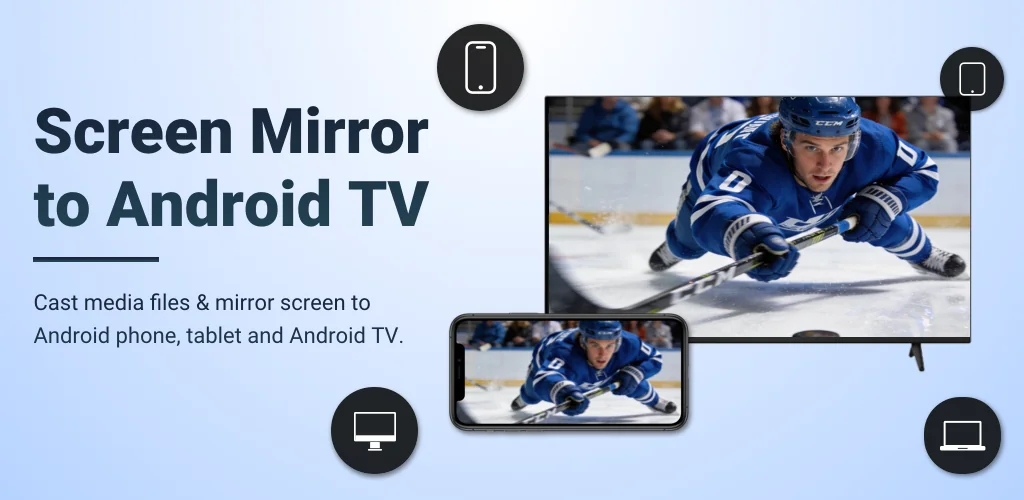

What is AirMirror: TV Cast & Mirror?
Most apps make you wrestle with cables or proprietary hardware to get your iPhone onto a big screen. AirMirror: TV Cast & Mirror flips that script entirely. I was genuinely curious if this app could really bridge the gap between my Apple devices and my Android TV without a fuss. Turns out, it absolutely can! My first impression? Relief. Setting it up was surprisingly straightforward, just a quick download and ensuring both devices were on the same Wi-Fi.
What truly surprised me was how quickly I could mirror my iPhone to the TV. No extra dongles, no weird settings menus – just a few taps and my phone was beaming content. Imagine sharing your vacation photos with the whole family on a huge display, or even getting a multiplayer game up there for some couch co-op fun. It’s a fantastic wireless screen sharing solution for everything from showing off a presentation at work to following a fitness instructor on a bigger screen. You can even stream music or web videos directly. Isn’t that handy?
The app handles various media types with ease. Whether I was casting a web video or just mirroring my screen for a quick demo, the connection felt stable. I appreciated that I could control playback right from my TV or my phone, which is super convenient. It really feels like a digital bridge for your Apple content, making your Android TV far more versatile.
Key Features
- Universal Casting: Send almost anything – photos, videos, music – from your Apple device straight to your Android TV.
- Web Video Streaming: Watch online videos from your phone on the big screen with clear picture and sound, no lag.
- Simple Controls: Manage what’s playing right from your TV or your phone, making it super convenient.
- Stable Connection: Enjoy smooth, uninterrupted mirroring for games, presentations, or family slideshows.
Tired of tiny screens and tangled wires? If you’re looking for a simple, effective way to get your iPhone or iPad content onto your Android TV, you really should give AirMirror: TV Cast & Mirror a try. It’s a clever little tool that just might become your new favorite media companion.




Share your experience with other users.